Official Website
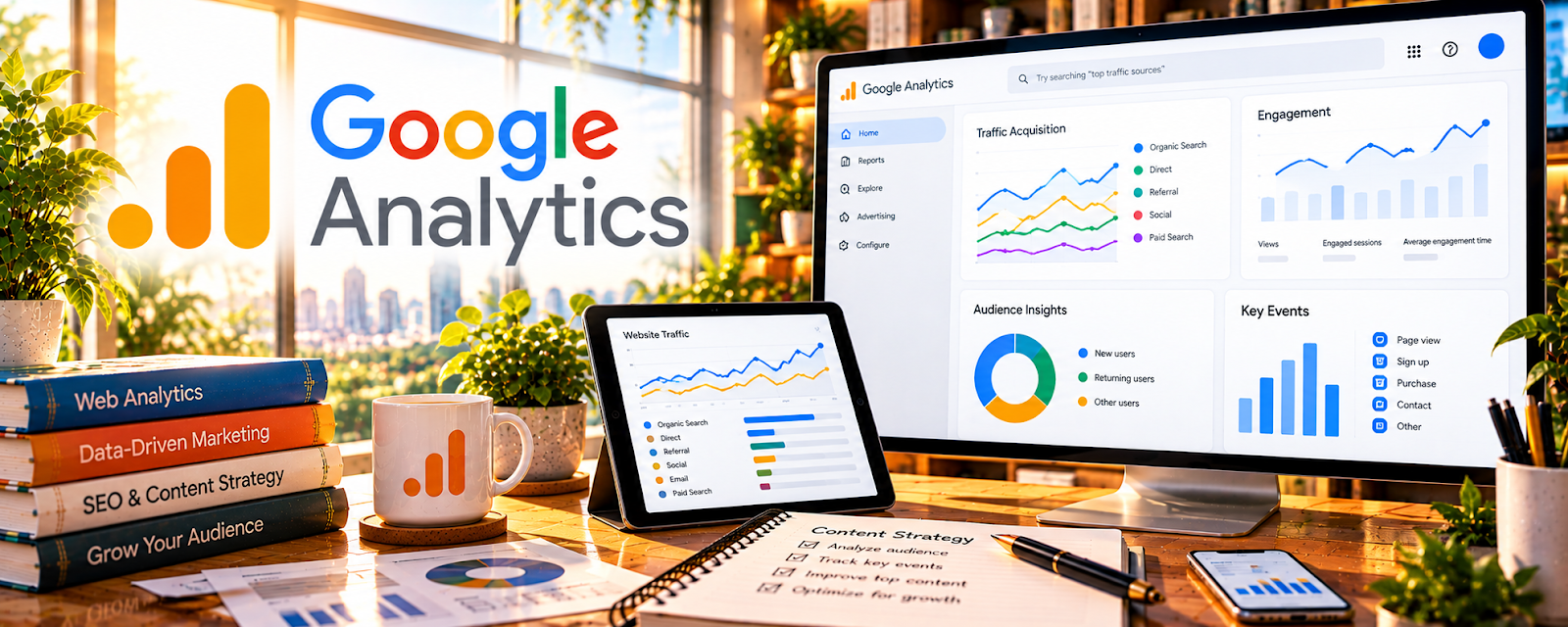
Google Analytics (GA4) is a free analytics platform that tracks where your blog traffic comes from and how visitors behave on your site.
🔗 Visit Official Website — Google Analytics
Domain: analytics.google.com
What This Website Is
Google Analytics (GA4) is a free analytics platform that tracks where your blog traffic comes from and how visitors behave on your site. For ✍️ Blogging, it helps you identify which posts attract readers, how they move through your content, and which pages drive actions like email signups or affiliate clicks—so you can decide what to publish and update next.
How to Apply It to ✍️ Blogging
Use GA4 to link content to outcomes.
Step-by-Step Implementation:
- Track which landing pages bring new users from Google.
- Identify content that leads to affiliate clicks or opt-ins (via events).
- Compare traffic sources to avoid wasting time on channels that don’t convert.
- Use engagement and pathing data to improve internal linking.
Common use cases:
- Monthly content audits and refresh plans.
- Prioritizing which categories to scale.
- Finding posts that need better CTAs.
When to Use This
- Weekly: check top landing pages and sources.
- Monthly: choose posts to update and optimize.
- After promotions: evaluate email/social traffic quality.
- When experimenting with new content formats.
Best Research Tasks to Use It For
- Traffic source quality analysis (which channels work)
- Content-to-conversion path analysis
- Engagement and behavior pattern discovery
- Content audit prioritization (high traffic, low conversion)
- Funnel tracking for opt-ins and affiliate actions
Key Signals to Look For
- Traffic sources: organic vs social vs referral distribution.
- Audience engagement: engaged sessions, repeat visits, and time patterns (directional).
- Performance patterns: posts that steadily grow vs spike then fade.
- Conversion indicators: email signup events, outbound/affiliate clicks.
- Content gaps: high-traffic pages without clear next steps or internal links.
- Trend direction: categories gaining traffic share over 30–90 days.
Getting Started Steps
- Install GA4 on your blog (tag manager or plugin).
- Configure key events (email signups, outbound/affiliate clicks if possible).
- Build a simple monthly report: top pages, top sources, top converting pages.
- Take 3 actions monthly: refresh, improve CTA, add internal links.
Good Beginner Search Terms
- GA4 setup for bloggers
- track affiliate clicks GA4
- GA4 landing page report tutorial
- content audit with Google Analytics
- improve blog conversions with GA4
Monetization Angle
GA4 helps monetize a blog by showing what content attracts the right readers and what actually triggers revenue actions (affiliate clicks, opt-ins, product interest). That helps you write more profitable topics and optimize underperforming pages.
Pros
- Powerful and free.
- Works across all traffic channels.
- Supports event tracking for monetization actions.
Cons
- Learning curve (GA4 is not intuitive at first).
- Requires correct tagging to track conversions.
- Attribution is imperfect; focus on trends.
Who Should Use This
Bloggers who want to grow and monetize by making decisions based on real traffic, engagement, and conversion signals rather than intuition.
Who Should Skip This
Skip this only if you don’t have a website to measure. Otherwise, use a lightweight workflow: review once per week or month and make one concrete improvement.
Practical Applications
- Review which blog pages and acquisition sources attract relevant readers.
- Test an event for a meaningful action such as a newsletter signup.
- Compare analytics signals with actual subscriber or commerce records.
Important Considerations
- Configure appropriate consent and avoid sending personal information to analytics.
- Attribution and visitor counts can be incomplete; an affiliate-link click is not proof of a purchase or commission.
Related Resources
Google Search Console — SEO query and ranking insights
MonsterInsights — WordPress dashboard view of analytics
Ubersuggest — keyword ideation for content planning
Related Side Hustles
 Affiliate Marketing: Get Paid to Promote What You Love — analytics helps optimize affiliate conversions
 Selling Digital Products — content often drives product sales
 Freelance Writing: Get Paid to Write Online — data-backed content strategy supports higher rates