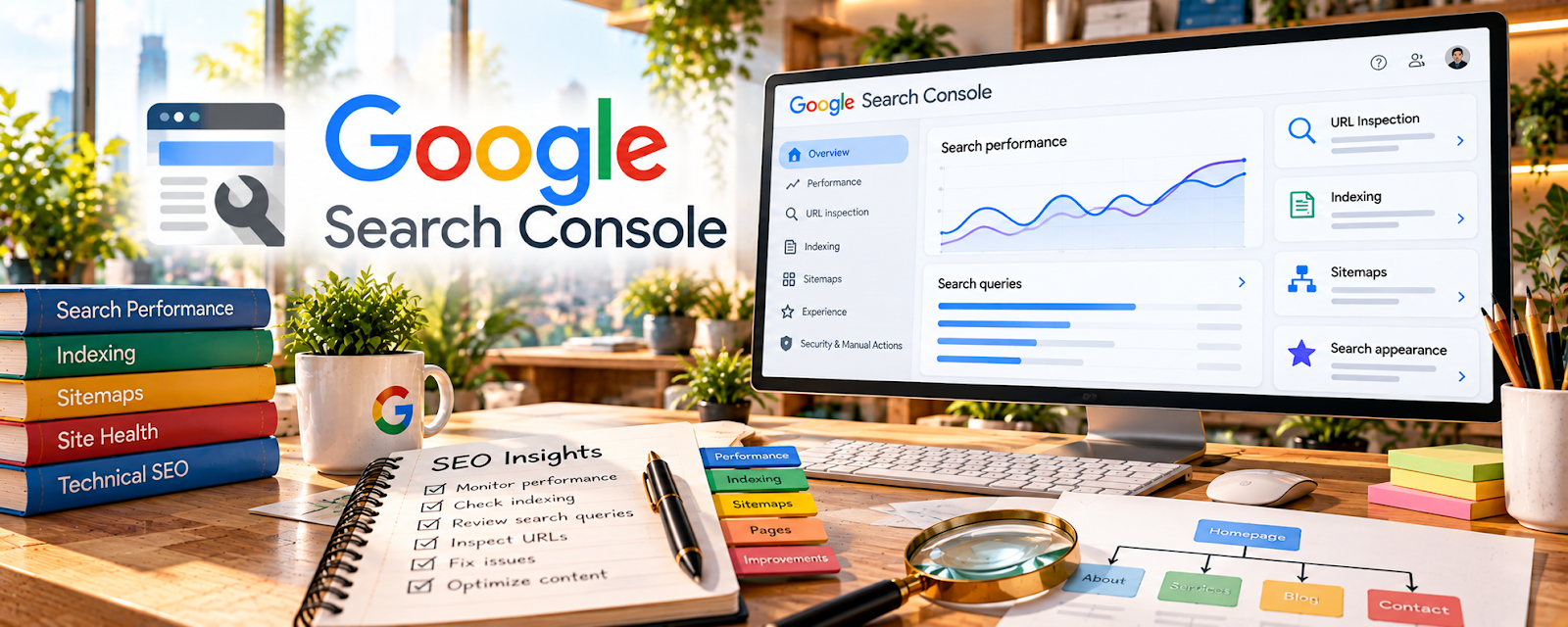
Official Website
Google Search Console (GSC) shows the queries and pages that get impressions and clicks in Google Search and helps diagnose indexing issues.
🔗 Visit Official Website — Google Search Console
Domain: search.google.com
What This Website Is
Google Search Console (GSC) shows the queries and pages that get impressions and clicks in Google Search and helps diagnose indexing issues. For 🔗 Affiliate Marketing, it’s one of the best sources of “real keyword data” to decide what to update and what to write next.
How to Apply It to 🔗 Affiliate Marketing
Use Search Console to investigate search visibility on a site you are authorized to manage. Query and click data can guide research, but do not establish affiliate sales or guaranteed ranking improvements.
Step-by-Step Implementation:
- Verify your site and submit your sitemap.
- Review Performance → Queries for buyer-intent terms.
- Find pages with high impressions but low CTR and improve titles/meta.
- Refresh content where you’re ranking 5–20 (easy wins).
- Build internal links to money pages.
When to Use This
- After publishing affiliate content.
- When rankings are close but clicks are weak.
- Before refreshing old money pages.
- During monthly SEO reviews.
Best Research Tasks to Use It For
- Real-query keyword discovery
- CTR optimization
- Content refresh prioritization
- Indexing issue diagnosis
- Internal linking decisions
Key Signals to Look For
- Buyer-intent queries with impressions.
- Pages ranking in positions 5–20.
- High impressions and low CTR.
- Money pages with weak internal links.
- Indexing or coverage problems affecting important pages.
Getting Started Steps
- Verify your site.
- Submit the sitemap.
- Review queries and pages weekly.
- Pick one page to refresh.
- Add internal links and track movement.
Good Beginner Search Terms
- Google Search Console affiliate marketing
- find buyer intent queries in GSC
- improve affiliate blog CTR Google Search Console
Monetization Angle
GSC helps affiliate marketers improve traffic to pages that already have visibility, making it a high-leverage way to increase clicks and revenue from existing content.
Pros
- Free first-party search data.
- Great for refresh priorities.
- Helps uncover real queries you already appear for.
Cons
- Data is delayed and incomplete.
- Only useful after indexing/impressions.
- Needs content updates to produce results.
Who Should Use This
Affiliate marketers with published content who want to improve rankings, CTR, and money-page performance.
Who Should Skip This
Skip if you have no indexed content or are not planning SEO execution.
Practical Applications
- Review search queries leading to your original affiliate guides.
- Inspect important pages for indexing problems and broken navigation.
- Prioritize useful content improvements and compare results over a consistent period.
Important Considerations
- Search impressions and clicks are not confirmed commissions or evidence of profit.
- Use authorized site access, understand report limits, and verify current official guidance rather than promising rankings.
Related Resources
Google Analytics — connect search traffic to on-site behavior and conversion events (email signups, affiliate clicks).
Semrush — expand keyword research and competitor context beyond the queries you already rank for.
Related Side Hustles
 Blogging: Build an Online Brand and Earn from Your Words — use query data to pick refresh priorities
 Newsletter Monetization: Get Paid to Write About What You Love — grow signups from organic traffic
 Selling Digital Products — build money pages from real queries