Official Website
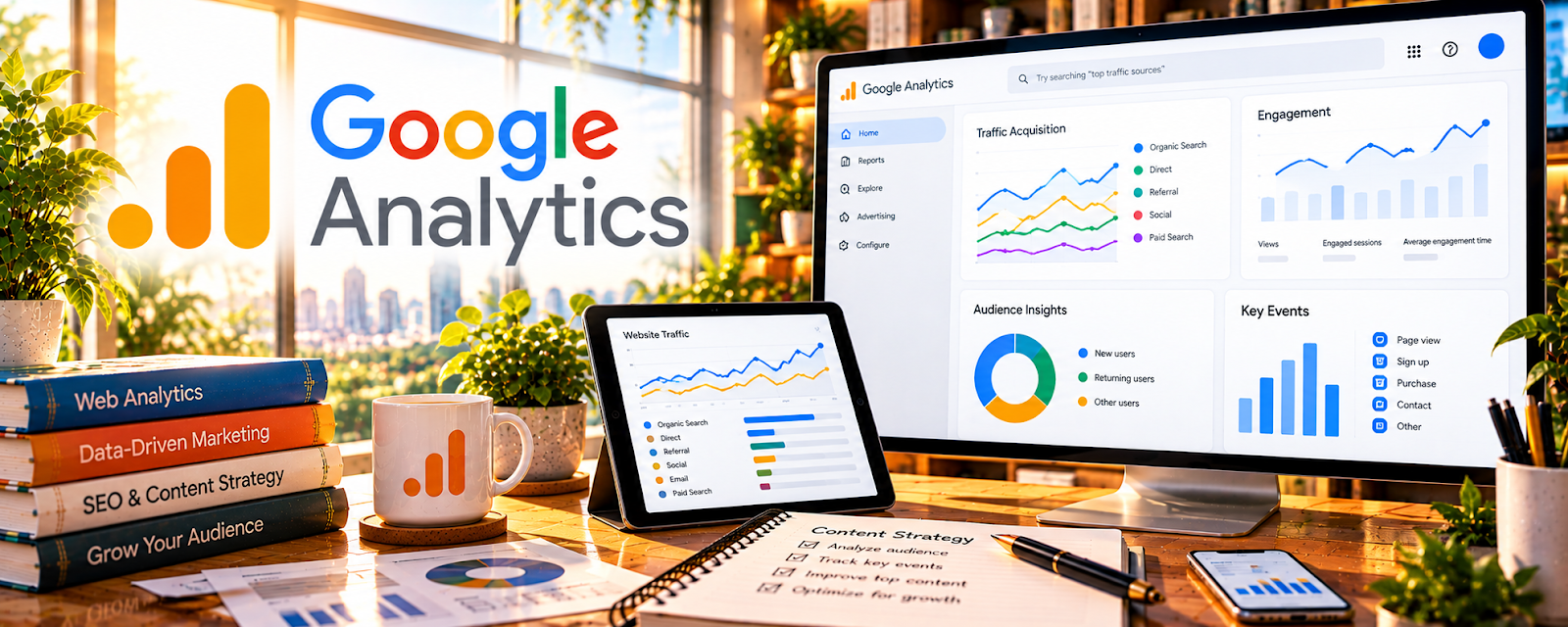
Google Analytics is a free web analytics platform that tracks traffic sources, user behavior, and conversions.
🔗 Visit Official Website — Google Analytics
Domain: analytics.google.com
What This Website Is
Google Analytics is a free web analytics platform that tracks traffic sources, user behavior, and conversions. For 🔗 Affiliate Marketing, it helps you understand which pages and channels drive clicks and revenue, so you can double down on what converts.
How to Apply It to 🔗 Affiliate Marketing
Use Google Analytics to investigate behavior on a site you are authorized to manage. Confirm current setup, consent requirements, and privacy controls before tracking; affiliate clicks and other events are not verified commissions.
Step-by-Step Implementation:
- Install GA4 and verify tracking.
- Set up key events (affiliate link clicks if possible, email signups, scroll depth).
- Review acquisition: which channels drive engaged sessions.
- Review landing pages: which posts bring qualified traffic.
- Use insights to update content, internal links, and CTAs.
When to Use This
- After publishing content and you have traffic.
- When choosing what to update or write next.
- When testing new traffic sources.
Best Research Tasks to Use It For
- Channel performance tracking
- Landing page and content performance
- Conversion funnel analysis (signups/clicks)
- Content optimization priorities
Key Signals to Look For
- Traffic sources that convert (organic, Pinterest, email)
- Top landing pages by engaged sessions
- High traffic + low conversion pages (needs better CTA)
- Returning users (loyalty signal)
Getting Started Steps
- Install GA4.
- Create a weekly dashboard: users, sessions, top pages, top sources.
- Add 1 conversion event (email signup) minimum.
- Review weekly and pick 1 improvement.
Good Beginner Search Terms
- GA4 setup for affiliate sites
- track affiliate link clicks in Google Analytics
- GA4 content report for blogs
Monetization Angle
Analytics helps you focus on pages and channels that drive affiliate clicks and revenue, increasing ROI on content.
Pros
- Free
- Strong channel and content reporting
Cons
- Setup and events can be confusing
- Affiliate conversion tracking may require extra setup
Who Should Use This
Affiliate marketers with published content who need to understand which pages, channels, and CTAs drive results.
Who Should Skip This
Skip if you have no site traffic yet; focus first on publishing and building acquisition channels.
Practical Applications
- Define measurable on-site actions such as affiliate-link clicks.
- Compare traffic sources and page performance using consistent tagging.
- Reconcile click trends with affiliate-network conversion reports before drawing conclusions.
Important Considerations
- A tracked click is not a confirmed commission, and attribution may be incomplete.
- Use appropriate consent and privacy settings, avoid sending personal data, and validate event setup before trusting reports.
Related Resources
Related Side Hustles
 Blogging: Build an Online Brand and Earn from Your Words — use GA to optimize content funnels
 Newsletter Monetization: Get Paid to Write About What You Love — track signup and paid conversion paths
 Selling Digital Products — measure offer conversion by page/source