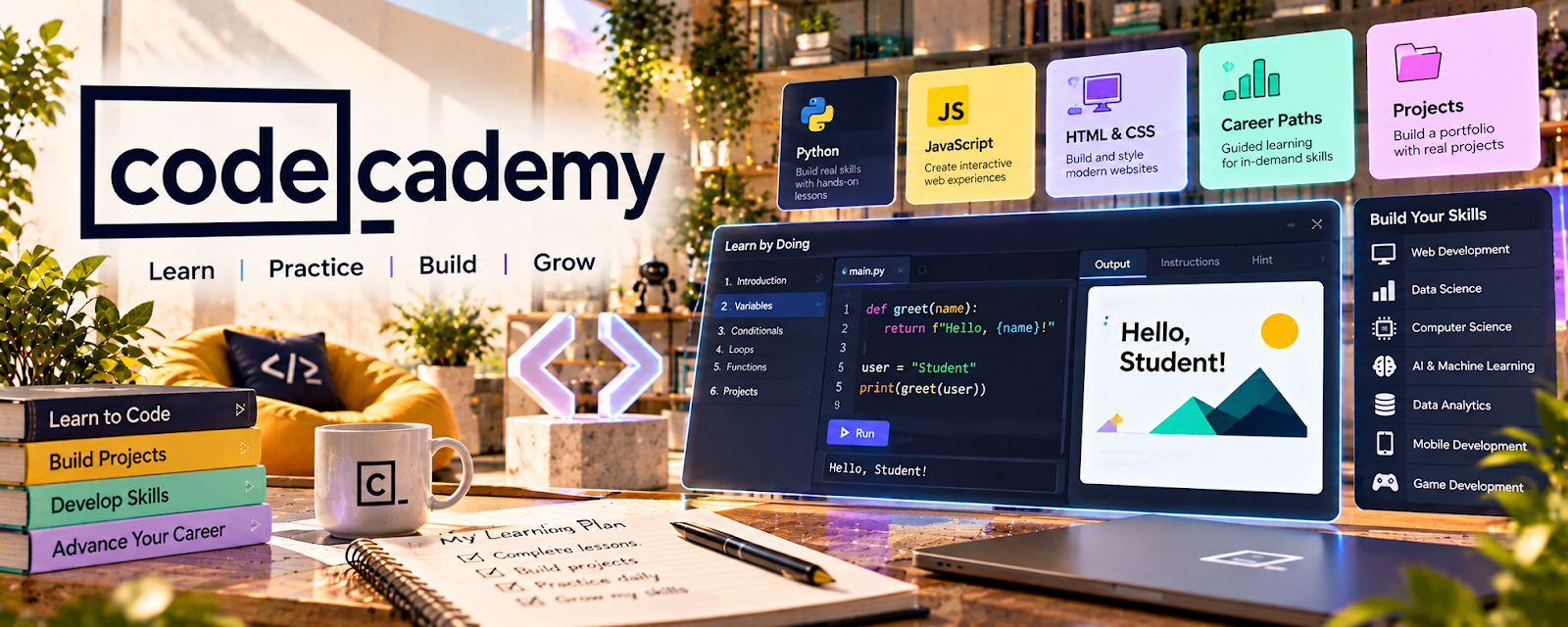
Official Website
Codecademy is an interactive coding-learning platform for programming languages, web development, and software fundamentals.
🔗 Visit Official Website — Codecademy
Domain: www.codecademy.com
What This Learning Resource Is
Codecademy is an interactive coding-learning platform for programming languages, web development, and software fundamentals. For 📱 App Developer, it helps beginners practice code directly instead of only watching tutorials.
How to Use It for App Developer
Use Codecademy to build coding fundamentals that support mobile development. Start with the language or web stack that matches your app path, then turn exercises into small projects.
Step-by-Step Implementation:
- Pick a coding path related to your app stack.
- Complete interactive lessons and exercises.
- Save notes on syntax, logic, and common errors.
- Build a tiny app-related project outside the lesson.
- Push the project to a portfolio or GitHub.
- Continue into mobile-specific tools once the fundamentals are solid.
Best Time to Use This
- When you are new to coding.
- Before starting larger mobile app tutorials.
- When you need hands-on repetition with programming basics.
Best Skills to Learn Here
- Programming logic
- JavaScript or Python basics
- Web development fundamentals
- Debugging habits
- Syntax practice
- Small project building
Getting Started Steps
- Choose one beginner path.
- Complete lessons without skipping exercises.
- Rebuild one exercise from memory.
- Create a small app idea from the concept.
- Save the code in GitHub.
- Move into mobile frameworks after the basics click.
Good Beginner Search Terms
- JavaScript beginner
- programming fundamentals
- React beginner
- app developer coding basics
- learn to code interactive
- developer portfolio project
Monetization Angle
Codecademy can help you build the coding foundation needed for paid app projects, simple tools, templates, bug fixes, or freelance development. The income path starts when you turn exercises into real mini-projects that show problem-solving ability.
Pros
- Interactive practice beats passive watching.
- Good for coding fundamentals.
- Beginner-friendly paths.
- Freemium access makes it easier to start.
Cons
- Not fully mobile-app-specific.
- Exercises can feel guided unless you build outside projects.
- Some deeper paths require paid access.
- You still need framework and deployment practice.
Who Should Use This
Use this if you are new to programming and need hands-on coding repetition before building real mobile apps.
Who Should Skip This
Skip this if you already code comfortably and need mobile documentation, app-store publishing, or advanced architecture.
Practical Applications
- Complete interactive exercises in a language relevant to your app plan.
- Build a small original project after a fundamentals module.
- Keep notes on errors you resolved so you can explain your work.
Important Considerations
- Check current course coverage, prerequisites, paid features, and available project support.
- Passing exercises is not the same as production competence; test security, accessibility, dependencies, and real runtime behavior separately.
Related Resources
JavaScript.info — Deepens JavaScript fundamentals beyond guided exercises.
MDN JavaScript Guide — Provides reference documentation for web and app-related JavaScript work.
GitHub — Stores practice projects and portfolio code.
Expo — Helps turn JavaScript/React skills into mobile app prototypes.
Upwork — Offers a freelance marketplace path once portfolio projects are ready.
Related Side Hustles
 App developer — Codecademy supports the coding foundation for app work.
 Selling Digital Products — Code templates, small tools, and app assets can become products.
 Consulting: Get Paid for What You Know — Technical knowledge can support simple software and workflow consulting.