Official Website
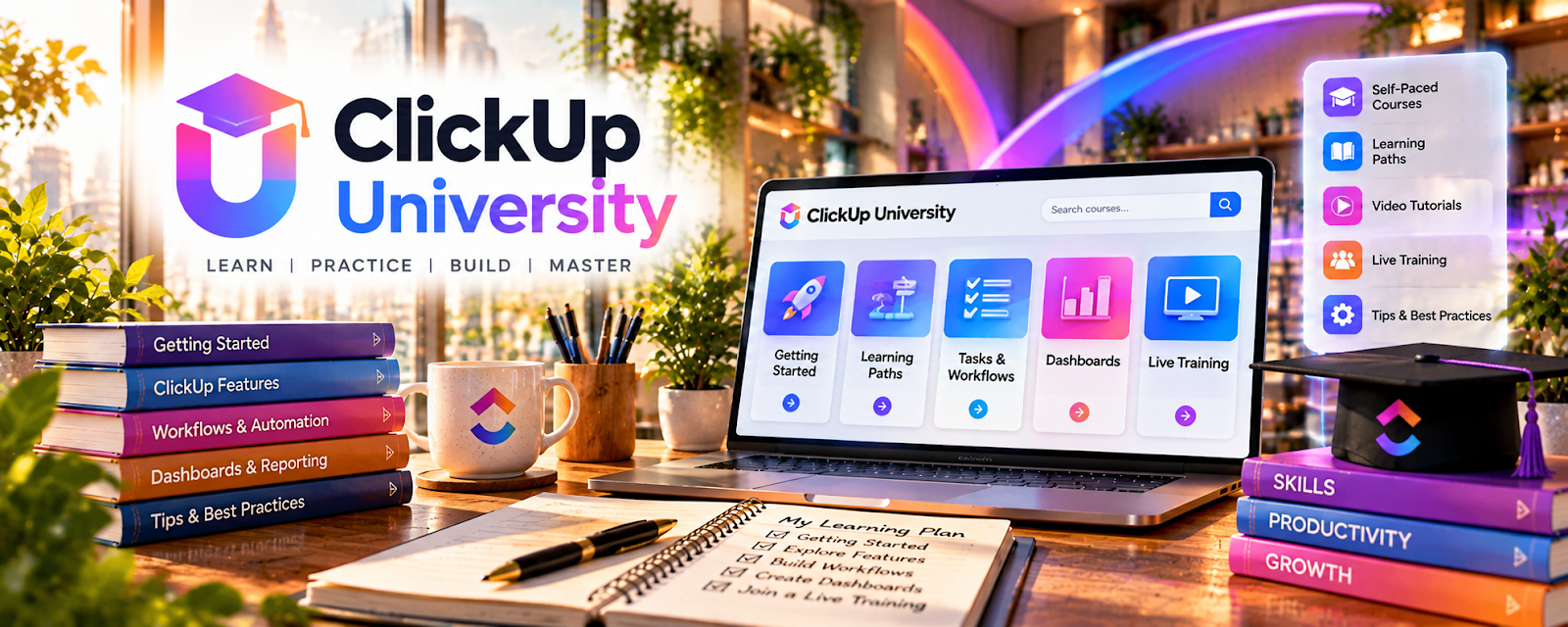
ClickUp University is ClickUp’s free training hub for learning task management, dashboards, docs, automations, spaces, and project workflows.
🔗 Visit Official Website — ClickUp University
Domain: university.clickup.com
What This Learning Resource Is
ClickUp University is ClickUp’s free training hub for learning task management, dashboards, docs, automations, spaces, and project workflows. For 🗂️ Virtual Assistance, it helps you manage client tasks and operations more professionally.
How to Use It for Virtual Assistance
Use ClickUp University to build client-ready systems. Focus on workflows a virtual assistant can sell: inbox tracking, content calendars, client task boards, SOP libraries, project status updates, and recurring admin processes.
Step-by-Step Implementation:
- Learn ClickUp basics: spaces, folders, lists, tasks, docs, and views.
- Create a sample client workspace.
- Build a recurring task list for admin work.
- Create one SOP document.
- Add a dashboard or status view.
- Turn the sample system into a portfolio example or onboarding template.
Best Time to Use This
- Before offering project-management support.
- When clients use ClickUp.
- When you want a free training path for operations workflows.
Best Skills to Learn Here
- Task management
- Client workflows
- SOP documentation
- Dashboards
- Recurring tasks
- Project organization
Getting Started Steps
- Complete beginner ClickUp lessons.
- Build a practice workspace for a pretend client.
- Create views for tasks, calendar, and status.
- Write one SOP for a recurring task.
- Record screenshots as a portfolio example.
Good Beginner Search Terms
- ClickUp University
- ClickUp for virtual assistants
- client task management
- ClickUp SOP templates
- ClickUp recurring tasks
- virtual assistant project management
Monetization Angle
ClickUp skills can help you sell setup, cleanup, task-management, SOP, and operations support. Clients pay for organized workflows, fewer missed tasks, and clearer visibility—not just for knowing the software.
Pros
- Free official ClickUp training.
- Directly useful for VA systems.
- Helps create portfolio examples.
- Supports higher-value operations services.
Cons
- Software-specific.
- Can feel complex at first.
- Does not teach client acquisition.
- Requires real workflow practice.
Who Should Use This
Use this if you want to support clients with project management, operations, task boards, or ClickUp setup.
Who Should Skip This
Skip this if your VA services are only simple inbox or calendar help and clients do not use project tools.
Practical Applications
- Choose a training module relevant to a client’s task workflow.
- Practice in a separate workspace using sample data.
- Document a simple handoff process for recurring VA tasks.
Important Considerations
- Confirm current course access, feature availability, and plan requirements.
- Product training does not establish permission to change a client workspace; test automations, protect confidential data, and obtain approval before deployment.
Related Resources
ClickUp — The main software platform the training teaches.
Asana — Offers another client project-management system to compare.
Trello — Provides simpler board-based task tracking.
Google Docs — Stores SOPs, meeting notes, and client documentation.
Upwork — Provides a marketplace path for VA services.
Related Side Hustles
 Virtual Assistance — ClickUp training directly supports client organization and operations work.
Consulting: Get Paid for What You Know — Workflow setup can grow into operations consulting with experience.
 Social Media Management — Content calendars and task boards overlap with social media client work.