Official Website
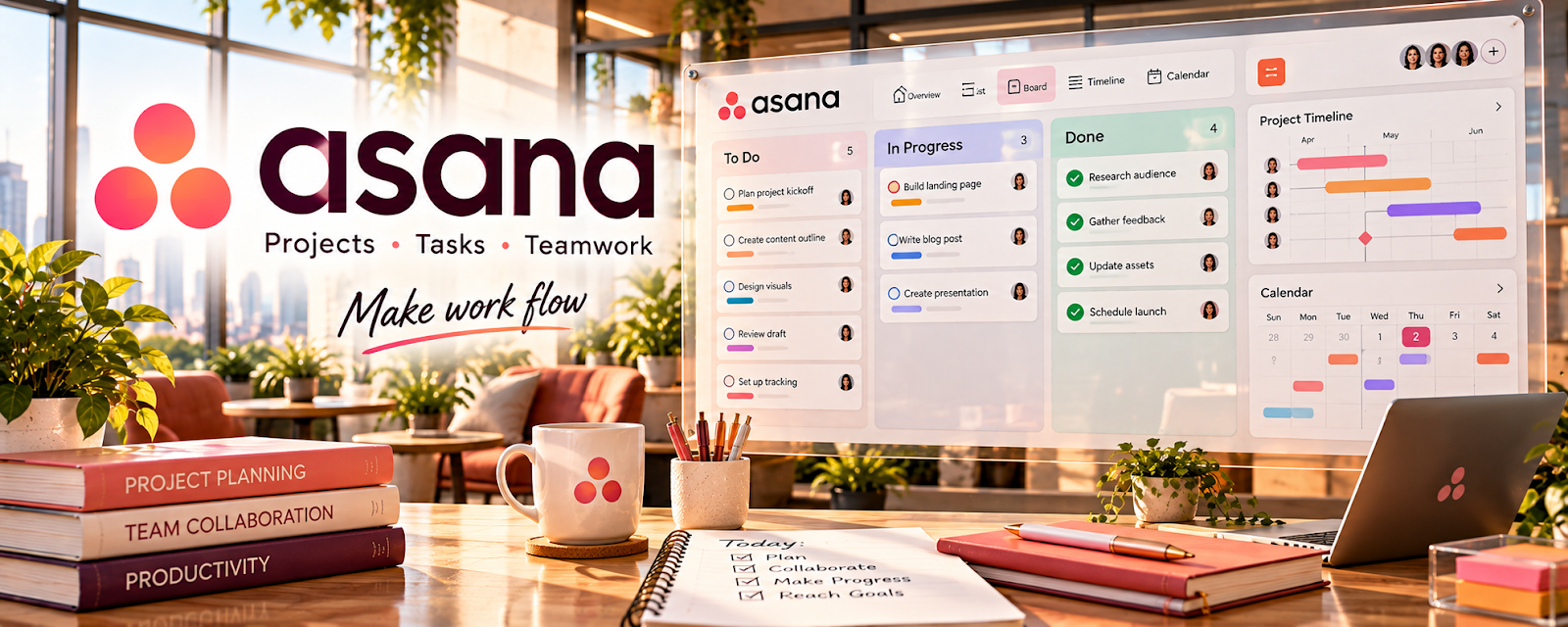
Asana is a project and task management tool.
🔗 Visit Official Website — Asana
Domain: asana.com
What This Website Is
Asana is a project and task management tool. For the 🗂️ Virtual Assistance side hustle, it helps you manage client requests, deadlines, recurring workflows, and clear ownership—so tasks don’t get lost.
How to Apply It to 🗂️ Virtual Assistance
Use Asana as a practical work tool for client operations: intake → prioritize → execute → report.
Step-by-Step Implementation:
- Phase 1: Set up one project per client (or one project with sections per client).
- Phase 2: Create recurring tasks for weekly/monthly responsibilities.
- Phase 3: Send weekly status updates from a consistent view (what shipped, what’s next, blockers).
Common Use Cases for this Side Hustle:
- Scenario A: Managing multiple client requests without missing deadlines.
- Scenario B: Running recurring admin tasks (invoicing, posting, reporting).
- Scenario C: Coordinating with a client’s team (hand-offs and approvals).
When to Use This
- A client has many moving parts and deadlines.
- You need recurring tasks and reminders.
- You collaborate with multiple people.
- You need clear status visibility.
Best Tasks to Use It For
- Task intake and prioritization
- Recurring workflow management
- Approvals and hand-offs
- Deadline tracking
- Weekly status reporting
Getting Started Steps
- Create a client project in Asana.
- Add sections: Intake, Next, In Progress, Waiting, Done.
- Define a request intake rule (what info you need on every task).
- Add recurring tasks for weekly routines.
- Use due dates and assignees consistently.
- Review the board daily.
- Send a weekly status update using the same sections.
Good Beginner Search Terms
- Asana client management template
- Asana recurring tasks setup
- VA workflow Asana board
- weekly status update template
- Asana rules automation basics
- task intake form best practices
Monetization Angle
Clear task systems reduce chaos. That makes you easier to retain, and it supports higher-value operations work.
Pros
- Strong for recurring workflows
- Great visibility for clients
- Scales across multiple projects
Cons
- Can feel heavy for simple clients
- Requires client buy-in to stay updated
- Notifications can be noisy
Who Should Use This
Virtual assistants managing multiple ongoing deliverables and deadlines for clients.
Who Should Skip This
Skip this if the client only needs occasional ad-hoc tasks and prefers email-only requests.
Practical Applications
- Organize client requests with clear owners, due dates, and review stages.
- Create a recurring checklist for an agreed administrative task.
- Use project updates to identify blockers before deadlines.
Important Considerations
- Get authorization before adding guests or connecting client accounts.
- Check plan and automation limits and protect confidential information; task completion markers do not replace explicit client approval where required.
Related Resources
Related Side Hustles
 Social Media Management — VA workflows often include scheduling, approvals, and client content coordination.
 Consulting: Get Paid for What You Know — Consulting projects use similar task tracking, deadlines, and client reporting.