Official Website
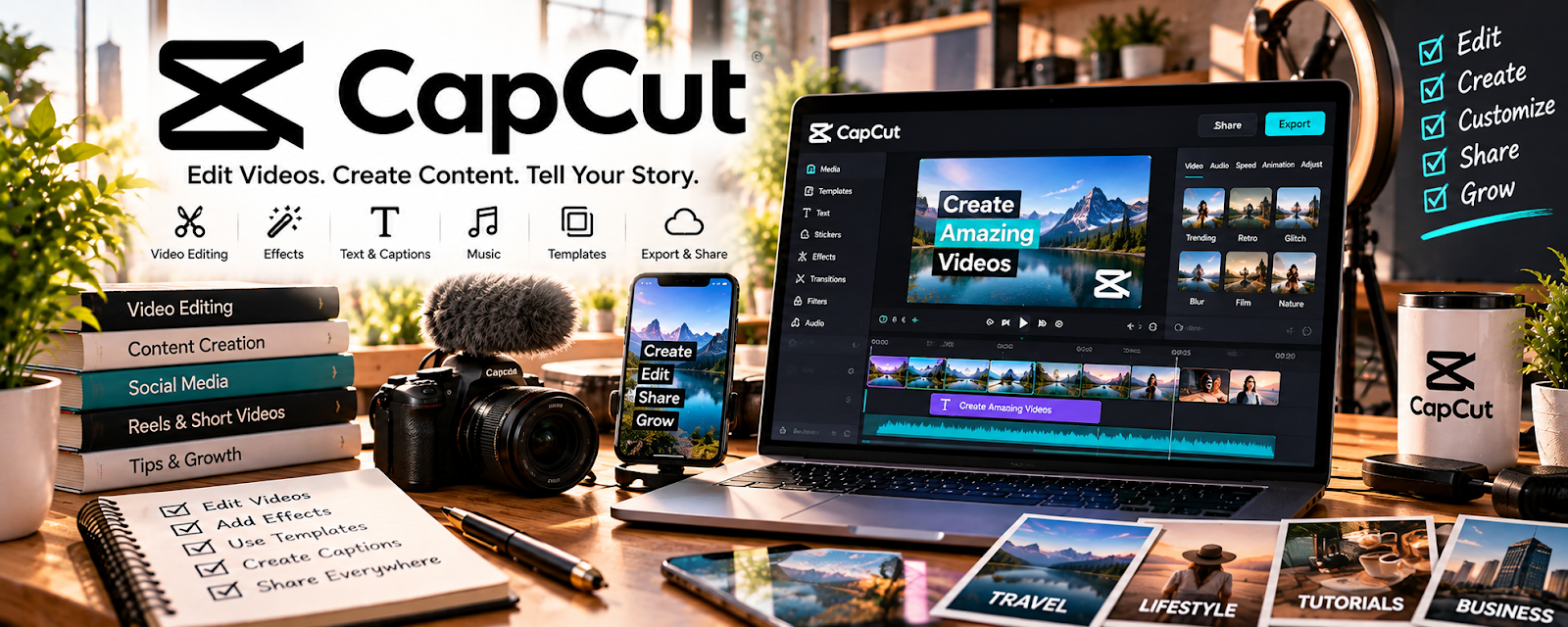
CapCut is a beginner-friendly video editor for short-form and long-form content.
🔗 Visit Official Website — CapCut
Domain: www.capcut.com
What This Website Is
CapCut is a beginner-friendly video editor for short-form and long-form content. For the 🎬 Faceless Video Content Creation side hustle, it’s a fast way to cut clips, add captions, and produce consistent output without a steep learning curve.
How to Apply It to 🎬 Faceless Video Content Creation
Use CapCut as a practical work tool for a repeatable editing pipeline: import → cut → caption → export → publish.
Step-by-Step Implementation:
- Phase 1: Create a project template (fonts, caption style, transitions).
- Phase 2: Edit in batches: cut 5–10 videos in one session using the same structure.
- Phase 3: Build a publishing loop: export in correct formats and track retention to improve edits.
Common Use Cases for this Side Hustle:
- Scenario A: Turning one long script into multiple short clips.
- Scenario B: Adding captions for higher retention.
- Scenario C: Creating consistent branded video templates.
When to Use This
- You need fast edits with captions.
- You publish short-form content often.
- You want templates and repeatable styles.
- You don’t want complex pro editors.
Best Tasks to Use It For
- Cutting and trimming footage
- Adding captions/subtitles
- Creating short-form templates
- Basic effects and transitions
- Exporting platform-ready formats
Getting Started Steps
- Install CapCut.
- Create a caption style template.
- Build a standard video structure (hook → value → CTA).
- Edit 3 videos using the same structure.
- Export in the right aspect ratio for your platform.
- Track retention and iterate pacing.
- Batch edit weekly for consistency.
Good Beginner Search Terms
- CapCut auto captions tutorial
- short form editing pacing tips
- how to make viral clips CapCut
- CapCut templates for reels tiktok
- hook writing for short videos
- retention editing strategies
Monetization Angle
Faster editing increases output. More output + better retention = more growth and monetization opportunities.
Pros
- Very fast learning curve
- Great caption tools
- Good for short-form workflows
Cons
- Limited advanced pro workflows
- Template-heavy content can look repetitive
- Export/settings need consistency checks
Who Should Use This
Faceless creators publishing high volume clips who want a fast, repeatable edit pipeline.
Who Should Skip This
Skip this if you need advanced editing (complex audio mixing, heavy compositing) and already use pro tools.
Practical Applications
- Edit an original narrated sequence using rights-cleared visuals.
- Create draft captions and correct errors before export.
- Build a checklist for pacing, audio clarity, and final format.
Important Considerations
- Confirm current regional availability, plan limits, export behavior, and commercial-use rights for included assets.
- Templates and AI features do not guarantee originality, factual accuracy, or platform monetization eligibility.
Related Resources
Adobe Premiere Pro — Provides advanced editing control when CapCut is too limited.
 YouTube Audio Library — Supplies music and sound effects for faceless edits.
ElevenLabs — Creates voiceovers that can be edited into faceless videos.
YouTube Studio — Measures video performance after edited videos are published.
Related Side Hustles
 UGC Creation — Both use short-form editing, captions, and performance-focused video structure.
Faceless Video Content Creation: Go Viral Without Showing Your Face — This is the direct production workflow CapCut supports.