Official Website
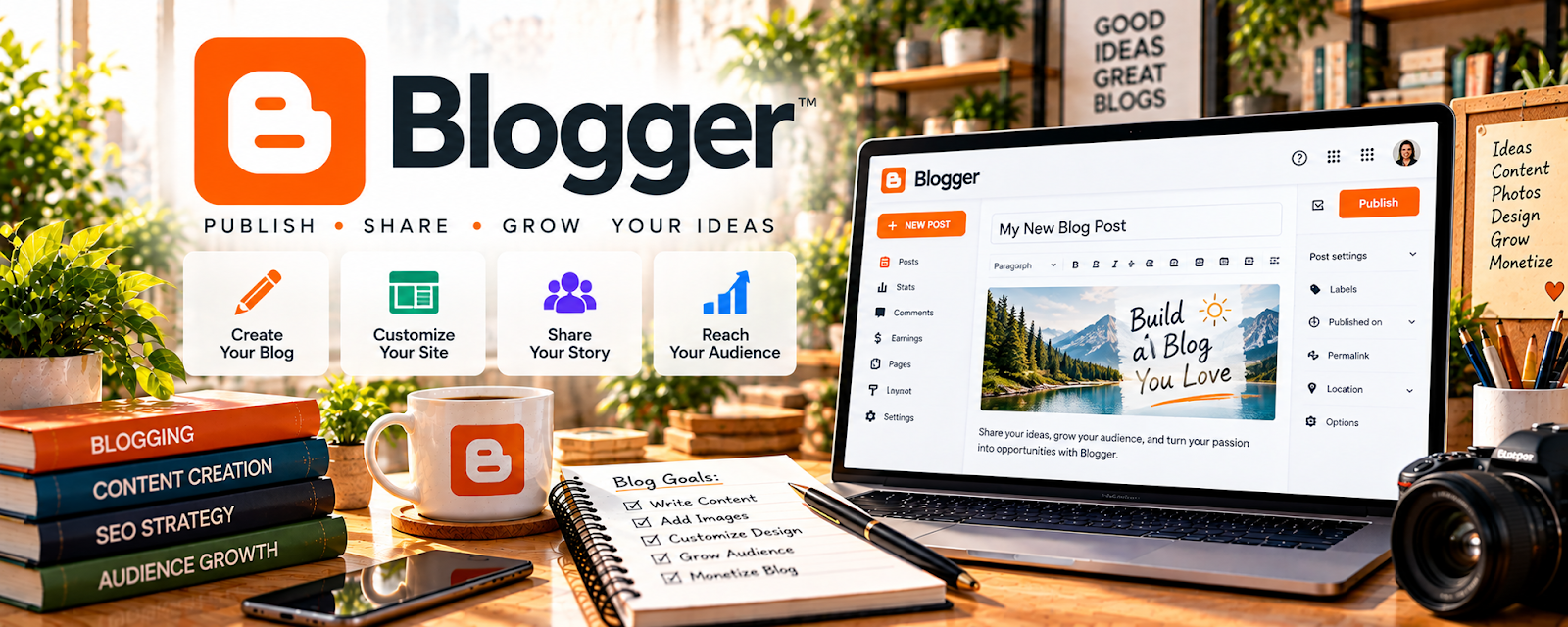
Blogger is Google’s free blogging platform for publishing simple blog posts and pages.
🔗 Visit Official Website — Blogger
Domain: www.blogger.com
What This Website Is
Blogger is Google’s free blogging platform for publishing simple blog posts and pages. For ✍️ Blogging, it can be a lightweight way to start publishing content without paying for hosting.
How to Apply It to Blogging
Use Blogger as your “start publishing” platform: write niche-focused posts, build basic site structure, and add CTAs that drive readers to email signup or offers.
Step-by-Step Implementation:
- Define a reader and an original topic you can address credibly.
- Review current platform features, account controls, content rules, and any domain or integration costs.
- Build clear core pages and publish useful sourced articles with authorized media and appropriate disclosures.
- Test navigation, privacy, signup consent, and accessibility and use genuine reader feedback to improve publishing.
When to Use This
- You want a free, simple blog
- You don’t want to manage hosting
- You’re validating a niche/content idea
Best Tasks to Use It For
- Publishing blog posts
- Simple content hubs
- शुरुआती SEO practice
- Lead capture pages (basic)
Getting Started Steps
- Create a Blogger site and choose a simple theme.
- Set up pages (About, Contact, Start Here).
- Pick 3–5 core categories.
- Publish 3 pillar posts.
- Add CTAs to each post.
- Post consistently (weekly).
- Review what posts get traffic and double down.
Good Beginner Search Terms
- blogger seo settings
- how to structure blog categories
- simple lead magnet ideas
Monetization Angle
Consistent content can drive organic traffic. Organic traffic can be monetized via affiliates, ads, and services—without paying for hosting early.
Pros
- Free
- Simple setup
- Google ecosystem integration
Cons
- Limited customization
- Less professional flexibility vs WordPress
Who Should Use This
New bloggers who want to start publishing fast with zero cost.
Who Should Skip This
Bloggers who need advanced SEO/plugins/customization (WordPress.org fits better).
Practical Applications
- Create a simple blog and publish an original introductory article.
- Organize posts and essential navigation for your intended readers.
- Review mobile readability and keep an export or backup of your content.
Important Considerations
- Check current features, platform policies, and limits on customization or monetization.
- A free publishing tool does not guarantee audience growth; manage privacy notices, content rights, and any affiliate disclosures.
Related Resources
Notion — Organizes post ideas, outlines, keyword notes, and publishing calendars before posts go live.
WordPress.org — Provides a more flexible, scalable blogging platform once a free Blogger site is limiting.
Kit — Captures subscribers from blog traffic and supports email monetization.
Related Side Hustles
 Blogging: Build an Online Brand and Earn from Your Words — Blogger gives beginners a free, simple way to publish posts, validate niches, and practice SEO.
 Affiliate Marketing: Get Paid to Promote What You Love — Blog posts can include affiliate reviews, comparisons, and resource recommendations.
 Newsletter Monetization: Get Paid to Write About What You Love — Blog readers can be converted into subscribers and monetized through email.