Official Website
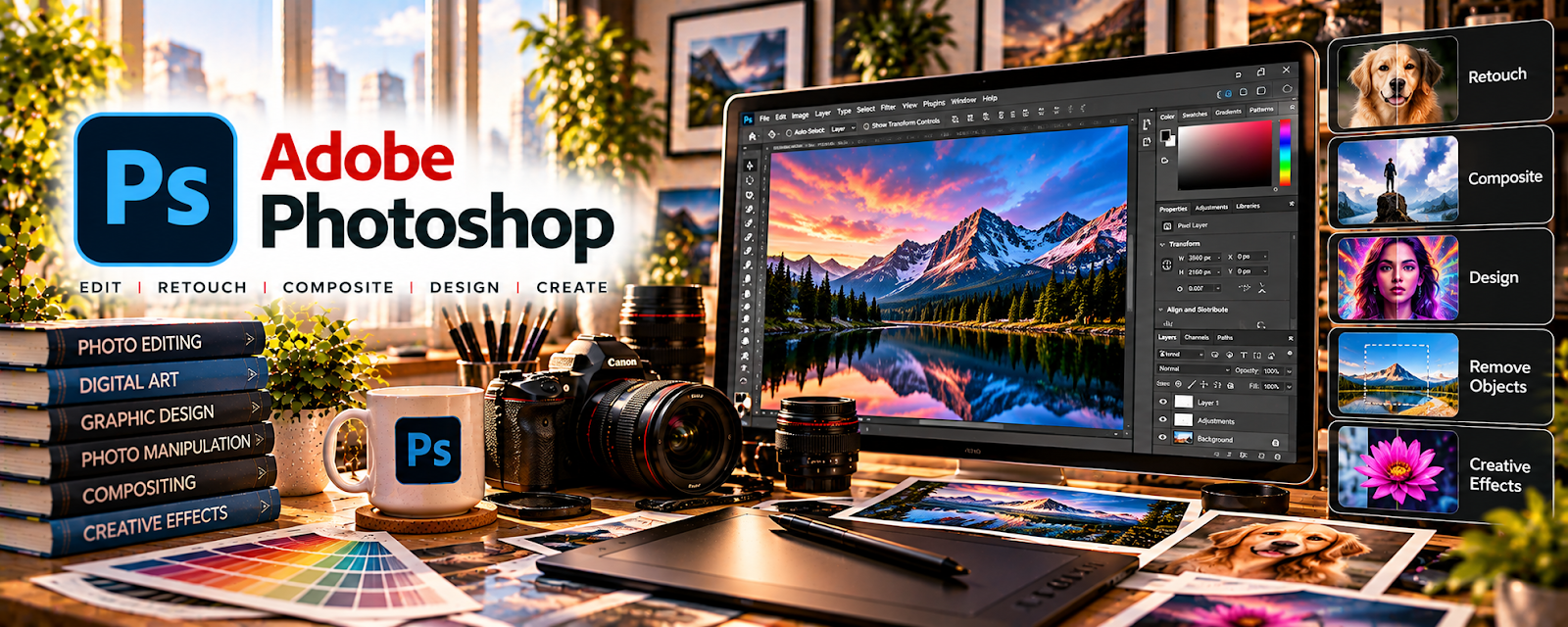
Adobe Photoshop is a paid photo editing tool with retouching, compositing, and color correction features related to producing professional images.
🔗 Visit Official Website — Adobe Photoshop
Domain: www.adobe.com
What This Website Is
Adobe Photoshop is a paid photo editing tool with retouching, compositing, and color correction features related to producing professional images. For a 📸 Photography & Stock Photos side hustle, it can be used to edit photos to marketplace standards, remove distractions, and create consistent portfolios.
How to Apply It to Photography & Stock Photos
Use Photoshop as your “quality control” editor before uploading or delivering. The tactical application is building a repeatable edit checklist (exposure, color, dust spots, noise) and export preset so your images are consistent and pass review.
Step-by-Step Implementation:
- Phase 1: Build an editing checklist for your niche (product, lifestyle, textures) and set export presets
- Phase 2: Edit a batch of photos using non-destructive adjustments and clean up distractions
- Phase 3: Keyword, upload, and track accept/reject feedback to improve your shooting + editing
Common Use Cases for this Side Hustle:
- Scenario A: If images are rejected, use the checklist to fix noise, artifacts, and sharpness issues
- Scenario B: If your portfolio looks inconsistent, standardize color and exposure across sets
When to Use This
- You need professional edits before upload
- You want consistent color/exposure
- You need retouching and cleanup
- You want fewer stock rejections
- You deliver client-ready files
Best Tasks to Use It For
- Retouching and cleanup
- Color correction and grading
- Removing distractions/backgrounds
- Batch editing workflows
- Exporting stock-ready files
Getting Started Steps
- Visit Adobe Photoshop.
- Create an edit checklist for your stock niche.
- Save export presets (JPG quality, size).
- Edit 20 photos using non-destructive adjustments.
- Zoom-in QA for dust/noise/artifacts.
- Export and upload to one stock platform.
- Review acceptance feedback and adjust workflow.
Good Beginner Search Terms
- Photoshop stock photo editing checklist
- remove noise and sharpen photos
- non destructive editing Photoshop adjustment layers
- export settings for stock photos JPEG
- how to avoid stock photo rejections
- color correction workflow Photoshop
Monetization Angle
Consistent quality improves acceptance rates and increases royalty-earning inventory. Better edits can also help you charge more for client shoots and retouching services.
Pros
- Powerful professional editing
- Great retouching and cleanup tools
- Supports batch workflows and presets
Cons
- Subscription cost
- Learning curve
- Can slow you down without a checklist
Who Should Use This
Photographers who want stock-ready editing quality and consistent portfolios.
Who Should Skip This
Photographers who only need simple mobile edits and don’t submit to strict marketplaces.
Practical Applications
- Edit an original photograph while retaining the untouched source.
- Prepare an export matching a client brief or stock-agency specification.
- Check the full image at an appropriate resolution before delivery.
Important Considerations
- Verify current software, plugin, font, stock, and AI terms and the intended image license.
- Retouching does not establish releases or ownership; avoid prohibited manipulation, misleading editorial images, and unauthorized use of people, property, or client photographs.
Related Resources
Snapseed — Provides a lighter mobile editing option for quick photo cleanup.
Adobe Stock Contributor — Gives a marketplace where edited stock-ready images can be uploaded.
Pixieset — Delivers polished client galleries after Photoshop editing.
Related Side Hustles
 Stock Photography: Make Money Selling Your Photos Online — Photoshop improves retouching, color correction, cleanup, and stock acceptance quality.
UGC Creation — Photo editing and product visuals also support brand content deliverables.
 Selling Digital Products — Presets, photo packs, and templates can become downloadable products.