Official Website
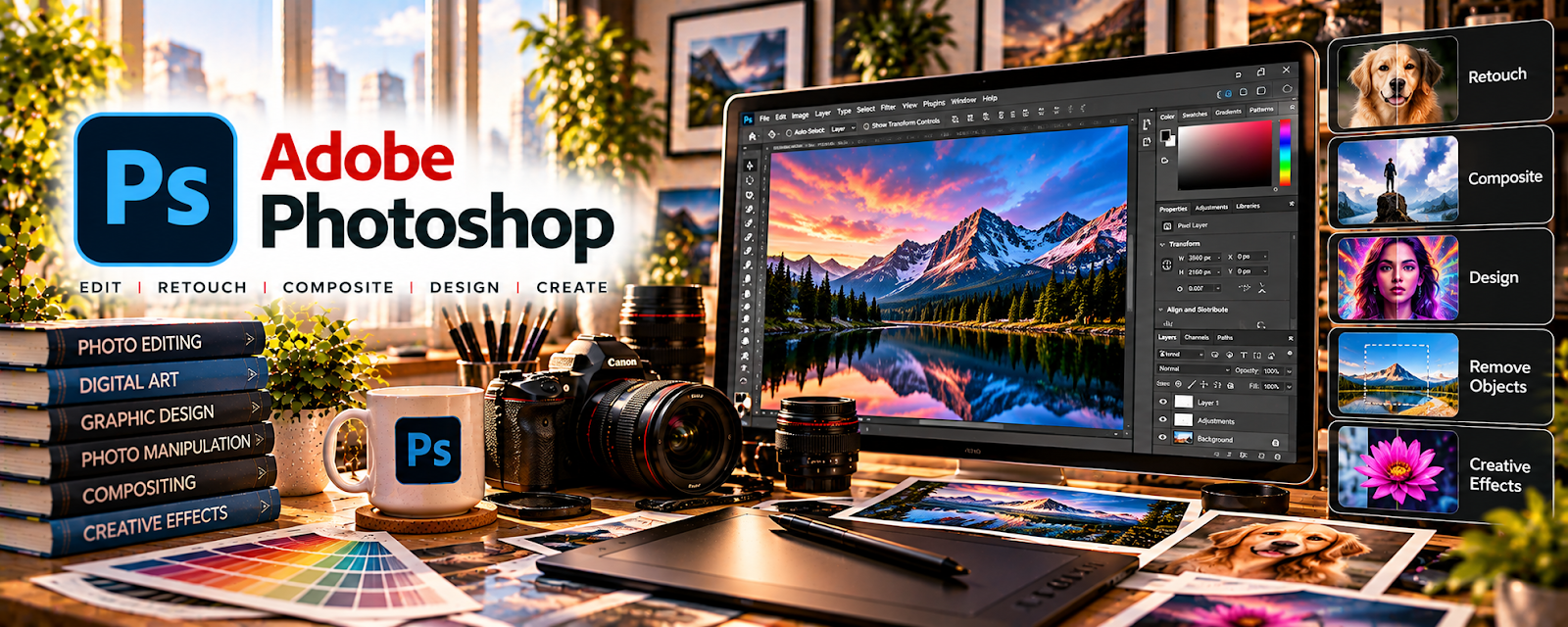
Adobe Photoshop is a paid image editing tool with design and compositing features related to creating polished visual assets.
🔗 Visit Official Website — Adobe Photoshop
Domain: www.adobe.com
What This Website Is
Adobe Photoshop is a paid image editing tool with design and compositing features related to creating polished visual assets. For a 💻 Selling Digital Products side hustle, it can be used to create product mockups, templates, digital art assets, and listing visuals that make products look premium.
How to Apply It to Selling Digital Products
Use Photoshop to create “sellable packaging”: mockups, previews, and templates that showcase your digital product clearly. The tactical application is building reusable scene templates and export presets so every product listing looks consistent and professional.
Step-by-Step Implementation:
- Phase 1: Define your product type (templates, printables, presets, graphics) and create a standard preview layout
- Phase 2: Build mockup and preview templates (smart objects, consistent typography, brand kit)
- Phase 3: Batch-produce listing images + product files and iterate based on conversion feedback
Common Use Cases for this Side Hustle:
- Scenario A: If a product doesn’t convert, improve the preview images and clarity of what’s included
- Scenario B: If you launch often, batch-create mockups and listing visuals with reusable templates
When to Use This
- You need professional product mockups
- You sell templates, graphics, or printables
- You want consistent listing visuals
- You need advanced compositing and typography
- You want a reusable launch workflow
Best Tasks to Use It For
- Product mockups and previews
- Template design and refinement
- Bundle packaging images
- Listing image templates
- Batch exports for product assets
Getting Started Steps
- Visit Adobe Photoshop.
- Choose one product format and define a preview layout.
- Build 3 reusable mockup templates using smart objects.
- Create listing images for your next product.
- Export previews in consistent sizes.
- Package product files into a clean folder structure.
- Reuse the templates for every launch.
Good Beginner Search Terms
- Photoshop mockup smart objects
- how to make digital product listing images
- product preview layout template
- export settings PNG JPG for web
- bundle packaging design template
- conversion focused product images tips
Monetization Angle
Better previews improve trust and conversion, increasing sales. Templates also reduce launch overhead so you can ship more products and grow revenue faster.
Pros
- Excellent mockups and previews
- Strong compositing and typography control
- Reusable template workflow
Cons
- Subscription cost
- Learning curve
- Overkill for text-only products
Who Should Use This
Digital product sellers who want premium mockups and consistent listing visuals.
Who Should Skip This
Sellers who only publish simple PDFs and don’t need mockups or design-heavy visuals.
Practical Applications
- Create original graphics or a printable for a defined buyer need.
- Test exported files and instructions in the buyer’s intended workflow.
- Prepare accurate previews showing the actual included product.
Important Considerations
- Verify current font, stock, template, AI, and redistribution licenses; commercial use does not authorize every editable-file resale.
- Protect source files and paid assets and avoid unsupported compatibility or performance claims; test accessibility and delivery separately.
Related Resources
Stripe — Processes payments for digital products sold through custom checkout workflows.
ThriveCart — Builds optimized checkout pages, order bumps, and funnels for Photoshop-made products.
Udemy — Digital Product Courses — Helps learn product creation, packaging, and launch workflows.
Related Side Hustles
 Selling Digital Products — Photoshop creates mockups, templates, previews, bundles, and listing images for digital products.
Print-on-Demand — Design assets and mockups can be reused for merch and POD listings.
 Blogging: Build an Online Brand and Earn from Your Words — Blog content can promote Photoshop templates, graphics, and product bundles.