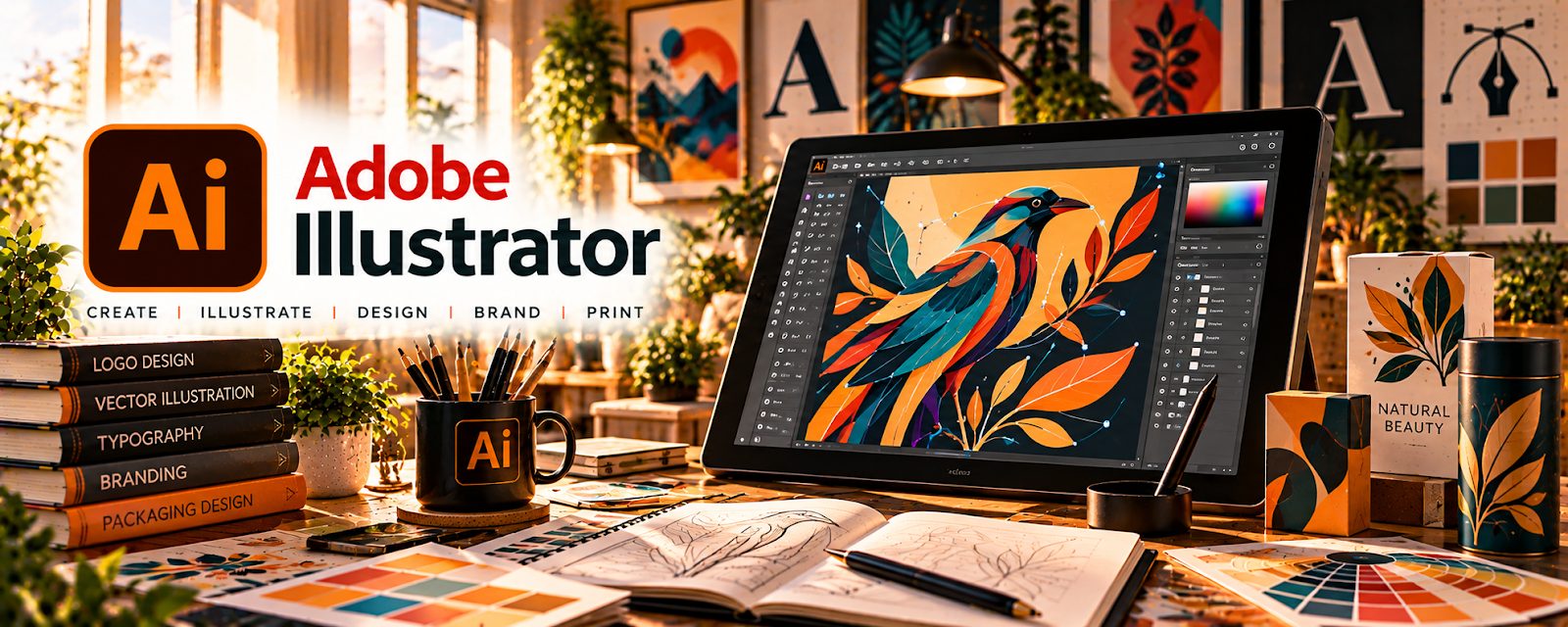
Official Website
Adobe Illustrator is a vector design tool for creating logos, icons, patterns, typography, and scalable artwork.
🔗 Visit Official Website — Adobe Illustrator
Domain: www.adobe.com
What This Website Is
Adobe Illustrator is a vector design tool for creating logos, icons, patterns, typography, and scalable artwork. For 🧶 Selling Crafts & Handmade Goods, it helps you design product graphics (stickers, labels, packaging, SVG cut files) and build consistent branding assets.
How to Apply It to Selling Crafts & Handmade Goods
Use Illustrator as your “production master file” tool: build clean vector artwork once, then export consistent assets for multiple product types and platforms.
Step-by-Step Implementation:
- Identify the product dimensions, production process, and export requirements.
- Create original vector artwork using fonts and assets licensed for the intended use.
- Organize editable source files and reusable layouts with consistent naming.
- Export to the printer’s required specifications and check dimensions, legibility, and a suitable proof.
- Keep source and license records and revise from production results before batching more items.
When to Use This
- You need scalable graphics for print
- You want clean cut files (SVG)
- You’re building repeatable product templates (labels, cards, packaging)
Best Tasks to Use It For
- Sticker/label/packaging design
- SVG cut files
- Logo + brand assets
- Pattern and repeat design
Getting Started Steps
- Create a document with the correct print size (and bleed if needed).
- Build a simple brand kit (fonts/colors).
- Create 1–3 reusable templates (label, thank-you card, sticker sheet).
- Export print-ready PDFs and web PNGs.
- Save source files so you can iterate quickly.
- Create a consistent export naming system.
- Batch-create assets for your top 5 products.
Good Beginner Search Terms
- illustrator sticker sheet template
- export svg from illustrator
- illustrator print bleed setup
Monetization Angle
Reusable templates and scalable vector art reduce production time per product and improve brand consistency, which helps you sell more at higher prices.
Pros
- Best-in-class vector tools
- Scalable output for print + web
- Great template and export workflows
Cons
- Subscription cost
- Learning curve for beginners
Who Should Use This
Handmade sellers creating branded labels, packaging, stickers, or SVG files for products.
Who Should Skip This
Sellers who only need quick template graphics and don’t need vector source files.
Practical Applications
- Draw scalable artwork for stickers, labels, or craft packaging.
- Prepare repeating patterns and clean vector shapes for a production partner.
- Export a test file using the exact dimensions and format your cutter or printer needs.
Important Considerations
- Check commercial rights for fonts, stock assets, and any artwork you incorporate.
- Confirm subscription costs and production requirements; vector artwork still needs a physical sample before selling.
Related Resources
Cricut Design Space — Uses SVG and vector-style designs from Illustrator for cutting and craft production.

Placeit — Creates quick mockups and product visuals when full custom Illustrator assets are not needed.
Related Side Hustles
 Selling Crafts & Handmade Goods — Illustrator creates SVG cut files, labels, packaging, stickers, logos, and scalable product graphics.
 Print-on-Demand — Vector artwork can be adapted into clean product designs for shirts, mugs, and posters.
Selling Digital Products — SVG files, templates, icons, and printable graphics can become downloadable products.