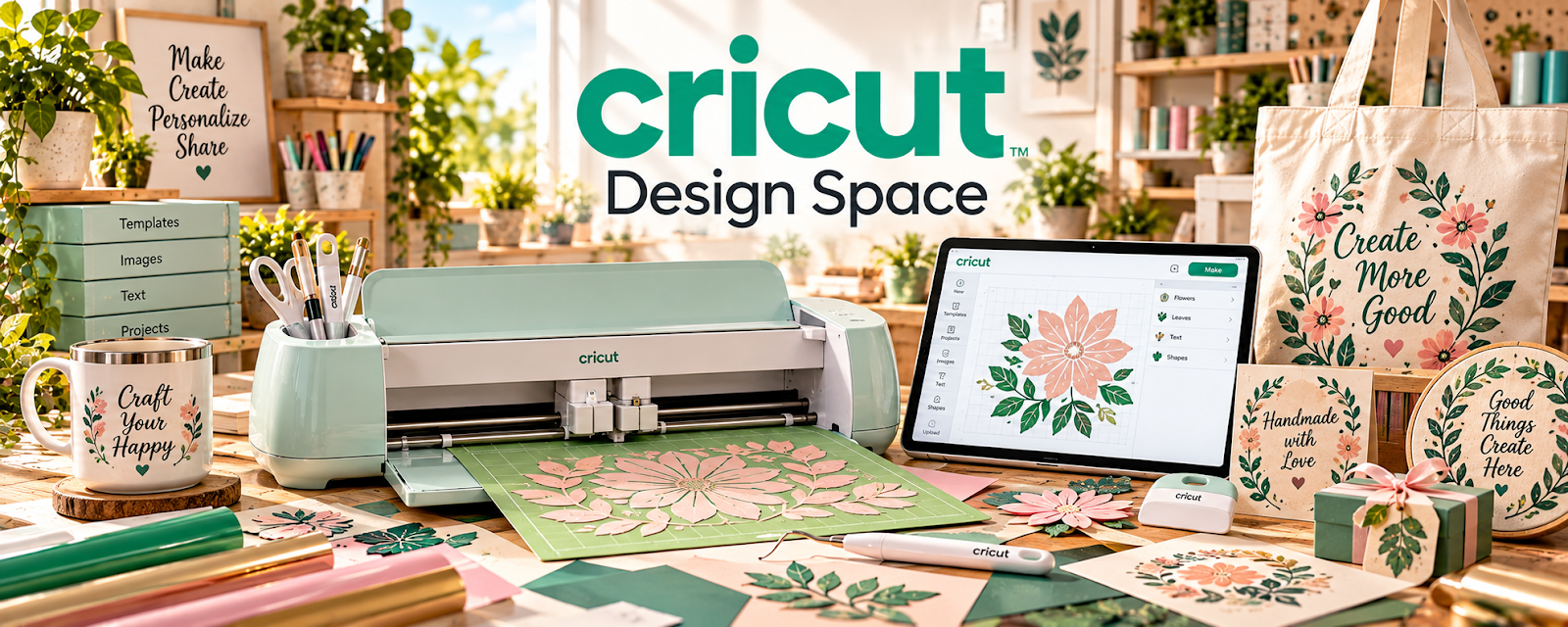
Official Website
Cricut Design Space is the design software used to create cut projects for Cricut machines.
🔗 Visit Official Website — Cricut Design Space
Domain: design.cricut.com
What This Website Is
Cricut Design Space is the design software used to create cut projects for Cricut machines. For 🧶 Selling Crafts & Handmade Goods, it helps you design, prepare, and cut products like vinyl decals, labels, cards, and custom craft items.
How to Apply It to 🧶 Selling Crafts & Handmade Goods
Use Cricut Design Space as your “design → cut → produce” workflow: create designs → test cut → batch production → quality check.
Step-by-Step Implementation:
- Choose 3 product types you can make repeatedly (decals, labels, cards).
- Create reusable templates in Design Space.
- Run test cuts and document best settings per material.
Common Use Cases for this Side Hustle:
- Scenario A: You sell personalized items and need consistent cuts.
- Scenario B: You want to batch-produce products for craft fairs or Etsy.
When to Use This
- You use a Cricut to make products to sell
- You want repeatable templates for production
- You need consistent cut settings per material
Best Tasks to Use It For
- Designing cut files
- Preparing print-then-cut projects
- Saving templates for batch production
Getting Started Steps
- Pick one product (e.g., vinyl decal).
- Create a simple template in Design Space.
- Run 3 test cuts on different materials.
- Document the best cut settings.
- Batch-produce 10 items and quality check.
Good Beginner Search Terms
- Cricut Design Space batch production workflow
- best Cricut cut settings vinyl
- how to sell Cricut crafts on Etsy
- print then cut tutorial
Monetization Angle
Templates and repeatable cut settings reduce production time and waste, improving profit per item.
Pros
- Essential for Cricut workflows
- Supports repeatable templates
Cons
- Learning curve for new users
- Output quality depends on materials and machine setup
Who Should Use This
Crafters selling Cricut-made products who want consistent production workflows.
Who Should Skip This
Sellers who don’t use Cricut machines or don’t produce physical craft items.
Practical Applications
- Prepare an original craft design for the actual machine and material.
- Run a small test cut before producing a batch.
- Keep approved design versions and material settings with production notes.
Important Considerations
- Verify current machine compatibility, software features, subscription, asset, font, and resale-license terms.
- Access to a design does not automatically permit every commercial use; follow equipment and material safety guidance and verify finished-product suitability independently.
Related Resources
Square Online — Hosts listings for handmade products created with Cricut workflows.
Pirate Ship — Ships physical craft orders after products are cut and packaged.
Notion — Tracks product ideas, cut settings, inventory, and production checklists.
Related Side Hustles
 Selling Crafts & Handmade Goods — Cricut Design Space creates repeatable cut files, templates, labels, cards, decals, and custom products.
 Selling Digital Products — SVG files, cut templates, and printable designs can become downloadable products.