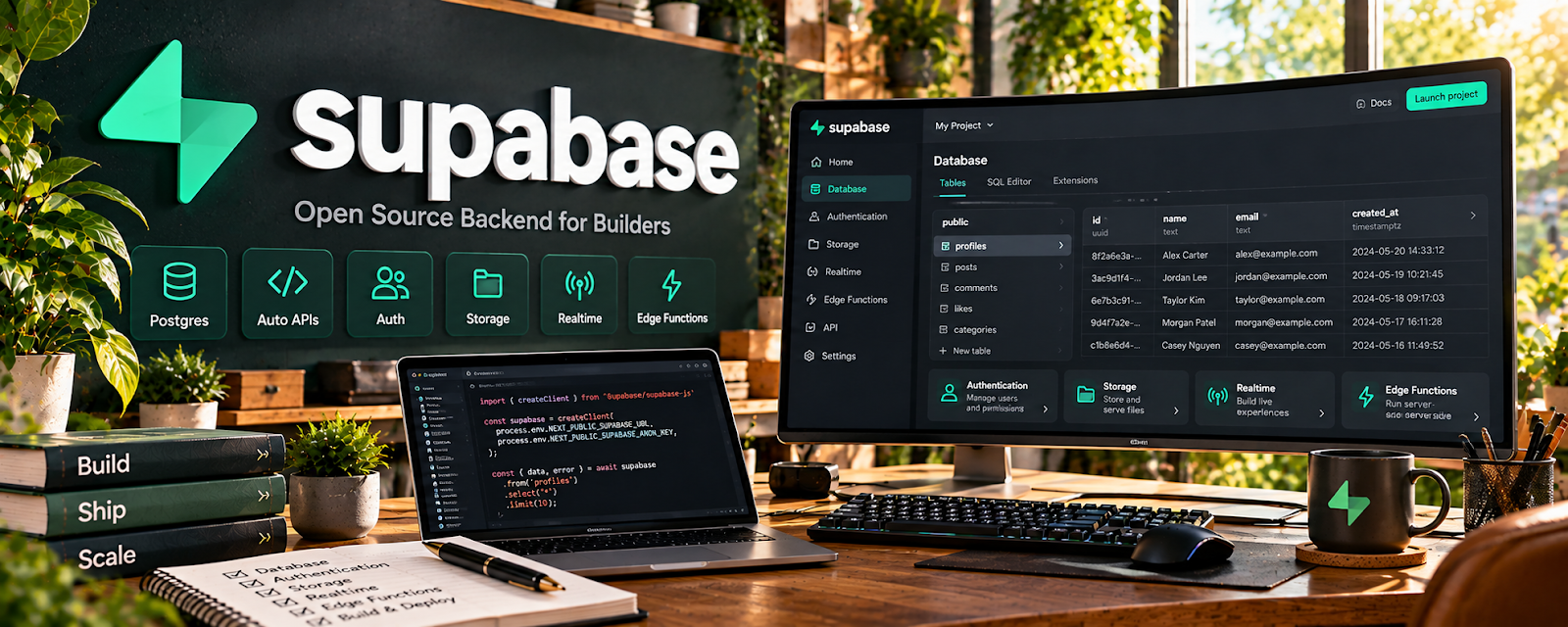
Official Website
Supabase is a freemium backend platform that provides a hosted database, authentication, storage, and APIs.
🔗 Visit Official Website — Supabase
Domain: supabase.com
What This Website Is
Supabase is a freemium backend platform that provides a hosted database, authentication, storage, and APIs. For the 📱 App Developer side hustle, it can be used to ship apps faster by handling common backend needs without building everything from scratch.
How to Apply It to 📱 App Developer
Use Supabase as your “backend accelerator”: auth + database + storage + APIs.
Step-by-Step Implementation:
- Phase 1: Create a project and define your database schema.
- Phase 2: Add auth (email/password, OAuth) and secure row-level access.
- Phase 3: Connect your app, deploy, and monitor usage/performance.
Common Use Cases for this Side Hustle:
- Scenario A: If you want to ship faster, use Supabase instead of custom backend.
- Scenario B: If you need user accounts, implement auth early.
- Scenario C: If you want scalability, use policies and clear schema design.
When to Use This
- You need a database + auth for an app.
- You want to build MVPs quickly.
- You want APIs without heavy backend setup.
- You want hosted storage for user uploads.
Best Tasks to Use It For
- User authentication
- Hosted database + queries
- File storage
- Rapid MVP backend
- API-driven app builds
Getting Started Steps
- Create a Supabase project.
- Design tables for your app.
- Enable auth and set policies.
- Connect SDK to your app.
- Build core flows (signup, data CRUD).
- Add storage if needed.
- Deploy and monitor usage.
Good Beginner Search Terms
- Supabase auth tutorial
- row level security Supabase
- build MVP with Supabase
- database schema design for apps
- Supabase vs Firebase
- Supabase storage upload
Monetization Angle
Shipping faster means you can validate apps sooner and iterate toward revenue. Supabase can reduce build time and maintenance costs.
Pros
- Fast backend setup
- Auth + database in one place
- Great for MVP speed
Cons
- Requires schema/security understanding
- Vendor dependency
- Costs can rise with scale
Who Should Use This
App developers building MVPs who want to move quickly without a heavy custom backend.
Who Should Skip This
Skip this if you require fully custom infrastructure from day one or have strict platform constraints.
Practical Applications
- Build a small app prototype with a simple database and authentication flow.
- Test storage access using separate sample users.
- Document database migrations and recovery steps before a client handoff.
Important Considerations
- Configure authorization and row-level security deliberately; working authentication does not make every database table private.
- Protect secrets, review service limits and data location, and test backups, errors, and deletion workflows before production use.
Related Resources
Google Play Console — Publishes and manages Android apps that may use Supabase as the backend.
Notion — Organizes schemas, feature specs, bug lists, and development roadmaps.
Google Docs — Drafts support docs, privacy policies, app copy, and technical notes.
Google Drive — Stores app assets, screenshots, policies, exports, and project documentation.
Related Side Hustles
 Blogging: Build an Online Brand and Earn from Your Words — Developers can build traffic by writing tutorials, build logs, and case studies.
 Freelance Writing: Get Paid to Write Online — Technical documentation and app content rely on clear writing.
 Virtual Assistance — App support, QA coordination, and documentation can become admin services.