Official Website
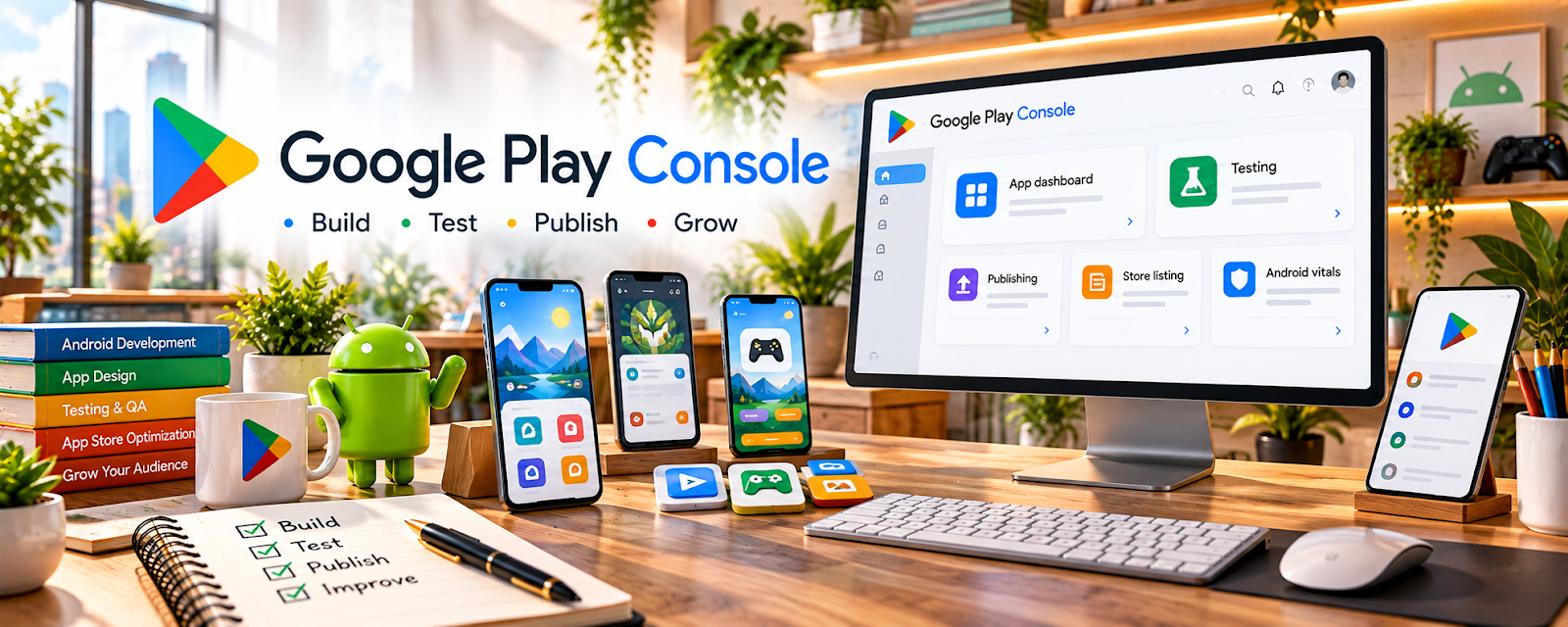
Google Play Console is Google’s platform for publishing, testing, and managing Android apps on the Play Store.
🔗 Visit Official Website — Google Play Console
Domain: play.google.com
What This Website Is
Google Play Console is Google’s platform for publishing, testing, and managing Android apps on the Play Store. For the 📱 App Developer side hustle, it’s the operational dashboard for releases, store listings, pricing, and compliance.
How to Apply It to 📱 App Developer
Use Google Play Console as your “launch + maintenance” system: upload → test → release → iterate.
Step-by-Step Implementation:
- Phase 1: Create your developer account and set up an app listing draft (name, screenshots, privacy policy).
- Phase 2: Configure testing tracks (internal/closed/open) and run pre-launch testing.
- Phase 3: Release to production, monitor crashes/ANRs, respond to reviews, and iterate with regular updates.
Common Use Cases for this Side Hustle:
- Scenario A: If you’re launching your first app, use internal testing to prevent bad releases.
- Scenario B: If installs are low, improve store listing assets and keywords.
- Scenario C: If you want monetization, manage in-app products/subscriptions and pricing experiments.
When to Use This
- You’re publishing an Android app.
- You need testing tracks and staged rollouts.
- You want to monitor crashes and performance.
- You need to manage store listing and compliance.
Best Tasks to Use It For
- App publishing and updates
- Internal/closed testing tracks
- Store listing optimization
- Crash/ANR monitoring
- Pricing and release management
Getting Started Steps
- Create a Play Console developer account.
- Create a new app and complete required forms.
- Upload your first bundle (AAB).
- Set up internal testing and invite testers.
- Add screenshots, description, and privacy policy.
- Complete compliance sections (data safety, content rating).
- Roll out to production in stages and monitor issues.
Good Beginner Search Terms
- Google Play Console internal testing
- staged rollout Play Console
- data safety form Play Console
- ASO basics Google Play
- Android app bundle AAB upload
- fix ANR Play Console
Monetization Angle
Better releases and store listing optimization can increase installs and revenue. Play Console gives you the levers to improve conversion, retention, and stability.
Pros
- Required for Android publishing
- Strong release/testing controls
- Useful performance and crash insights
Cons
- Account cost and compliance overhead
- Can be complex for beginners
- Policy changes can require ongoing maintenance
Who Should Use This
Anyone building Android apps who plans to publish, update, and maintain them professionally.
Who Should Skip This
Skip this only if you’re not publishing on Android (iOS-only) or you’re still prototyping without release plans.
Practical Applications
- Prepare an Android release checklist covering testing, listing assets, and policy declarations.
- Use the appropriate test track to collect authorized feedback before production.
- Review release reports and plan a controlled update process.
Important Considerations
- Confirm current account verification, testing, fees, target API, and publication requirements for your account and app type.
- Provide accurate privacy and data-safety information; protect signing and access credentials and address policy issues before publishing.
Related Resources
Notion — Organizes feature plans, bug lists, release checklists, and app roadmap notes.
Google Docs — Drafts privacy policies, release notes, support docs, and app listing copy.
Google Drive — Stores screenshots, app assets, policies, builds, and launch materials.
Supabase — Provides backend, database, auth, and storage services for app projects.
Related Side Hustles
 Blogging: Build an Online Brand and Earn from Your Words — App developers can use content to document builds and attract users.
 Freelance Writing: Get Paid to Write Online — App store copy, docs, and tutorials rely on clear technical writing.
 Virtual Assistance — QA, release tracking, and support admin can become app-support services.