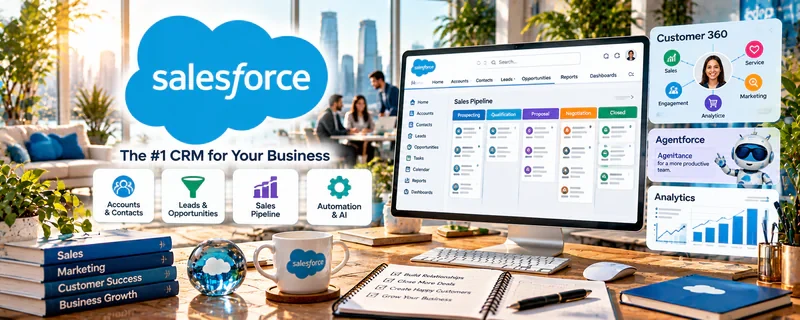
Official Website
Salesforce is an enterprise CRM used to manage leads, accounts, opportunities, and customer data.
🔗 Visit Official Website — Salesforce
Domain: www.salesforce.com
What This Website Is
Salesforce is an enterprise CRM used to manage leads, accounts, opportunities, and customer data. For 💼 Consulting, it can be part of a client’s sales operations stack and is useful if you support pipeline, reporting, or process work.
How to Apply It to Consulting
Use Salesforce as your “pipeline + reporting system”: keep records clean, track stage progression, and pull reports so decisions are based on real pipeline data.
Step-by-Step Implementation:
- Agree on the consulting question, authorized data access, and decision the CRM report will support.
- Review the client’s actual object definitions, stages, permissions, and data-quality limitations.
- Build or inspect reports using verified records and explain missing data and assumptions.
- Document findings and agreed next actions without assuming pipeline counts guarantee revenue or justify unsupported claims.
When to Use This
- A client already runs on Salesforce
- You’re doing sales ops or pipeline consulting
- Reporting and process discipline matter
Best Tasks to Use It For
- Lead/opportunity tracking
- CRM cleanup and hygiene
- Pipeline reporting
- Sales process documentation
Getting Started Steps
- Learn the client’s object model (Leads, Accounts, Contacts, Opportunities).
- Review pipeline stages and required fields.
- Establish a weekly CRM hygiene routine.
- Build or review key reports/dashboards.
- Identify bottlenecks (stalled stages, low conversion).
- Document the process and handoff rules.
- Iterate based on metrics monthly.
Good Beginner Search Terms
- salesforce opportunity stages best practices
- crm hygiene checklist
- salesforce reports and dashboards basics
Monetization Angle
Better CRM hygiene increases close rates and forecast accuracy. Consultants who can improve pipeline visibility often justify higher retainers.
Pros
- Extremely powerful CRM
- Strong reporting/dashboards
- Common in enterprise clients
Cons
- Complex and heavy
- Requires disciplined data entry
Who Should Use This
Consultants and VAs supporting clients who already run their sales ops in Salesforce.
Who Should Skip This
Solo operators who don’t need enterprise CRM complexity.
Practical Applications
- Learn the client’s authorized lead and opportunity workflow.
- Map required fields and reporting needs before proposing CRM changes.
- Test a small process improvement in an approved environment.
Important Considerations
- Use role-based permissions and never experiment on live client data without authorization.
- Confirm licensing, integrations, and security requirements; CRM familiarity does not establish specialist implementation credentials.
Related Resources
HubSpot CRM — Provides a lighter CRM comparison for consultants supporting smaller clients.
Microsoft Excel — Supports pipeline analysis, CRM exports, forecasting, and reporting outside Salesforce.
Notion — Documents CRM processes, SOPs, audits, and client recommendations.
Related Side Hustles
 Consulting: Get Paid for What You Know — Salesforce supports CRM audits, pipeline reporting, sales operations, process cleanup, and client data strategy.
Virtual Assistance — VAs may manage CRM updates, lead records, and follow-up tasks for clients.
 Resume Writing & LinkedIn Optimization — Career-service pipelines can use CRM-style tracking for leads and follow-ups.