Official Website
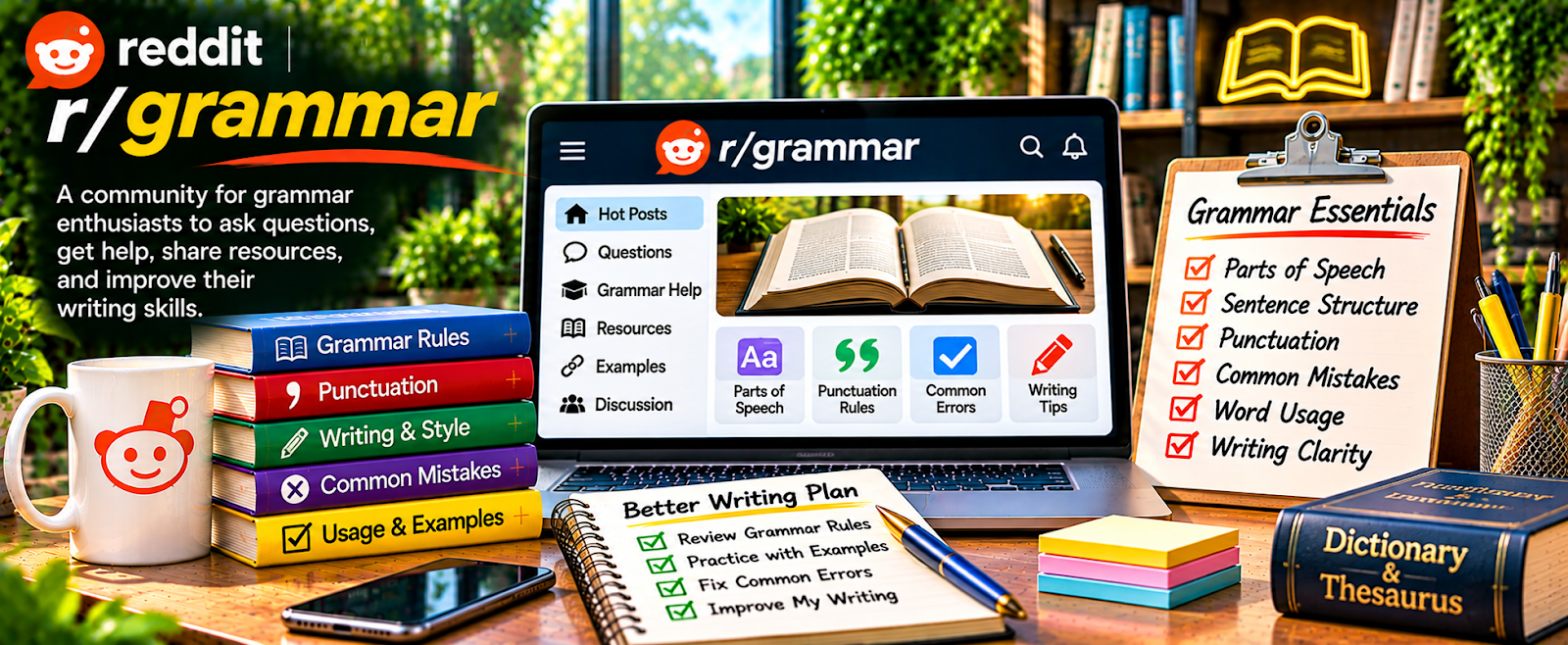
r/grammar is a community where people discuss grammar rules, usage questions, and writing clarity.
🔗 Visit Official Website — r/grammar
Domain: www.reddit.com
What This Website Is
r/grammar is a community where people discuss grammar rules, usage questions, and writing clarity. For 📝 Copyediting & Proofreading, it’s useful as a quick “edge case” reference and a place to see the kinds of mistakes writers commonly make.
How to Apply It to 📝 Copyediting & Proofreading
Use it to sharpen your rule knowledge and build better explanations for clients.
Step-by-Step Implementation:
- Phase 1: Build a “common errors” library — recurring grammar issues and clean explanations.
- Phase 2: Build editing scripts — how you explain fixes without sounding harsh.
- Phase 3: Improve speed — create a checklist of recurring issues to scan for quickly.
Common Use Cases for this Side Hustle:
- Scenario A: You hit a grammar edge case and want examples.
- Scenario B: You want clearer explanations for clients.
- Scenario C: You want to practice spotting errors fast.
When to Use This
- You want to strengthen grammar rule confidence.
- You want example sentences for tricky issues.
- You want to build client-friendly explanations.
- You want practice spotting common mistakes.
Best Tasks to Use It For
- Checking tricky grammar edge cases
- Building a “common corrections” cheat sheet
- Learning how people misunderstand grammar rules
- Creating explanations for clients
- Improving scan speed for common issues
Getting Started Steps
- Save 20 posts that cover common mistakes you see in client work.
- Write one-sentence explanations you can reuse in comments.
- Build an editing checklist (tense, punctuation, clarity, consistency).
- Create a “tone-safe” explanation template for feedback.
- Practice on sample paragraphs and time yourself.
- Use professional resources for final confirmation on complex cases.
Good Beginner Search Terms
- comma splice examples
- affect vs effect explanation
- that vs which rule
- semicolon usage examples
- proofreading checklist common errors
- grammar explanation for clients
Monetization Angle
Indirect: stronger rule confidence makes you faster and more accurate, increasing effective hourly rate and client trust.
Pros
- Quick reference for tricky grammar questions
- Helps you build better explanations for clients
- Useful exposure to common writer mistakes
Cons
- Not a professional credential
- Advice varies; verify for client-critical work
- Can become a rabbit hole
Who Should Use This
Editors and proofreaders who want a quick grammar reference and want to build client-friendly explanations.
Who Should Skip This
Skip this if you already have strong grammar mastery and prefer formal style guides only.
Practical Applications
- Investigate a disputed usage question using several reasoned responses.
- Compare explanations with the client’s designated style reference.
- Record a justified editorial decision or author query.
Important Considerations
- Forum opinions may reflect different dialects or prescriptions and are not automatically authoritative.
- Preserve meaning and context, protect client text, and verify specialist or factual issues outside grammar separately.
Related Resources
Knowadays — Becoming a Proofreader — Provides structured proofreading training beyond informal grammar discussions.
Reedsy — Offers editing marketplace context and professional editorial standards.
Bonsai — Handles proposals, contracts, invoices, and client workflow for editing projects.
Google Docs — Supports comments, suggestions, and collaborative proofreading delivery.
Related Side Hustles
 Copyediting & Proofreading: Get Paid to Polish Words — r/grammar sharpens rule confidence, client-friendly explanations, and common-error recognition.
Freelance Writing: Get Paid to Write Online — Writers also benefit from grammar clarity, sentence-level polish, and stronger editing judgment.
 Blogging: Build an Online Brand and Earn from Your Words — Bloggers need readable, error-free posts that build trust and keep readers engaged.