Official Website
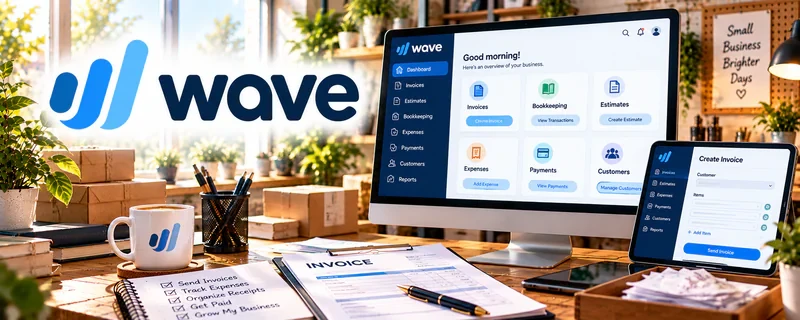
Wave is a freemium invoicing and small-business finance tool.
🔗 Visit Official Website — Wave
Domain: www.waveapps.com
What This Website Is
Wave is a freemium invoicing and small-business finance tool. For the ♻️ Product Flipping side hustle, it can be used to invoice buyers (if needed), track income/expenses, and understand profit per flip.
How to Apply It to ♻️ Product Flipping
Use Wave as your “profit tracking system”: record sale → record costs → know margins.
Step-by-Step Implementation:
- Phase 1: Set up your account and categories (inventory, repairs, fees, shipping).
- Phase 2: Record each sale and its costs.
- Phase 3: Review monthly profit and adjust pricing/sourcing.
Common Use Cases:
- Scenario A: If you don’t know your margins, track each flip.
- Scenario B: If you want cleaner records, export reports.
- Scenario C: If you scale volume, standardize categories.
When to Use This
- You flip items consistently.
- You want profit clarity.
- You have expenses to track.
- You want cleaner records for taxes.
Best Tasks to Use It For
- Income tracking
- Expense categorization
- Simple bookkeeping
- Profit review
- Record exports
Getting Started Steps
- Create a Wave account.
- Set categories for flipping costs.
- Log your first sale.
- Log all related expenses.
- Review profit per item.
- Export reports monthly.
- Refine pricing based on data.
Good Beginner Search Terms
- bookkeeping for resellers
- track profit per flip spreadsheet vs software
- reseller expense categories
- how to price flipped items
- Wave accounting basics
- taxes for resellers profit tracking
Monetization Angle
Knowing true profit per item helps you buy smarter and price better. Clean tracking also reduces tax-time stress.
Pros
- Simple and accessible
- Freemium entry point
- Helpful for basic profit tracking
Cons
- Not inventory-specific
- Requires manual data entry
- Can be overkill for very casual flipping
Who Should Use This
Resellers who want a simple system to track profit and expenses across flips.
Who Should Skip This
Skip this if you only flip occasionally and prefer a simple spreadsheet.
Practical Applications
- Invoice a direct buyer when appropriate for the resale transaction.
- Record sourcing costs and sale proceeds using consistent bookkeeping categories.
- Reconcile refunds and payment fees against actual receipts.
Important Considerations
- Check current regional availability, pricing, payment charges, and feature limits.
- Basic transaction tracking may not provide item-level inventory costing automatically; verify records and seek appropriate tax advice rather than assuming category labels establish treatment.
Related Resources
Quickbooks — Provides more advanced bookkeeping once flipping volume and expenses grow.
Wave — Offers another lightweight accounting option for simple income and expense tracking.
Google Sheets — Tracks item costs, sale prices, margins, and sourcing notes.
Canva / Canva Mockups — Improves listing visuals so flips sell faster and for better prices.
Related Side Hustles
 Blogging: Build an Online Brand and Earn from Your Words — Flipping stories, guides, and finds can become content that attracts buyers.
 Affiliate Marketing: Get Paid to Promote What You Love — Resale content can recommend tools, supplies, and marketplace resources.
 Virtual Assistance — Tracking, admin, and organization skills overlap with VA operations.