Official Website
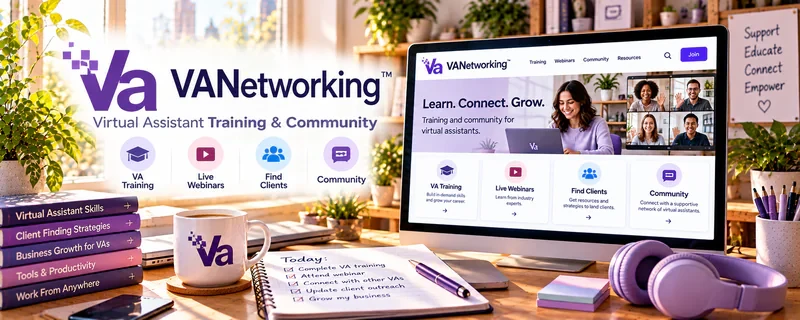
VA Networking Training is a learning and community resource focused on virtual assistant skills, business setup, client services, and professional VA development.
🔗 Visit Official Website — VA Networking Training
Domain: www.vanetworking.com
What This Learning Resource Is
VA Networking Training is a learning and community resource focused on virtual assistant skills, business setup, client services, and professional VA development. For 🗂️ Virtual Assistance, it helps beginners understand the business side of becoming a VA.
How to Use It for Virtual Assistance
Use VA Networking Training to clarify your services, client process, and professional positioning. Look for lessons, resources, or community guidance that help you turn skills into a real service offer.
Step-by-Step Implementation:
- Review beginner VA service categories.
- Choose one or two services to start with.
- Build a simple client onboarding process.
- Create a pricing and scope outline.
- Learn from community examples and questions.
- Use the training to refine your profile and pitch.
Best Time to Use This
- When you want VA-specific business guidance.
- Before pitching clients.
- When you need help choosing services and positioning.
Best Skills to Learn Here
- VA service setup
- Client onboarding
- Pricing basics
- Professional positioning
- Scope clarity
- Client communication
Getting Started Steps
- Browse VA Networking resources.
- Pick one starter service category.
- Draft a service description.
- Create an intake checklist.
- Use community or training examples to refine your offer.
Good Beginner Search Terms
- VA Networking training
- virtual assistant training
- VA business setup
- virtual assistant services
- VA client onboarding
- remote admin business
Monetization Angle
VA-specific training can help you move from “I can help with admin” to a clear paid service. The money path comes from defined offers, reliable delivery, and client trust.
Pros
- VA-specific focus.
- Useful for business setup and positioning.
- Can support service and pricing clarity.
- Community context can answer practical questions.
Cons
- May require paid access.
- Quality and depth can vary by resource.
- Still requires tool practice.
- Does not guarantee clients.
Who Should Use This
Use this if you want virtual-assistant-specific training and business setup guidance.
Who Should Skip This
Skip this if you already have a clear VA offer and need only advanced automation, hiring, or agency scaling.
Practical Applications
- Inspect current training or community options for a defined VA skill gap.
- Practice a suitable workflow with fictional information.
- Create an original client intake and delivery checklist.
Important Considerations
- Verify current availability, instructor, curriculum, costs, access, refund, and credential claims.
- Training and networking do not guarantee work or authorize access to client systems; independently check privacy, security, rights, tools, and realistic service scope.
Related Resources
Udemy — Virtual Assistant Courses — Adds broader VA course options.
Asana Academy — Builds project-management workflow skills.
r/VirtualAssistant — Offers peer discussion and practical questions.
Upwork — Provides a marketplace path for VA clients.
Google Docs — Creates SOPs and client handoff documents.
Related Side Hustles
 Virtual Assistance — VA Networking supports service setup and professional positioning.
Consulting: Get Paid for What You Know — VA workflow experience can grow into operations consulting.
 Remote Customer Service Jobs — Communication and support skills overlap with remote admin work.