Official Website
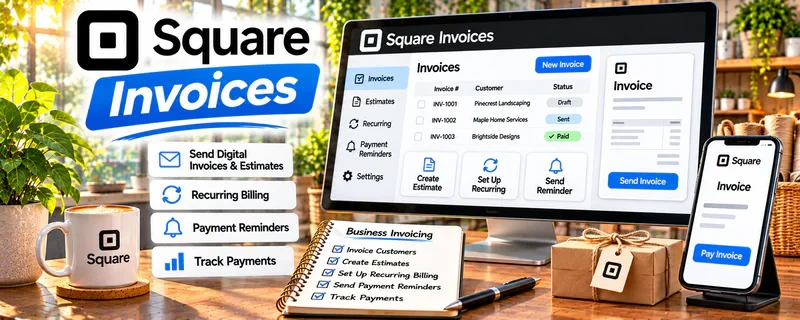
Square Invoices is an invoicing and payments tool that helps you send invoices, accept payments, and track income.
🔗 Visit Official Website — Square Invoices
Domain: squareup.com
What This Website Is
Square Invoices is an invoicing and payments tool that helps you send invoices, accept payments, and track income. For 📄 Resume Writing & LinkedIn Optimization, it helps you bill clients cleanly and stay organized on who has paid.
How to Apply It to Resume Writing & LinkedIn Optimization
Use Square Invoices as your “get paid” workflow: send invoices immediately after delivery, offer easy payment options, and follow up automatically on overdue invoices.
Step-by-Step Implementation:
- Agree on resume or LinkedIn deliverables, revisions, fee, and payment schedule before starting.
- Review current Square availability, fees, account requirements, and invoice features in your region.
- Create an accurate invoice matching the agreed scope without including unnecessary sensitive career information.
- Send it through the approved process and use available reminders consistently with the contract.
- Reconcile receipts, fees, refunds, and outstanding balances and retain appropriate business records.
When to Use This
- You sell services with clear deliverables
- You want a professional invoice + receipt flow
- You need simple income tracking
Best Tasks to Use It For
- Sending invoices and receipts
- Accepting card payments
- Tracking paid vs unpaid
- Basic income reporting
Getting Started Steps
- Create a Square account.
- Set up your invoice template (logo, terms, due date).
- Save common services as line items (resume, LinkedIn, cover letter).
- Send invoices right after delivery.
- Enable reminders for unpaid invoices.
- Track payments weekly.
- Export reports monthly for taxes.
Good Beginner Search Terms
- invoice terms net 7 net 14
- how to follow up on unpaid invoice
- pricing resume writing services
Monetization Angle
Cleaner invoicing improves cash flow and reduces time chasing payments, increasing effective hourly rate.
Pros
- Professional invoices
- Easy payment options
- Simple tracking
Cons
- Processing fees on payments
- Some features are paid
Who Should Use This
Service providers who invoice clients and want simple payment + tracking.
Who Should Skip This
Anyone needing full accounting with complex multi-entity bookkeeping.
Practical Applications
- Invoice separately for resume writing, LinkedIn work, and agreed extras.
- State deposits, milestones, revision scope, and payment dates clearly.
- Reconcile payments and refunds with each client project.
Important Considerations
- Check current processing fees, account eligibility, and invoice features.
- Invoices do not replace a service agreement or guarantee employment outcomes; avoid unnecessary personal career details in payment records.
Related Resources
Wave — Offers a broader invoicing and income-tracking alternative for service providers.
Google Forms — Collects client intake details before resume or LinkedIn projects are invoiced.
Jobscan — Supports the resume optimization work that Square can bill as a service package.
Related Side Hustles
 Resume Writing & LinkedIn Optimization — Square Invoices handles package billing, payment links, receipts, and overdue reminders.
Freelance Writing: Get Paid to Write Online — Writing services use similar invoicing, deliverable, and payment-follow-up workflows.
 Consulting: Get Paid for What You Know — Career consulting and strategy sessions can also be billed through invoices.