Official Website
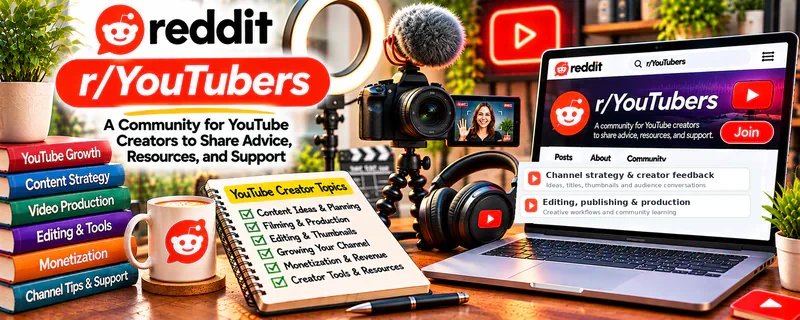
r/YouTubers is a community where creators discuss video ideas, thumbnails, titles, analytics, channel feedback, and production workflows.
🔗 Visit Official Website — r/YouTubers
Domain: www.reddit.com
What This Website Is
r/YouTubers is a community where creators discuss video ideas, thumbnails, titles, analytics, channel feedback, and production workflows. For 🎬 Faceless Video Content Creation, it provides broad YouTube feedback and strategy that can improve packaging and retention.
How to Apply It to Faceless Video Content Creation
Use r/YouTubers as a feedback and strategy forum: study thumbnail/title critiques, learn analytics patterns, and apply one improvement to each faceless video upload.
Step-by-Step Implementation:
- Choose one video issue, such as an unclear opening or weak title.
- Read current feedback rules and study relevant discussions before posting.
- Request focused critique using content you own or have permission to share.
- Evaluate suggestions against the video’s audience promise and your own data.
- Test one original improvement and document results without assuming views or revenue are guaranteed.
When to Use This
- You publish or plan to publish faceless YouTube videos.
- You need feedback on titles, thumbnails, or channel direction.
- You want to understand creator problems and analytics.
Best Tasks to Use It For
- Title and thumbnail feedback
- Channel audits
- Analytics interpretation
- Content idea validation
- Production workflow tips
Getting Started Steps
- Review feedback threads before asking for critique.
- Save strong title and thumbnail examples.
- Create a checklist for hook, pacing, audio, b-roll, and CTA.
- Ask targeted questions with specific context.
- Track CTR, retention, and watch time after changes.
- Turn repeated lessons into your production SOP.
Good Beginner Search Terms
- YouTube thumbnail critique
- YouTube title feedback
- faceless channel retention
- YouTube analytics beginner
- improve YouTube CTR
Monetization Angle
Indirect + direct: better packaging, retention, and publishing systems can increase views, watch time, and monetization potential once the channel qualifies.
Pros
- Broad YouTube creator feedback
- Helpful for packaging and analytics
- Useful for learning from real channels
Cons
- Feedback quality varies
- Not faceless-specific all the time
- Can lead to over-tweaking instead of publishing
Who Should Use This
Faceless video creators who want YouTube-specific feedback on packaging, analytics, and channel direction.
Who Should Skip This
Skip this if public critique distracts you from producing consistently.
Practical Applications
- Research a specific video-production or packaging question.
- Request permitted feedback on an original concept.
- Test one relevant improvement using your own audience data.
Important Considerations
- Anonymous growth, policy, and revenue claims may be selective or outdated.
- Respect current community rules, confidentiality, copyright, originality, and disclosures; do not copy scripts or thumbnails or assume another channel’s results guarantee yours.
Related Resources
 YouTube Studio — Shows channel analytics, performance, comments, and content status.
DaVinci Resolve — Edits faceless videos with pacing, b-roll, captions, and audio cleanup.
Epidemic Sound — Provides music and sound effects that improve production quality.
Related Side Hustles
 Faceless Video Content Creation: Go Viral Without Showing Your Face — r/YouTubers helps with titles, thumbnails, analytics, feedback, and channel growth.
YouTube Automation: Make Money Without Showing Your Face — Automation channels use similar packaging, retention, and workflow lessons.
UGC Creation — Video creators can apply hook, pacing, and audience feedback lessons to brand content.