Official Website
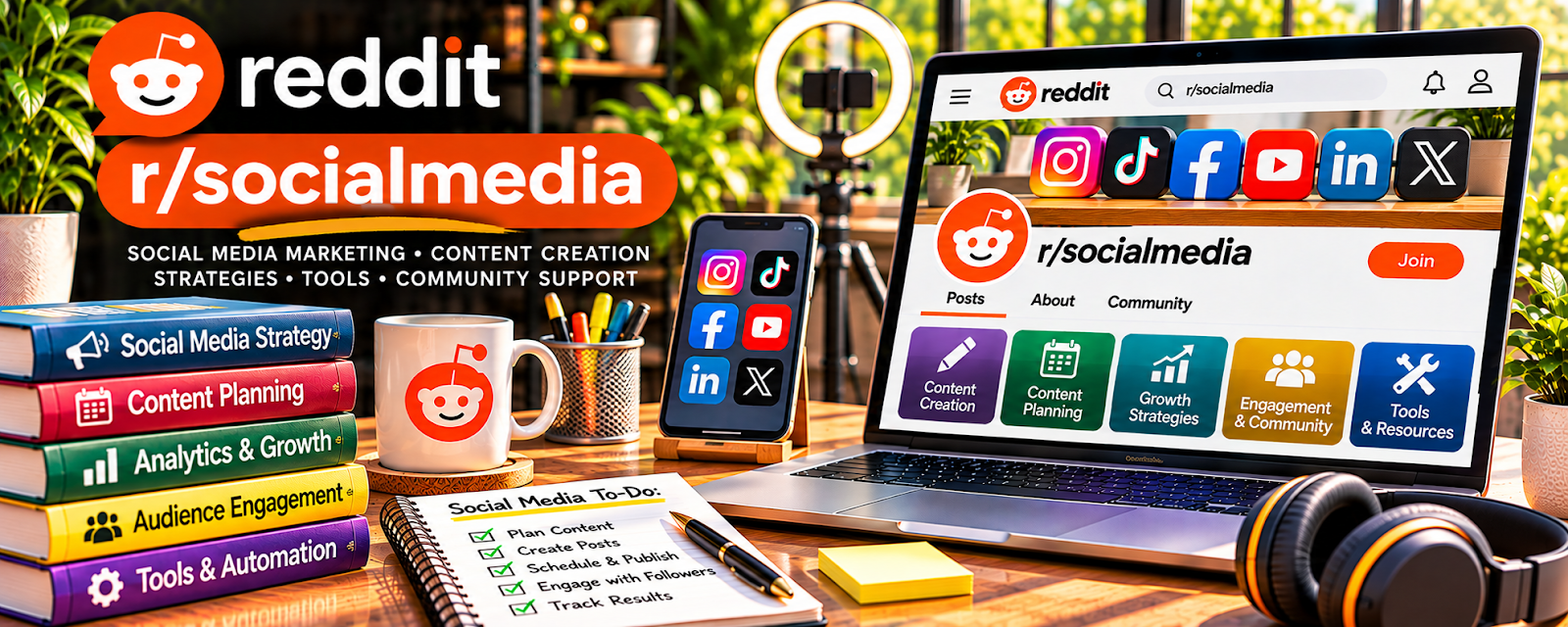
r/socialmedia is a community where people discuss platform changes, content strategy, analytics, engagement, client work, scheduling, and social media trends.
🔗 Visit Official Website — r/socialmedia
Domain: www.reddit.com
What This Website Is
r/socialmedia is a community where people discuss platform changes, content strategy, analytics, engagement, client work, scheduling, and social media trends. For 📣 Social Media Management, it helps you stay current and understand practical problems managers face.
How to Apply It to Social Media Management
Use r/socialmedia as a trend and troubleshooting reference: monitor platform updates, study content questions, compare analytics issues, and turn recurring advice into client-facing processes.
Step-by-Step Implementation:
- Pick the platforms you manage or want to manage.
- Search recent posts for algorithm, engagement, and content-planning issues.
- Save examples of strong content calendars, reporting questions, and client problems.
- Build templates for audits, captions, reports, and strategy notes.
- Test lessons on your own or client accounts.
- Track results and update your workflow monthly.
When to Use This
- You manage social media accounts.
- You need context on platform changes or engagement issues.
- You want practical content and analytics discussion.
Best Tasks to Use It For
- Platform trend research
- Content strategy ideas
- Analytics troubleshooting
- Client reporting context
- Engagement and growth questions
Getting Started Steps
- Follow discussions for the platforms your clients use.
- Build a swipe file of content ideas and strategy examples.
- Create a repeatable weekly content planning process.
- Track metrics before making major changes.
- Turn common questions into client education notes.
- Review what worked and update your service packages.
Good Beginner Search Terms
- social media content strategy
- Instagram engagement drop
- social media manager reporting
- content calendar examples
- social media client onboarding
Monetization Angle
Indirect: staying current on platform changes and client pain points helps you offer better strategy, reporting, and retained social media services.
Pros
- Broad social media discussion
- Useful for trends and platform changes
- Helps identify client problems and service ideas
Cons
- Advice can be broad or opinionated
- Not every tactic fits every niche
- Can become trend-chasing without metrics
Who Should Use This
Social media managers who want trend awareness, strategy ideas, and peer context for client account work.
Who Should Skip This
Skip this if you need a structured beginner course before interpreting platform strategy discussions.
Practical Applications
- Research a specific platform or client-workflow question.
- Use responses to prepare hypotheses for a client-approved campaign test.
- Check policy claims against current official documentation.
Important Considerations
- Community opinions may be outdated, promotional, or based on unrelated accounts.
- Do not share private client metrics or personal data, and avoid presenting anecdotal engagement tactics as guaranteed results.
Related Resources
Related Side Hustles
 Social Media Management — r/socialmedia helps managers follow trends, solve platform issues, and improve content strategy.
 UGC Creation — UGC creators also use social trends, hooks, and platform behavior to make better content.
 Affiliate Marketing: Get Paid to Promote What You Love — Social strategy can support traffic, audience building, and affiliate promotions.