Official Website
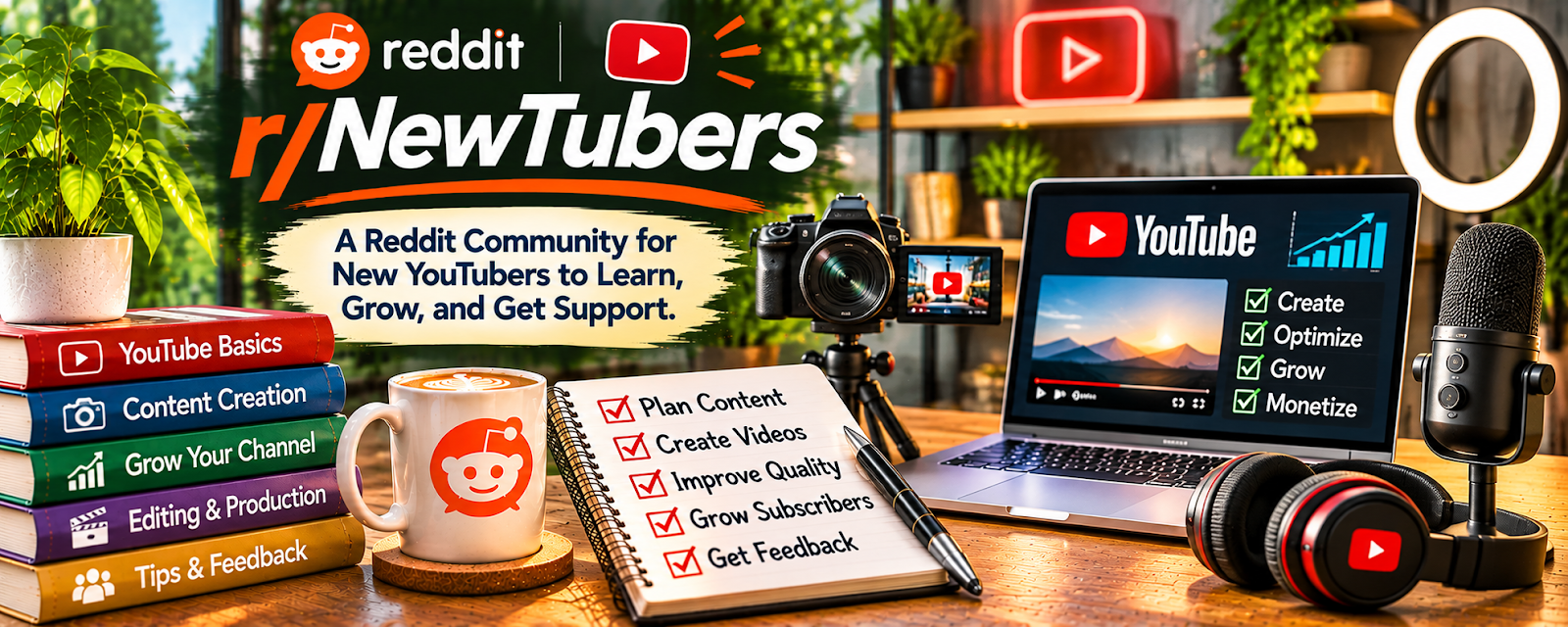
r/NewTubers is a YouTube creator community focused on learning fundamentals and getting feedback.
🔗 Visit Official Website — r/NewTubers
Domain: www.reddit.com
What This Website Is
r/NewTubers is a YouTube creator community focused on learning fundamentals and getting feedback. For 🎬 Faceless Video Content Creation, it’s useful for improving packaging, pacing, and consistency—regardless of whether you show your face.
How to Apply It to 🎬 Faceless Video Content Creation
Use it as a feedback community while you refine your format: hook → structure → visuals → pacing → retention.
Step-by-Step Implementation:
- Phase 1: Define your format — voiceover + stock, screen recordings, slides, or animation.
- Phase 2: Improve packaging — titles/thumbnails that clearly communicate value.
- Phase 3: Improve retention — pattern interrupts, b-roll, tighter scripting.
Common Use Cases for this Side Hustle:
- Scenario A: You want feedback on titles/thumbnails for a faceless channel.
- Scenario B: You want retention tips for pacing and visuals.
- Scenario C: You’re building a consistent publishing workflow.
When to Use This
- You want beginner-friendly feedback and fundamentals.
- You have a specific question about packaging or retention.
- You can share examples without needing external validation constantly.
- You’re committed to publishing consistently.
Best Tasks to Use It For
- Packaging feedback (title/thumbnail)
- Retention and pacing structure tips
- Workflow and consistency accountability
- Learning common beginner mistakes
- Troubleshooting editing and audio basics
Getting Started Steps
- Define your faceless format and stick to it for 10 videos.
- Create a script template (hook, story, proof, CTA).
- Build an editing checklist (music, b-roll, subtitles, pacing).
- Ask for packaging feedback with 2 options each time.
- Track CTR and retention trends, not single-video spikes.
- Improve one retention element per upload.
Good Beginner Search Terms
- faceless channel retention tips
- title thumbnail feedback NewTubers
- b-roll workflow faceless videos
- script template faceless youtube
- editing checklist youtube retention
- pattern interrupts examples youtube
Monetization Angle
Indirect: better packaging and retention increases watch time and monetization potential, especially once you build a consistent catalog.
Pros
- Beginner-friendly feedback
- Useful for packaging and structure fundamentals
- Helps you troubleshoot editing and workflow issues
Cons
- Advice varies widely; test it
- Not faceless-specific
- Easy to browse instead of publishing
Who Should Use This
Faceless creators who want feedback on packaging and fundamentals while building a consistent publishing system.
Who Should Skip This
Skip this if feedback makes you second-guess every video. Use it occasionally, then execute your plan.
Practical Applications
- Ask for focused feedback on an original rights-cleared video sample.
- Research a specific packaging or workflow issue across recent threads.
- Test one relevant suggestion against your own audience observations.
Important Considerations
- Community feedback is subjective and growth reports can be selective.
- Verify YouTube rules directly and avoid engagement exchanges, copied content, or sharing confidential analytics and licensed assets without authorization.
Related Resources
ElevenLabs — Creates voiceovers that can power faceless video formats.
Envato Elements — Supplies stock footage, templates, music, and design assets for faceless edits.
Adobe Premiere Pro — Provides professional editing control for pacing, b-roll, and retention.
TubeBuddy Tool — Supports keyword, title, and channel optimization for published videos.
Related Side Hustles
 UGC Creation — Both rely on short-form hooks, editing, captions, and platform performance feedback.
YouTube Automation: Make Money Without Showing Your Face — Faceless video workflows often become repeatable YouTube production systems.