Official Website
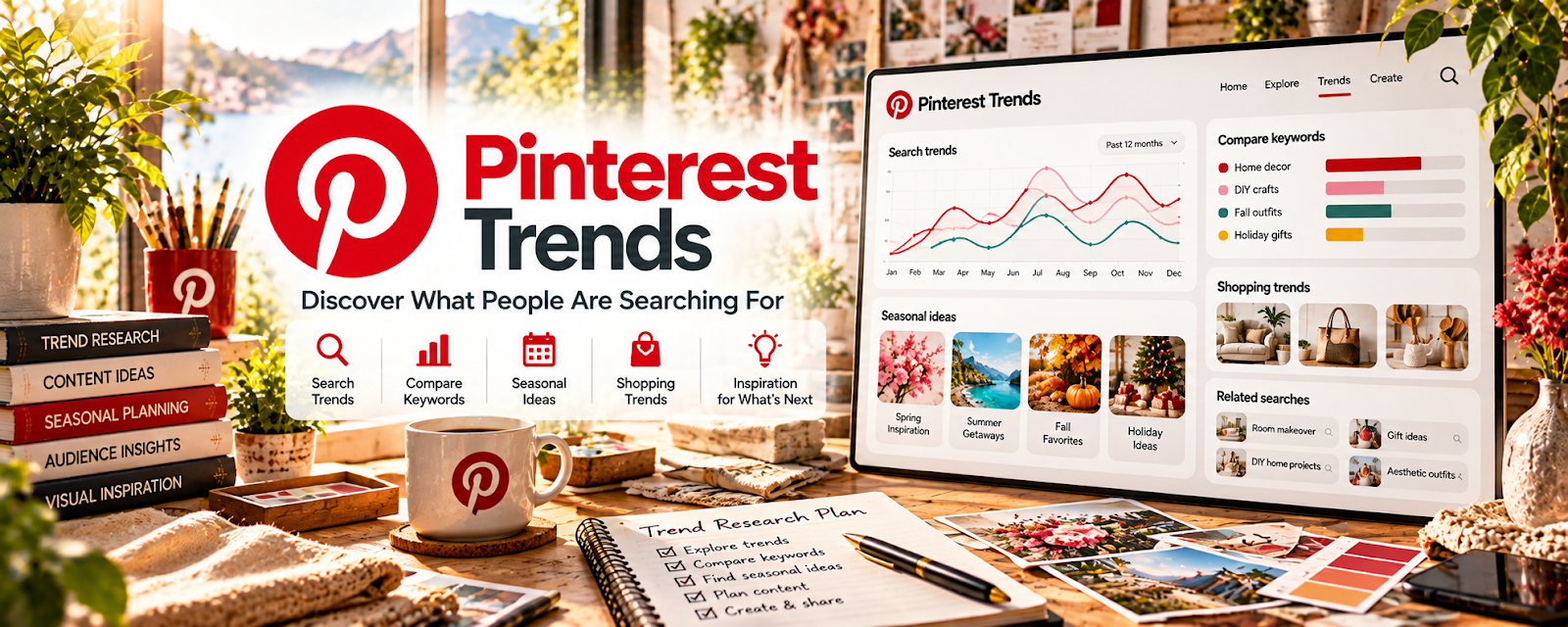
Pinterest Trends shows what people search for on Pinterest and how interest changes over time.
🔗 Visit Official Website — Pinterest Trends
Domain: trends.pinterest.com
What This Website Is
Pinterest Trends shows what people search for on Pinterest and how interest changes over time. For 📣 Social Media Management, it helps you generate content themes, campaign ideas, and keyword language that matches audience demand.
How to Apply It to 📣 Social Media Management
Use Pinterest Trends to frame seasonal content hypotheses for a client’s audience. Compare dates and context and validate ideas with the client’s actual results rather than treating search interest as proof of conversions.
Step-by-Step Implementation:
- Research your client’s industry topics and seasonal spikes.
- Capture related searches as content pillars.
- Turn each pillar into a 2–4 week content calendar.
- Use trend language in pin titles, captions, and landing page hooks.
When to Use This
- Before planning a content calendar.
- Before seasonal campaigns.
- When a client needs fresh content angles.
- When Pinterest or visual search is part of the strategy.
Best Research Tasks to Use It For
- Trend-led content ideation
- Seasonal calendar planning
- Audience language research
- Pin keyword and title discovery
- Campaign theme validation
Key Signals to Look For
- Rising searches across several weeks.
- Seasonal spikes that match a client’s buying cycle.
- Related searches that imply clear content pillars.
- Visual themes that can become repeatable post formats.
- Topic clusters that connect to client offers.
Getting Started Steps
- Choose one client niche.
- Search 5 broad topics in Pinterest Trends.
- Save related searches and seasonal patterns.
- Build a 2-week content calendar.
- Measure saves, clicks, and conversions.
Good Beginner Search Terms
- Pinterest Trends content calendar
- Pinterest SEO for social media managers
- seasonal content ideas Pinterest Trends
Monetization Angle
Trend-led planning helps social media managers create content that clients can connect to reach, traffic, leads, and campaign results—supporting retainers and upsells.
Pros
- Free trend research.
- Strong for visual content and seasonal planning.
- Useful for client content calendars.
Cons
- Pinterest demand may not match every platform.
- Needs analytics validation after publishing.
- Trends can be broad and require creative interpretation.
Who Should Use This
Social media managers planning visual campaigns, Pinterest content, or seasonal client calendars.
Who Should Skip This
Skip if your client audience does not use Pinterest or trend-led content is not relevant.
Practical Applications
- Research seasonal topics relevant to a client’s Pinterest audience.
- Compare related terms within the same region and period.
- Turn a suitable trend into a client-approved content hypothesis and measurement plan.
Important Considerations
- Trend indicators are not confirmed purchase intent or guaranteed campaign results.
- Check data coverage and definitions, and validate ideas against client goals and actual account performance.
Related Resources
Looker Studio — turn trend-led themes into simple dashboards (reach, clicks, leads) for client reporting.
AgencyAnalytics — agency-style reporting platform for standardized multi-client dashboards and monthly reports.
Related Side Hustles
 Blogging: Build an Online Brand and Earn from Your Words — turn trend themes into SEO content
 Newsletter Monetization: Get Paid to Write About What You Love — trend-led content series for list growth
 Affiliate Marketing: Get Paid to Promote What You Love — monetize trend-led recommendations