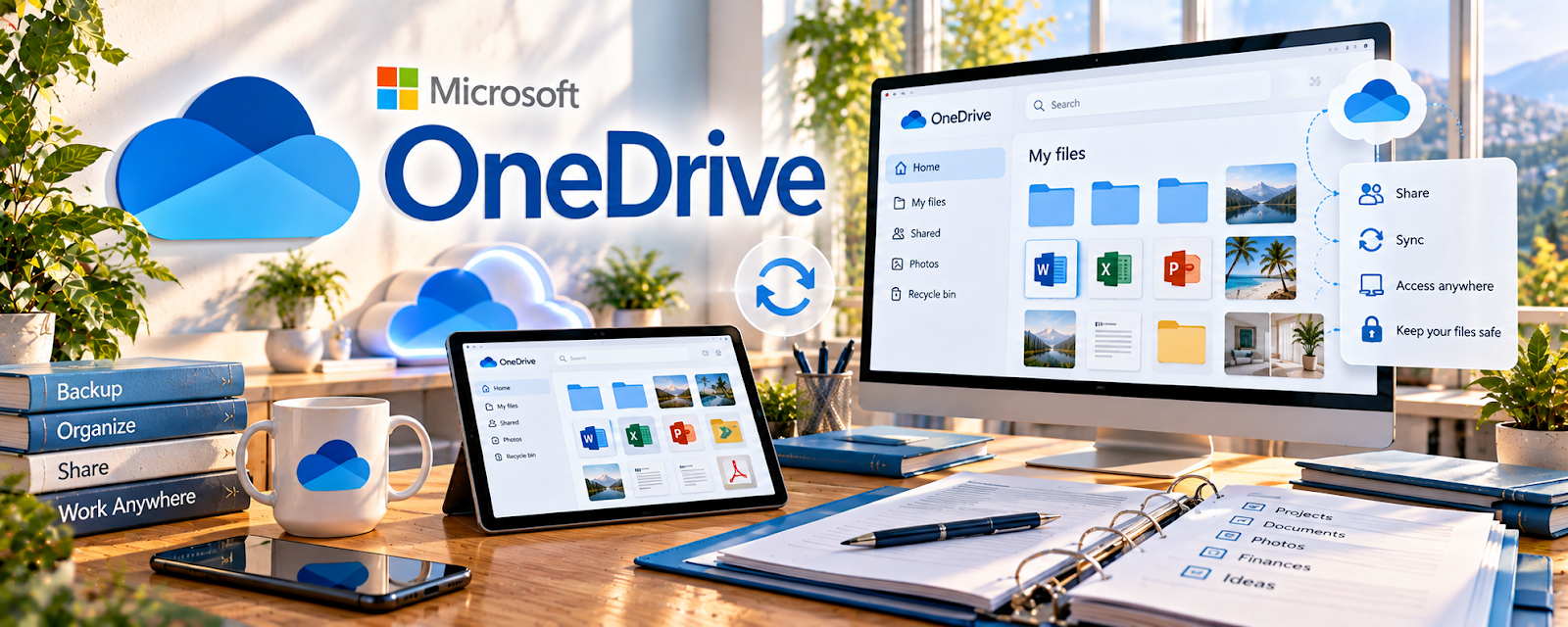
Official Website
OneDrive is a freemium Microsoft cloud storage platform for files, folders, sharing, and backups.
🔗 Visit Official Website — OneDrive
Domain: www.microsoft.com
What This Website Is
OneDrive is a freemium Microsoft cloud storage platform for files, folders, sharing, and backups. For 🗂️ Virtual Assistance, it helps organize client documents, SOPs, reports, meeting notes, recurring task files, and shared admin folders.
How to Apply It to 🗂️ Virtual Assistance
Use OneDrive as a Microsoft-friendly client workspace for repeatable VA work.
Step-by-Step Implementation:
- Phase 1: Create one folder per client with Admin, SOPs, Reports, Assets, and Archive sections.
- Phase 2: Store working docs, recurring task checklists, and deliverables consistently.
- Phase 3: Review permissions and archive completed work monthly.
Common Use Cases for This Side Hustle:
- Scenario A: A client uses Microsoft 365.
- Scenario B: You manage recurring admin files.
- Scenario C: You deliver reports or organized documents.
When to Use This
- For Microsoft-based clients.
- For client file management.
- For SOP documentation.
- For recurring admin workflows.
Best Tasks to Use It For
- Client folders
- SOP storage
- Shared files
- Report delivery
- Admin archives
Getting Started Steps
- Create a VA Clients folder.
- Add one folder per client.
- Create SOP and Reports subfolders.
- Test sharing permissions.
- Store repeatable task checklists.
- Archive completed work monthly.
Good Beginner Search Terms
- virtual assistant client folder structure
- OneDrive shared folder permissions
- VA SOP system
- client file management workflow
- admin task checklist
Monetization Angle
OneDrive helps VAs deliver cleaner client work, especially for Microsoft-based teams. Organized folders and SOPs support retainers and repeat business.
Pros
- Good Microsoft integration.
- Useful client sharing.
- Strong for documents.
Cons
- Requires permission discipline.
- Not a task manager.
- Can get messy without naming rules.
Who Should Use This
Virtual assistants who support clients using Microsoft files, shared folders, and recurring admin workflows.
Who Should Skip This
Skip this if clients require Google Drive, Dropbox, or a locked internal portal instead.
Practical Applications
- Organize authorized VA deliverables and SOPs by client.
- Share a limited-access review folder for a specific task.
- Check ownership and remove unneeded access at the end of an engagement.
Important Considerations
- Verify client permission, data handling, retention, storage, and recovery requirements.
- Synchronization does not replace independent backups; protect confidential files, avoid password storage in ordinary documents, and do not infer client approval from shared access.
Related Resources
Google Drive — Google-based VA file workflow
Dropbox — alternate file storage
Loom — SOP video walkthroughs
Related Side Hustles
 Virtual Assistance — direct fit for client admin systems
 Online Bookkeeping: Earn Steady Income by Helping Businesses Stay Organized — similar client document workflow
Consulting: Get Paid for What You Know — also uses client folders and deliverables