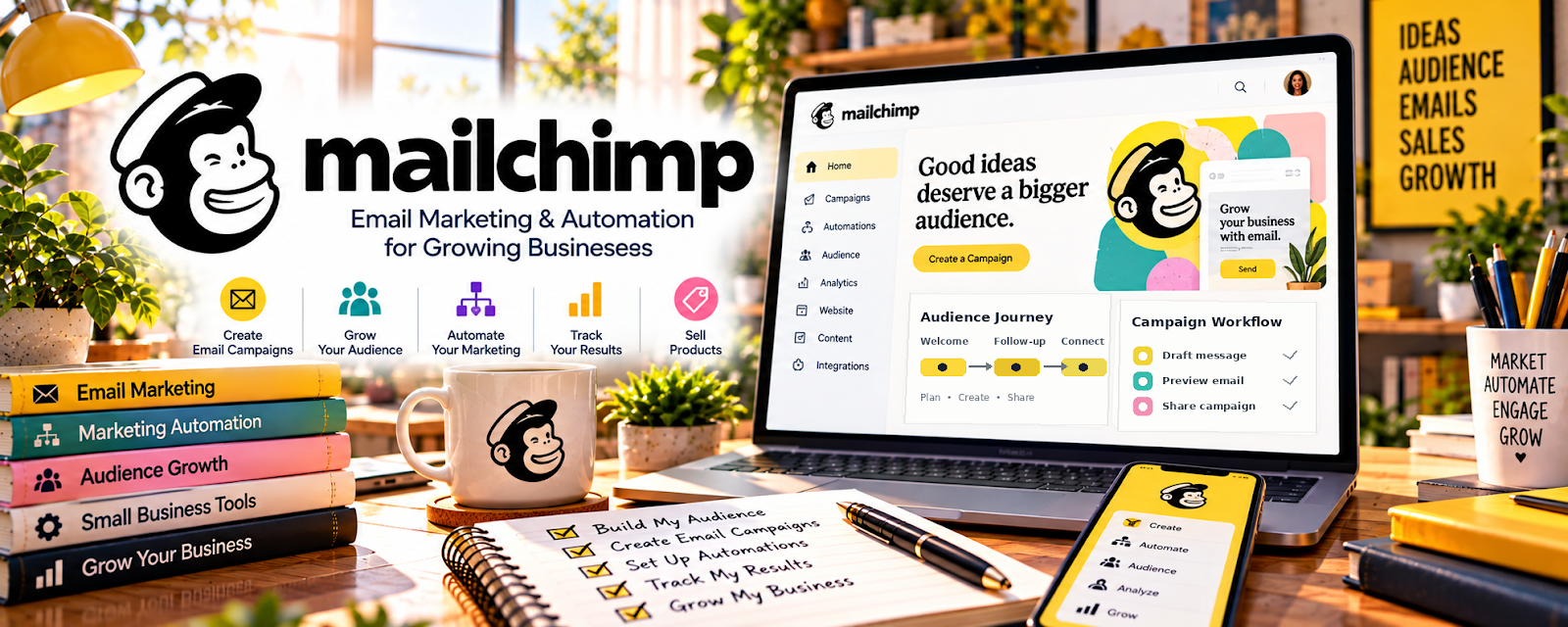
Official Website
Mailchimp is a freemium email marketing tool for forms, subscriber lists, campaigns, automations, and simple lead nurture.
🔗 Visit Official Website — Mailchimp
Domain: mailchimp.com
What This Website Is
Mailchimp is a freemium email marketing tool for forms, subscriber lists, campaigns, automations, and simple lead nurture. For 🗂️ Virtual Assistance, it helps a VA promote services, capture leads, send follow-ups, and support clients who need newsletter or email-admin help.
How to Apply It to 🗂️ Virtual Assistance
Use Mailchimp as both a lead-generation tool for your own VA service and a billable client skill.
Step-by-Step Implementation:
- Phase 1: Create a simple VA lead magnet, such as an inbox cleanup checklist or admin workflow audit.
- Phase 2: Build a signup form and a short welcome sequence that explains your VA offer.
- Phase 3: Practice list cleanup, campaign setup, and basic automations so you can offer them as client services.
Common Use Cases for This Side Hustle:
- Scenario A: You want inquiries from small business owners.
- Scenario B: A client needs newsletters formatted and scheduled.
- Scenario C: You want to follow up with warm leads after networking.
When to Use This
- When promoting VA services.
- When managing client newsletters.
- When building a simple lead funnel.
- When offering email-admin support.
Best Tasks to Use It For
- Signup forms
- Welcome emails
- Campaign scheduling
- List cleanup
- Basic automations
Getting Started Steps
- Create one audience.
- Build a signup form.
- Write three welcome emails.
- Create one campaign template.
- Add email tasks to your VA service menu.
- Track leads and replies.
Good Beginner Search Terms
- Mailchimp basics
- virtual assistant email marketing
- VA lead magnet ideas
- Mailchimp campaign checklist
- email admin services
Monetization Angle
Mailchimp can help VAs earn through two paths: generating their own leads and offering email setup, formatting, scheduling, and list-maintenance services to clients.
Pros
- Useful client skill.
- Good for lead capture.
- Freemium starting point.
Cons
- Requires email consistency.
- Can feel complex at first.
- Not a full CRM.
Who Should Use This
VAs who want to attract leads or support clients with newsletter and email-marketing admin.
Who Should Skip This
Skip this if you only offer non-marketing admin work and do not plan to manage email campaigns.
Practical Applications
- Create a consent-based signup explaining your VA service focus.
- Draft a relevant welcome email or client-approved campaign.
- Test links and obtain approval before sending through an authorized account.
Important Considerations
- Check current plans, subscriber limits, automation features, and integrations.
- Follow consent, unsubscribe, privacy, and client authorization requirements; email access does not permit unrestricted list use or guarantee new clients.
Related Resources
Related Side Hustles
 Virtual Assistance — direct fit for client admin support
 Newsletter Monetization: Get Paid to Write About What You Love — uses similar email publishing skills
Consulting: Get Paid for What You Know — also benefits from lead capture and follow-up