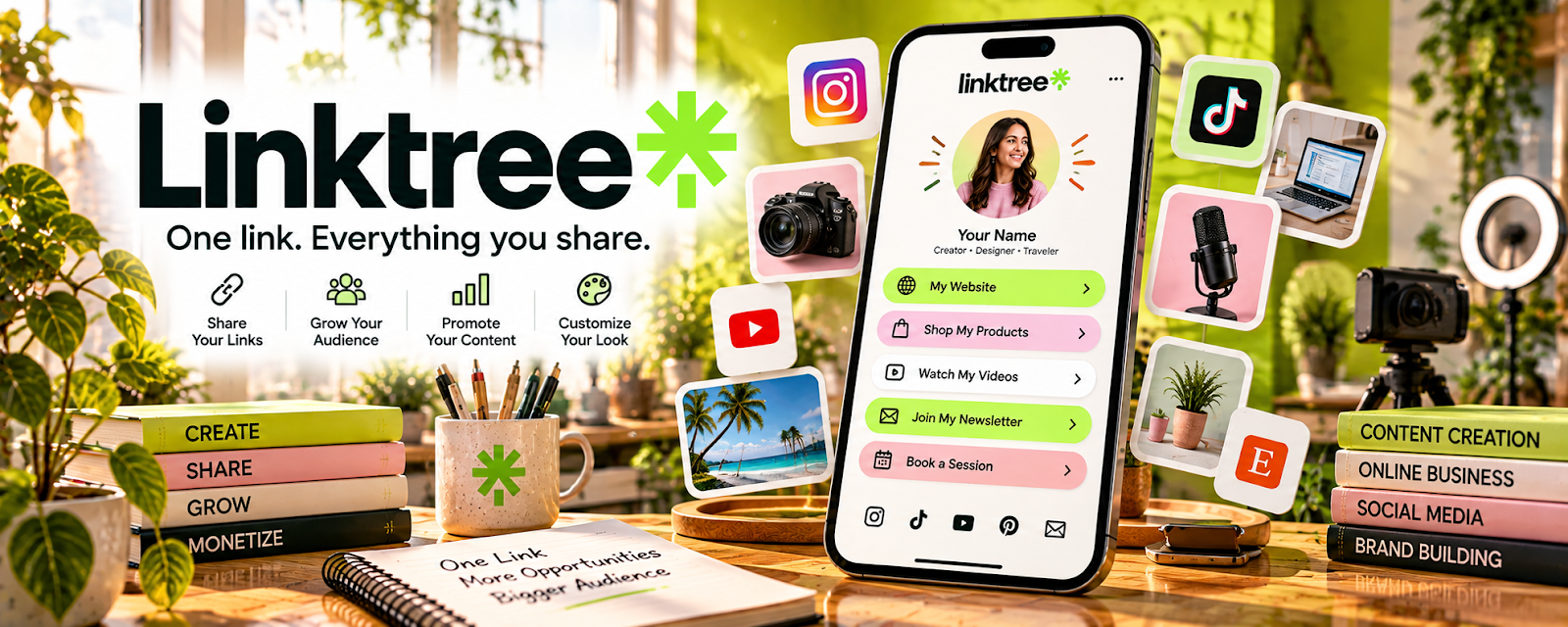
Official Website
Linktree is a “link in bio” landing page that collects multiple links in one place.
🔗 Visit Official Website — Linktree
Domain: linktr.ee
What This Website Is
Linktree is a “link in bio” landing page that collects multiple links in one place. For 📰 Newsletter Monetization, it helps you route social traffic to your newsletter signup, lead magnets, and paid offers.
How to Apply It to Newsletter Monetization
Use Linktree as your “traffic router”: put your newsletter signup first → add your best lead magnet → add your paid product or sponsor links.
Step-by-Step Implementation:
- Choose 3–6 links max (avoid clutter).
- Put your primary CTA at the top (newsletter signup).
- Add a lead magnet (free guide) to improve conversion.
- Add a “start here” link (about/offer page).
- Track clicks using UTMs and revise monthly.
When to Use This
- You promote on social platforms with one bio link
- You want to test different CTAs fast
- You want a simple landing page without a full website
Best Tasks to Use It For
- Newsletter signup routing
- Lead magnet distribution
- Affiliate/sponsor link hub
- Offer page routing
Getting Started Steps
- Create a Linktree and choose a simple theme.
- Add your newsletter signup link as the first button.
- Add your lead magnet as the second button.
- Add 1–2 affiliate links or your paid product.
- Add UTMs to each link.
- Review click data weekly for 30 days.
- Move the best-performing links higher.
Good Beginner Search Terms
- link in bio best practices newsletter
- linktree conversion tips
- how to add utm parameters to linktree
Monetization Angle
More optimized routing increases newsletter signups and affiliate/sponsor conversions from the same social traffic.
Pros
- Fast setup
- Easy to update links
- Useful for creators with multiple offers
Cons
- Limited customization compared to full websites
- Performance depends on your traffic sources
Who Should Use This
Newsletter creators who drive traffic from social and need a single hub page.
Who Should Skip This
Creators who already have a high-converting website landing page for all CTAs.
Practical Applications
- Prioritize a newsletter signup link and explain the value of subscribing.
- Add accurate links to paid offers or selected issues.
- Test the mobile path from your social profile to confirmed signup.
Important Considerations
- Check current features, pricing, analytics, and permitted promotional uses.
- A link page does not guarantee conversions or manage email consent by itself; label affiliate or sponsored links clearly and avoid unnecessary personal-data collection.
Related Resources
UTM Campaign URL Builder — Adds tracking parameters to Linktree links so traffic and conversions can be measured.
Kit — Captures newsletter subscribers from the primary Linktree call-to-action.
Notion — Organizes link strategy, offer notes, lead magnets, and performance reviews.
Related Side Hustles
 Newsletter Monetization: Get Paid to Write About What You Love — Linktree routes social traffic to newsletter signups, lead magnets, sponsor links, and paid offers.
 Affiliate Marketing: Get Paid to Promote What You Love — Affiliate marketers use link hubs to feature recommendations and trackable offers.
 Selling Digital Products — Digital sellers can link to product pages, bundles, and free lead magnets from one bio page.