Official Website
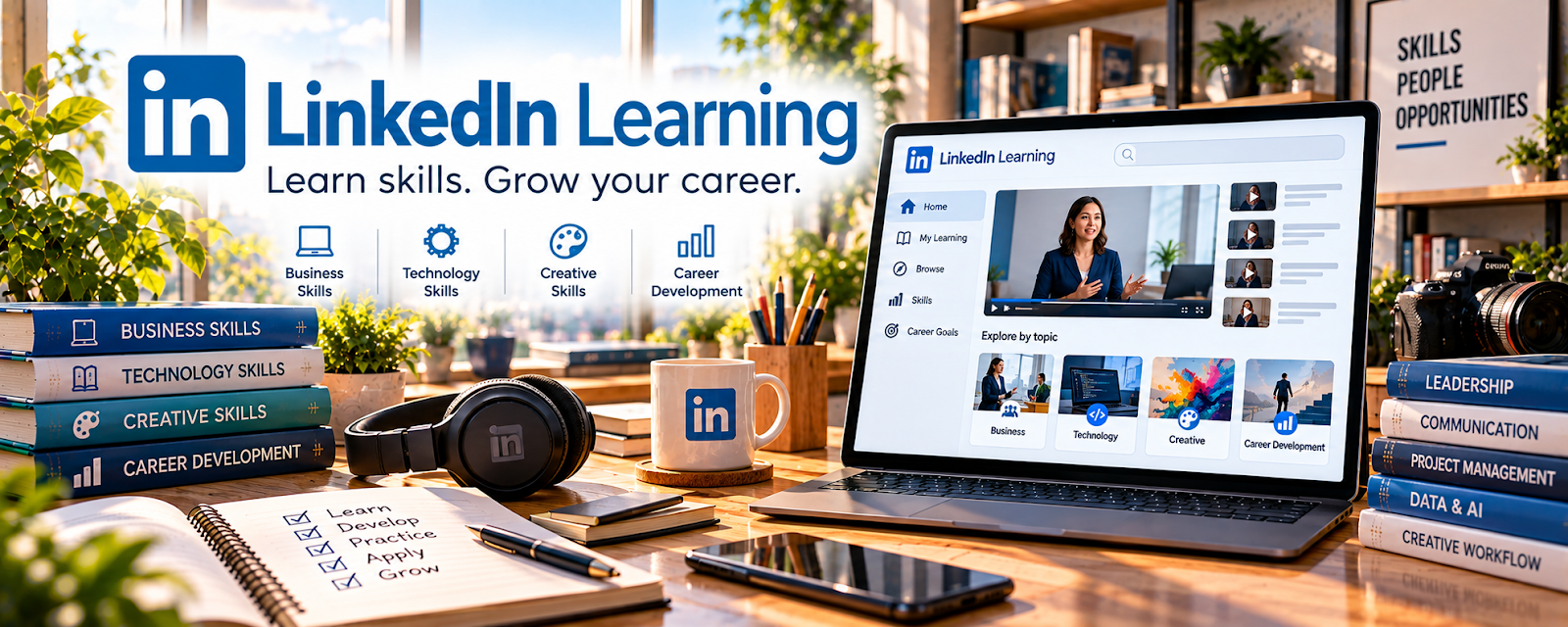
LinkedIn Learning — Instructional Design is a course library for learning how to structure lessons, write objectives, design activities, and make training easier to follow.
🔗 Visit Official Website — LinkedIn Learning — Instructional Design
Domain: www.linkedin.com
What This Learning Resource Is
LinkedIn Learning — Instructional Design is a course library for learning how to structure lessons, write objectives, design activities, and make training easier to follow. For 🎓 Online Course Creation, it helps turn expertise into a course learners can actually complete.
How to Use It for Online Course Creation
Use this for course structure, not passive browsing. Pick one instructional design course and apply every lesson to a real course outline.
Step-by-Step Implementation:
- Choose one course idea and one target learner.
- Learn how to define learning outcomes.
- Turn your topic into modules, lessons, activities, and checkpoints.
- Create one worksheet, quiz, or practice task.
- Record one short pilot lesson.
- Use feedback to simplify the course before building more.
Best Time to Use This
- Before outlining a course.
- When lessons feel scattered or too information-heavy.
- When you want a more professional teaching structure.
Best Skills to Learn Here
- Learning objectives
- Lesson sequencing
- Course outlines
- Practice activities
- Learner feedback
- Instructional clarity
Getting Started Steps
- Search for instructional design basics.
- Pick one course with practical examples.
- Rewrite your course promise as a learner outcome.
- Build a module map.
- Add one assignment or worksheet per module.
- Test one lesson with a real or mock learner.
Good Beginner Search Terms
- instructional design beginner
- online course learning objectives
- course curriculum design
- adult learning basics
- lesson planning online course
- course assessment design
Monetization Angle
Better instructional design can make courses more valuable, reduce refunds, improve completion, and create stronger testimonials. The money comes from clearer outcomes and better learner transformation—not from adding more lessons.
Pros
- Professional course design foundation.
- Good for certificates and profile credibility.
- Helps make lessons clearer and more actionable.
- Useful for courses, workshops, and training products.
Cons
- Can feel academic if not applied quickly.
- Paid access may be required.
- Does not host or sell the course.
- Still requires recording, editing, and marketing.
Who Should Use This
Use this if you want your course to feel organized, teachable, and outcome-driven.
Who Should Skip This
Skip this if you only need a course platform tutorial or quick video-editing help.
Practical Applications
- Choose a course addressing objectives, practice, or assessment design.
- Create a short lesson with an observable learner outcome.
- Test instructions and an exercise with intended learners before scaling.
Important Considerations
- Compare syllabus, provider, prerequisites, dates, and subscription terms.
- Design training does not validate subject accuracy or guarantee learning; plan accessibility, rights, privacy, and learner support separately.
Related Resources
Google Docs — Drafts scripts, worksheets, and curriculum notes.
Google Slides — Builds lesson decks and visual explanations.
Descript — Edits recorded lessons and improves course audio/video.
Thinkific — Hosts and sells structured courses.
Notion — Organizes lesson outlines, production tasks, and launch checklists.
Related Side Hustles
 Online Course Creation: Turn Your Knowledge Into Income — Instructional design directly improves course quality and completion.
Online Tutoring: Get Paid to Teach What You Know — Tutoring experience can become structured lessons and practice activities.
 Freelance Writing: Get Paid to Write Online — Strong scripts and worksheets rely on clear educational writing.