Official Website
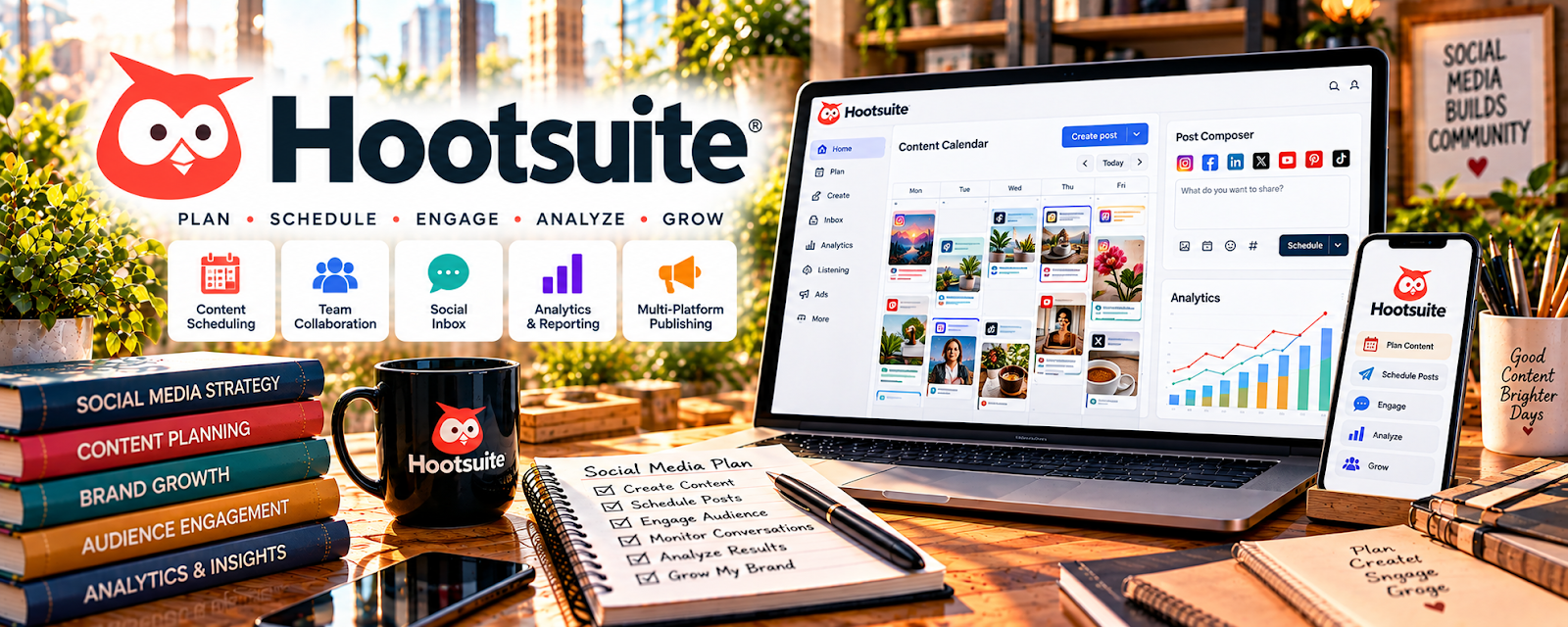
Hootsuite is a social media scheduling and management platform.
🔗 Visit Official Website — Hootsuite
Domain: www.hootsuite.com
What This Website Is
Hootsuite is a social media scheduling and management platform. For the 🎬 Faceless Video Content Creation side hustle, it helps you schedule posts in batches and manage multiple platforms without logging into each app constantly.
How to Apply It to 🎬 Faceless Video Content Creation
Use Hootsuite as a practical work tool for distribution: batch schedule → monitor → learn → iterate.
Step-by-Step Implementation:
- Phase 1: Connect your social accounts and set a posting cadence.
- Phase 2: Build a weekly queue of clips/posts and schedule in batches.
- Phase 3: Review performance weekly and adjust topics, hooks, and posting times.
Common Use Cases for this Side Hustle:
- Scenario A: Repurposing one video into many platform-specific posts.
- Scenario B: Keeping consistent posting when you’re busy producing content.
- Scenario C: Managing publishing if you have a VA.
When to Use This
- You publish on multiple platforms.
- You want batching and scheduling.
- You want fewer “manual posting” days.
- You need basic monitoring in one place.
Best Tasks to Use It For
- Batch scheduling content
- Content calendar management
- Monitoring messages/comments
- Coordinating with a VA
- Keeping posting consistent
Getting Started Steps
- Create a Hootsuite account.
- Connect your social profiles.
- Decide a weekly posting cadence.
- Build a queue of 10–20 posts/clips.
- Schedule everything for the week.
- Review performance weekly.
- Double down on top-performing topics.
Good Beginner Search Terms
- Hootsuite scheduling tutorial
- batch content scheduling workflow
- social media repurposing process
- best time to post testing
- content calendar batching
- distribution strategy for short videos
Monetization Angle
Consistency drives growth. Better scheduling helps you publish more reliably, which increases monetization opportunities.
Pros
- Strong scheduling features
- Helps manage multiple channels
- Supports batching workflows
Cons
- Paid tool
- Can be overkill for single-platform creators
- Analytics depth varies by plan/platform
Who Should Use This
Faceless creators publishing across multiple channels who want a scheduling-first distribution system.
Who Should Skip This
Skip this if you only post on one platform and native scheduling is enough.
Practical Applications
- Plan a small distribution calendar for original video content.
- Test supported post formats through an authorized account connection.
- Review publishing status and audience responses after a scheduled release.
Important Considerations
- Supported channels, formats, permissions, and plan limits change; do not assume every post can publish automatically.
- Check actual publication and media rights, protect account access, and avoid treating scheduled volume as proof of growth.
Related Resources
Later — Provides a lighter visual scheduling workflow for clips and social posts.
Sprout Social — Offers deeper analytics and team workflows for multi-platform publishing.
 YouTube Studio — Measures YouTube performance after content is distributed.
Related Side Hustles
 YouTube Automation: Make Money Without Showing Your Face — Faceless content workflows often overlap with automated channel publishing systems.
 Blogging: Build an Online Brand and Earn from Your Words — Blog topics can be repurposed into social posts and video ideas.