Official Website
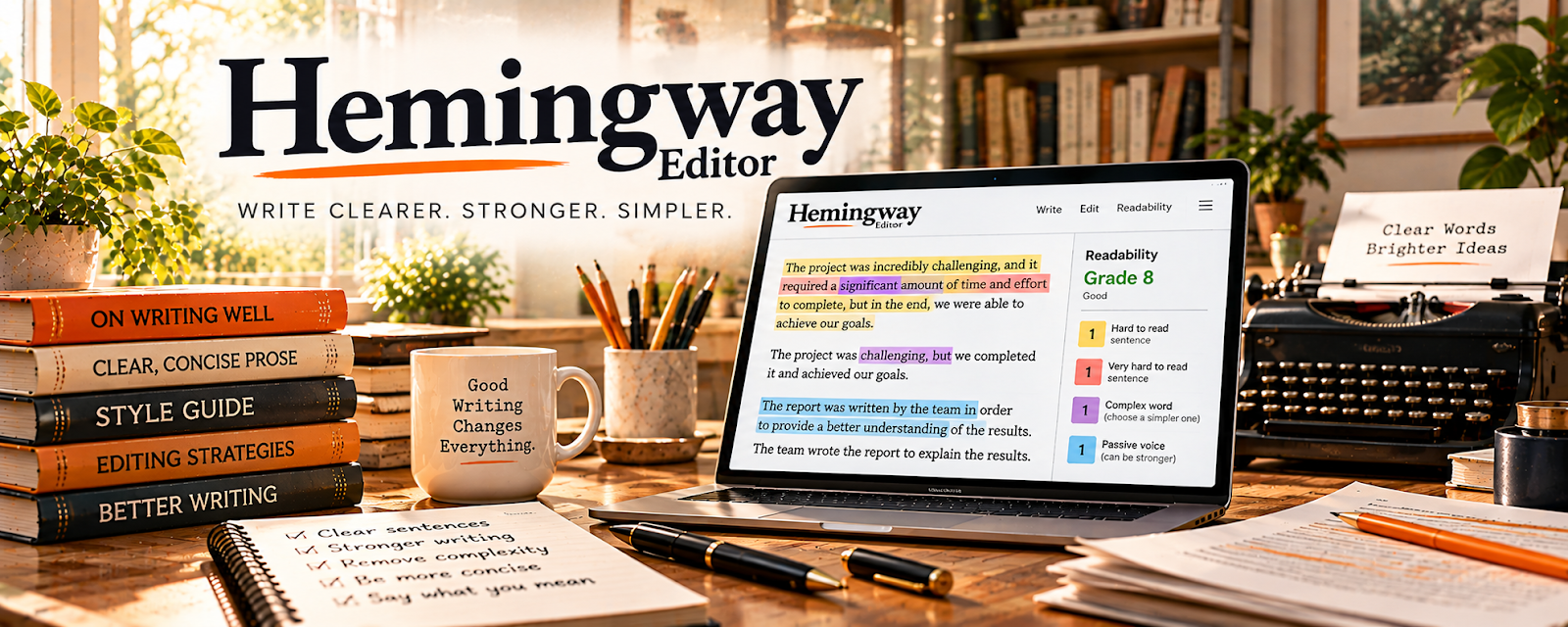
Hemingway Editor is a readability tool that highlights complex sentences, passive voice, and overly complicated phrasing.
🔗 Visit Official Website — Hemingway Editor
Domain: hemingwayapp.com
What This Website Is
Hemingway Editor is a readability tool that highlights complex sentences, passive voice, and overly complicated phrasing. For 🌎 Online Translation Jobs (especially translating into English), it helps you simplify and improve readability before delivery.
How to Apply It to Online Translation Jobs
Use Hemingway as your “final readability pass”: translate → run the text through Hemingway → simplify where appropriate → deliver.
Step-by-Step Implementation:
- Paste your translated draft into Hemingway.
- Resolve the biggest readability issues first (very hard to read, long sentences).
- Reduce passive voice when it makes the translation unclear.
- Replace overly complex words with simpler synonyms (when accuracy remains).
- Re-read once for meaning accuracy, then deliver.
When to Use This
- You translate into English and want clarity
- The client wants “plain language” output
- You need a fast readability check
Best Tasks to Use It For
- Readability improvements
- Sentence simplification
- Final quality pass before delivery
Getting Started Steps
- Translate your draft normally.
- Run Hemingway and address the highest-severity highlights.
- Save common rewrite patterns as notes (so you translate cleaner).
- Build a delivery checklist (readability + accuracy + formatting).
- Use the same process for the next 5 projects.
- Track client feedback and revise your checklist.
- Raise rates as quality and turnaround improve.
Good Beginner Search Terms
- improve readability translated text
- passive voice vs active voice translation
- plain language editing checklist
Monetization Angle
Clearer translations reduce revisions and increase client satisfaction, which supports repeat work and higher rates.
Pros
- Fast readability feedback
- Helps simplify complicated writing
- Great for polishing client-facing text
Cons
- Can oversimplify if used blindly
- Not a substitute for translation accuracy checks
Who Should Use This
Translators delivering English output who want cleaner readability with fewer revisions.
Who Should Skip This
Translators working on highly technical/legal text where simplification could change meaning.
Practical Applications
- Use readability flags to review an English translation when appropriate.
- Compare any proposed simplification with the source meaning and required register.
- Document intentional technical or legal wording rather than changing it mechanically.
Important Considerations
- The tool is not a multilingual accuracy checker and readability scores do not measure translation fidelity.
- Get permission for processing confidential material and preserve specialized terms, legal meaning, and client style requirements.
Related Resources
Trados Studio — Handles translation memory and terminology before the final readability pass.
Google Docs — Supports collaborative translation review, comments, and client delivery.
Grammarly — Adds grammar and correctness checks alongside Hemingway’s readability focus.
Related Side Hustles
 Online Translation Jobs: Earn from Your Language Skills — Hemingway improves readability, sentence clarity, and plain-language polish for translated English output.
 Freelance Writing: Get Paid to Write Online — Freelance writers use similar readability passes to improve client drafts.
 Newsletter Monetization: Get Paid to Write About What You Love — Newsletter content needs concise, readable writing that holds reader attention.