Official Website
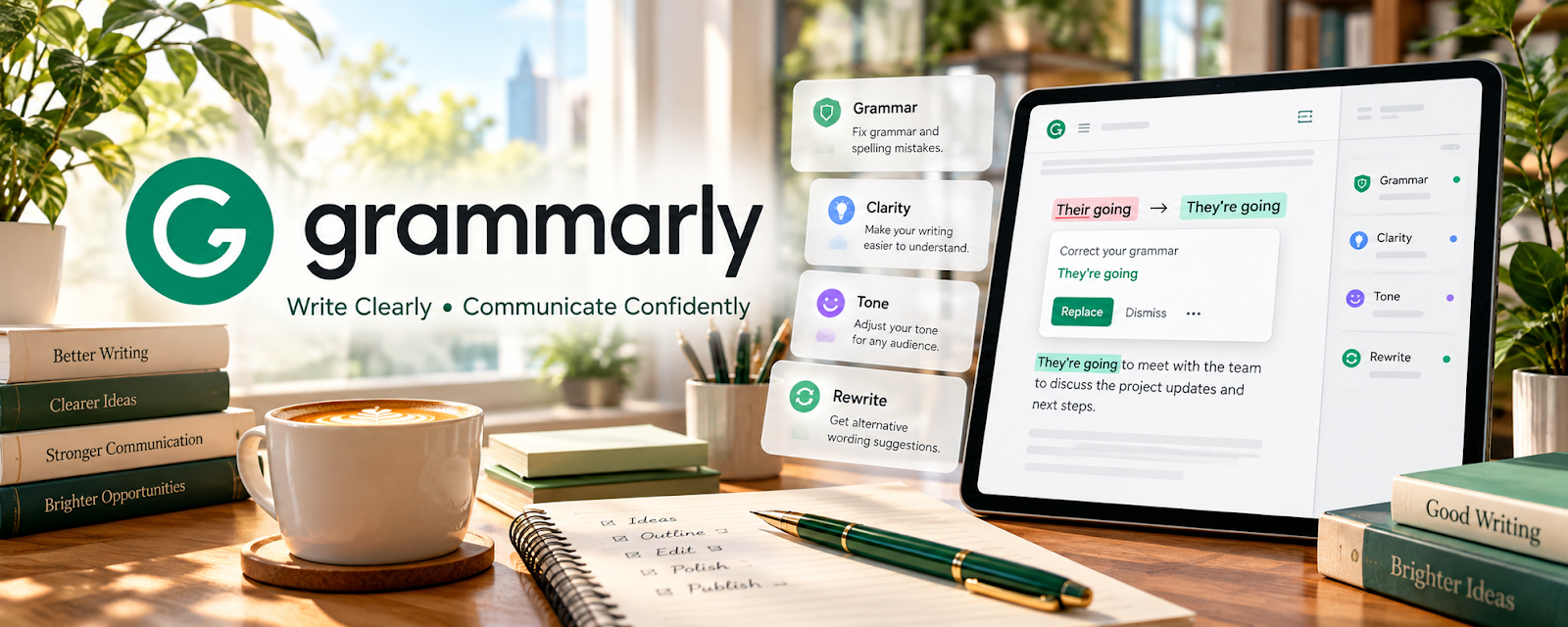
Grammarly is a writing assistant that checks grammar, clarity, and tone.
🔗 Visit Official Website — Grammarly
Domain: www.grammarly.com
What This Website Is
Grammarly is a writing assistant that checks grammar, clarity, and tone. For ✍️ Blogging, it helps you publish cleaner drafts faster and reduce basic editing mistakes.
How to Apply It to Blogging
Use Grammarly as your “final edit pass”: write → run clarity/tone checks → fix obvious issues → publish.
Step-by-Step Implementation:
- Draft your post without over-editing.
- Run Grammarly checks for clarity + correctness.
- Fix repeated patterns (comma splices, passive voice, wordiness).
- Do a quick “read aloud” pass for flow.
- Publish and save the clean draft as your baseline style.
When to Use This
- You publish frequently and want fewer typos
- You want better readability and clarity
- You want consistent tone across posts
Best Tasks to Use It For
- Grammar and clarity checks
- Tone consistency
- Speeding up revision passes
- Improving emails/newsletters too
Getting Started Steps
- Install Grammarly (web or browser extension).
- Choose the audience/tone goal for your blog.
- Run Grammarly on your next 5 posts.
- Build a “personal style notes” list (your top 10 recurring issues).
- Apply those fixes earlier in drafts over time.
- Create a pre-publish checklist (links, headers, CTA, images, meta).
- Publish and track engagement improvements.
Good Beginner Search Terms
- blogging editing checklist
- how to improve readability score
- grammarly tone settings for blog posts
Monetization Angle
Higher-quality posts improve trust and retention, which can increase affiliate conversions, ad revenue, and newsletter signups.
Pros
- Fast proofreading support
- Improves clarity for most drafts
- Helpful for non-native writers
Cons
- Can suggest changes that remove personal voice
- Premium features may be required for advanced edits
Who Should Use This
Bloggers who publish regularly and want a consistent, clean editing workflow.
Who Should Skip This
Writers who already have a strong editor process and prefer fully manual editing.
Practical Applications
- Review a blog draft for grammar and unclear phrasing.
- Compare suggested changes with the intended voice and audience.
- Keep a checklist of recurring errors for future drafts.
Important Considerations
- Automated suggestions may be wrong and do not verify facts, sources, or originality.
- Check current privacy and processing settings before uploading client or unpublished material, and retain human editorial review.
Related Resources
WordPress.com — Publishes polished blog posts after Grammarly’s clarity and correctness pass.
Notion — Organizes outlines, editorial calendars, and drafts before final editing.
Kit — Sends edited posts, newsletters, and launch emails to subscribers.
Related Side Hustles
 Blogging: Build an Online Brand and Earn from Your Words — Grammarly improves grammar, clarity, readability, and tone before publishing blog content.
 Affiliate Marketing: Get Paid to Promote What You Love — Affiliate reviews and comparison posts need clear, trustworthy writing.
 Newsletter Monetization: Get Paid to Write About What You Love — Newsletter operators benefit from cleaner emails, essays, and sponsor copy.