Official Website
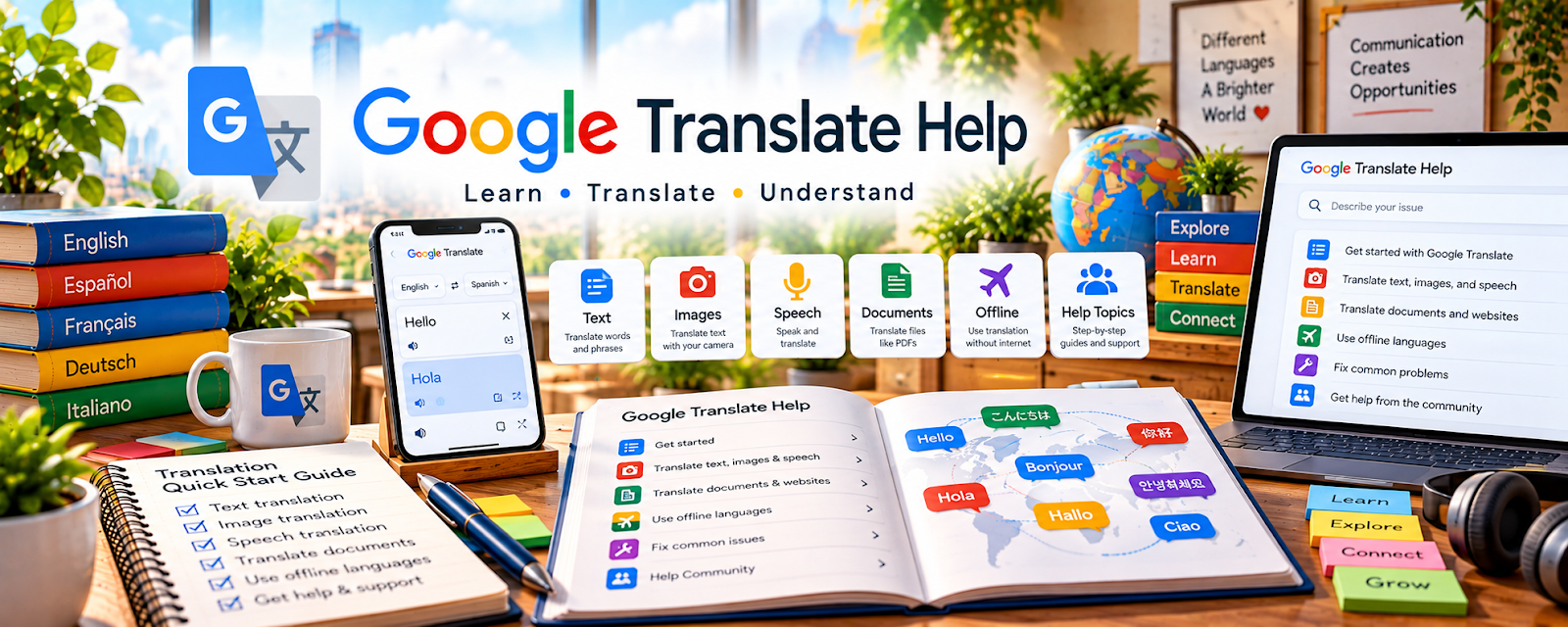
Google Translate Help is Google’s support center for using Google Translate features, settings, languages, camera translation, documents, and saved translations.
🔗 Visit Official Website — Google Translate Help
Domain: support.google.com
What This Website Is
Google Translate Help is Google’s support center for using Google Translate features, settings, languages, camera translation, documents, and saved translations. For 🌎 Online Translation Jobs, it helps you understand what machine translation can and cannot do in a professional workflow.
How to Use It for Online Translation Jobs
Use Google Translate Help to understand tool features and limits, not to deliver raw machine translation as finished client work. Focus on using it for quick comprehension, rough drafts, terminology checks, and quality-control comparisons.
Step-by-Step Implementation:
- Learn the available Translate features and language options.
- Use machine translation only as a starting reference.
- Compare output against context, tone, and client instructions.
- Rewrite the final translation manually.
- Check proper nouns, formatting, numbers, and terminology.
- Disclose tool use if a client requires it.
Best Time to Use This
- When learning translation tool features.
- When doing rough comprehension checks.
- When comparing possible phrasing.
- When building a translation QA workflow.
Best Skills to Learn Here
- Machine translation limits
- Tool-assisted review
- Quality checking
- Terminology comparison
- Formatting awareness
- Client transparency
Getting Started Steps
- Open Google Translate Help.
- Review document and text translation features.
- Translate a short sample.
- Edit the result for context and naturalness.
- Compare the final version with dictionary references.
Good Beginner Search Terms
- Google Translate Help
- machine translation editing
- translation quality check
- Google Translate document translation
- translation tool limitations
- post editing machine translation
Monetization Angle
Translation clients pay for judgment, accuracy, and natural language—not raw tool output. Understanding Google Translate can help you offer post-editing, review, and quality-control services responsibly.
Pros
- Free tool guidance.
- Helpful for basic feature understanding.
- Useful for quick reference checks.
- Supports post-editing awareness.
Cons
- Machine translation can be inaccurate.
- Not enough for professional translation by itself.
- Context and tone may be missed.
- Some clients restrict machine translation use.
Who Should Use This
Use this if you want to understand translation tool features and how to review machine-translated text carefully.
Who Should Skip This
Skip this if you need specialized translation training, certification, or subject-specific terminology only.
Practical Applications
- Use official Help to understand the current supported translation features.
- Test permitted sample text or documents before using a feature in a workflow.
- Explain tool limitations clearly when discussing translation methods with a client.
Important Considerations
- Help instructions are not a guarantee of linguistic accuracy or suitability for certified, legal, or medical work.
- Confirm client permission and data-handling terms before processing confidential material; all professional deliverables need qualified human review.
Related Resources
Reverso Context — Supports phrase and context checking.
WordReference — Provides dictionary and forum-based word guidance.
Microsoft Terminology — Supports software terminology consistency.
Related Side Hustles
 Online Translation Jobs: Earn from Your Language Skills — Google Translate Help supports responsible tool use.
 Copyediting & Proofreading: Get Paid to Polish Words — Review skills transfer to translation editing.
Freelance Writing: Get Paid to Write Online — Natural phrasing supports language services.