Official Website
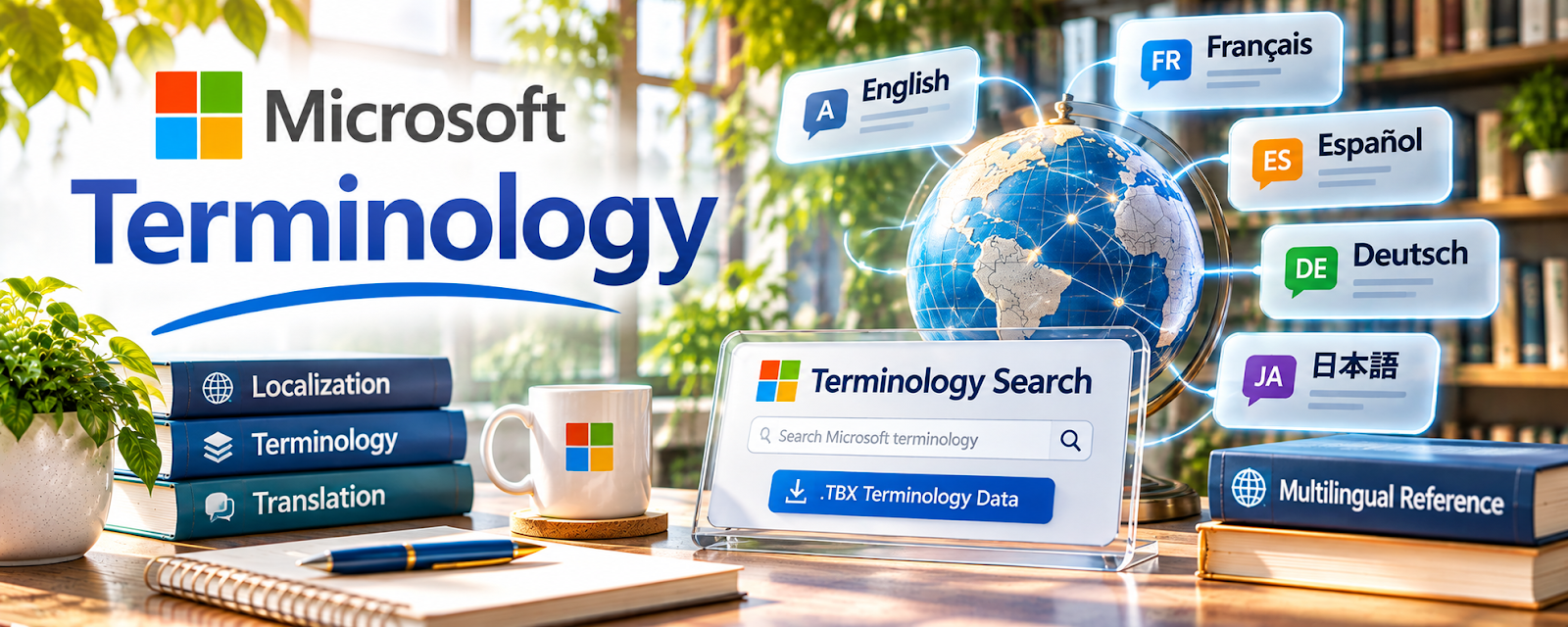
Microsoft Terminology is a terminology reference for Microsoft product, software, and interface language across languages.
🔗 Visit Official Website — Microsoft Terminology
Domain: learn.microsoft.com
What This Learning Resource Is
Microsoft Terminology is a terminology reference for Microsoft product, software, and interface language across languages. For 🌎 Online Translation Jobs, it helps translators keep software, documentation, and UI wording consistent.
How to Use It for Online Translation Jobs
Use Microsoft Terminology when translating software, help docs, training materials, product content, or technology-related copy. Focus on approved terms, consistency, target-language conventions, and glossary building.
Step-by-Step Implementation:
- Search the English term or target-language term.
- Check how Microsoft translates it in the relevant language.
- Compare the term with the client’s glossary or style guide.
- Use the approved term consistently.
- Record important terms in your own project glossary.
- Flag conflicts between client terminology and public terminology.
Best Time to Use This
- When translating software or technology content.
- When checking UI labels.
- When building a terminology glossary.
- When consistency matters across many files.
Best Skills to Learn Here
- Technical terminology
- Software localization
- Glossary management
- Consistency checking
- UI translation
- Client style alignment
Getting Started Steps
- Open Microsoft Terminology.
- Search a common software term.
- Compare translations across related terms.
- Add approved terms to a project glossary.
- Recheck the glossary before final delivery.
Good Beginner Search Terms
- Microsoft Terminology
- software localization glossary
- UI translation terminology
- technical translation terms
- Microsoft product terminology
- translation glossary consistency
Monetization Angle
Technical translators can earn more when they deliver consistent, accurate, client-ready terminology. Microsoft Terminology supports software localization, app documentation, training content, and tech translation projects.
Pros
- Strong technology terminology reference.
- Useful for software localization.
- Helps with consistency.
- Free to access.
Cons
- Most useful for Microsoft or software-related content.
- Client glossaries may override public terms.
- Not a general translation course.
- Requires careful context checking.
Who Should Use This
Use this if you translate software, technical documentation, UI labels, help content, or technology training materials.
Who Should Skip This
Skip this if your translation work is mostly literary, conversational, or unrelated to technology.
Practical Applications
- Check approved Microsoft interface terminology for a software translation.
- Build a project glossary with language, context, and source references.
- Review translated menus and instructions for consistent product naming.
Important Considerations
- Confirm the target language, product version, and context rather than substituting terms mechanically.
- Official product terminology does not settle every client preference or general-language question; follow the project’s agreed glossary.
Related Resources
Reverso Context — Supports phrase and context checking.
Linguee — Adds bilingual dictionary examples.
IATE — Provides terminology support for EU-related translation.
Related Side Hustles
 Online Translation Jobs: Earn from Your Language Skills — Microsoft Terminology supports technical translation consistency.
 App developer — Software language awareness supports app localization.
 Copyediting & Proofreading: Get Paid to Polish Words — Consistency checking transfers to editing work.