Official Website
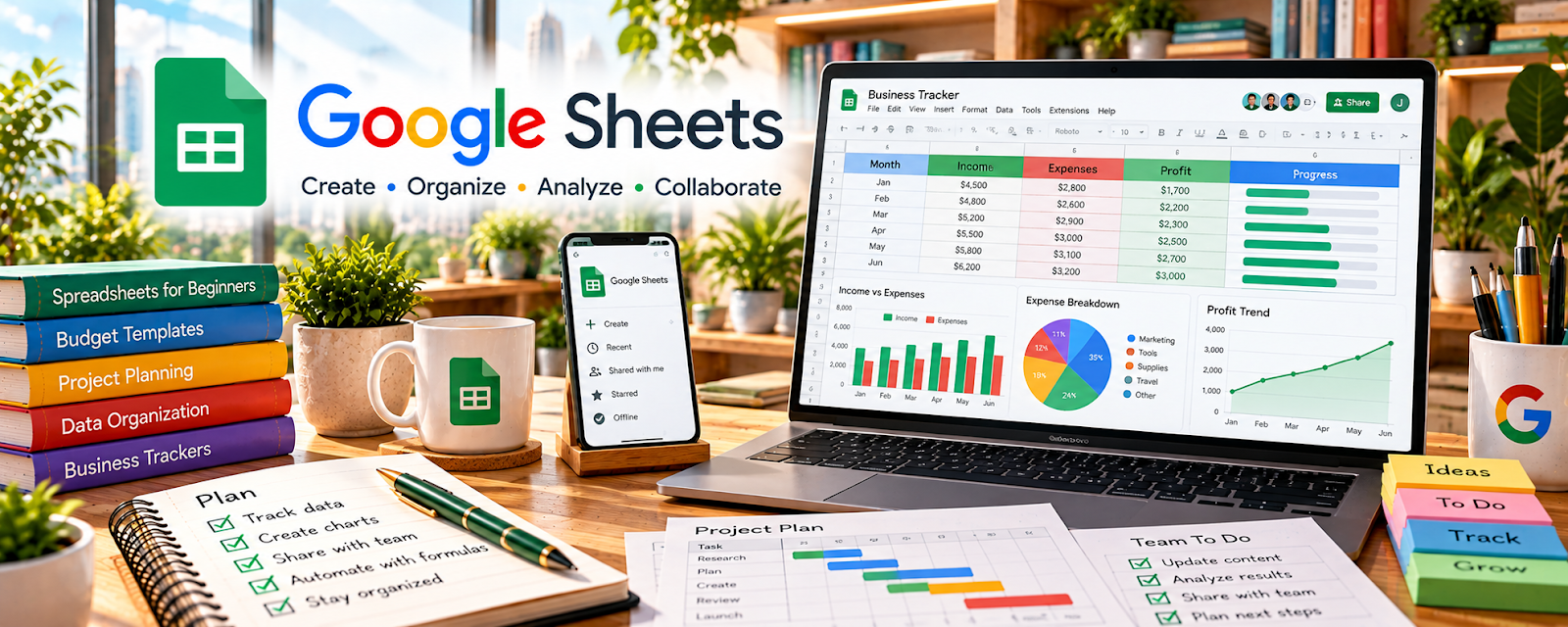
Google Sheets is a spreadsheet tool for tracking data and simple workflows.
🔗 Visit Official Website — Google Sheets
Domain: www.google.com
What This Website Is
Google Sheets is a spreadsheet tool for tracking data and simple workflows. For the 💻 Selling Digital Products side hustle, it helps you track product ideas, launches, revenue, and metrics in a simple, flexible format.
How to Apply It to 💻 Selling Digital Products
Use Sheets as a practical “creator ops tracker”: product list → launch dates → revenue → notes.
Step-by-Step Implementation:
- Phase 1: Create a tracker with columns for product, platform, price, status, and launch date.
- Phase 2: Track sales and traffic weekly (revenue, conversion notes, top channels).
- Phase 3: Use the data to decide what to update, bundle, or promote next.
Common Use Cases for this Side Hustle:
- Scenario A: You have multiple products and need one list.
- Scenario B: You want simple revenue reporting without a complex dashboard.
- Scenario C: You want to compare launches and see what worked.
When to Use This
- You want a simple metrics tracker.
- You have multiple products or launches.
- You want flexible spreadsheets for planning.
- You want to track revenue and promos quickly.
Best Tasks to Use It For
- Product list tracking
- Launch planning spreadsheets
- Revenue and promo tracking
- Simple funnel metrics (clicks, opt-ins)
- A/B test tracking for offers
Getting Started Steps
- Create a sheet called “Digital Product Tracker.”
- Add columns: Product, Platform, Price, Launch Date, Revenue, Notes.
- Enter your current products (or ideas).
- Track weekly sales and traffic sources.
- Add a tab for launch checklists.
- Review monthly and identify winners.
- Update, bundle, or promote based on data.
Good Beginner Search Terms
- digital product revenue tracker spreadsheet
- launch tracker Google Sheets template
- how to track affiliate and product revenue
- simple metrics dashboard spreadsheet
- product launch analysis spreadsheet
- creator business spreadsheet system
Monetization Angle
Tracking helps you focus on what sells. Better decisions on updates and promotion can increase revenue with the same products.
Pros
- Free and flexible
- Easy to customize
- Great for quick reporting
Cons
- Manual data entry
- Easy to create messy spreadsheets
- Not a storefront or payment system
Who Should Use This
Digital product creators who want a simple spreadsheet system for launches, revenue, and performance tracking.
Who Should Skip This
Skip this if you already have dashboards in your sales platform and don’t want to maintain spreadsheets.
Practical Applications
- Track digital-product ideas by audience problem and validation status.
- Record actual receipts, fees, refunds, and production costs.
- Maintain a launch and file-update checklist for each product.
Important Considerations
- Validate formulas and reconcile records with actual platform reports; gross revenue is not profit.
- Protect customer information and maintain backups. A spreadsheet does not automatically deliver products, manage tax compliance, or synchronize every sales channel.
Related Resources
Payhip — Sells and delivers the digital products tracked in Google Sheets.
 Gumroad — Sell Digital Products, Memberships & More — Provides another storefront for selling downloads and memberships.
Trello — Organizes product tasks and launch checklists alongside spreadsheet tracking.
Related Side Hustles
 Affiliate Marketing: Get Paid to Promote What You Love — Product tracking overlaps with affiliate revenue and promotion metrics.
 Blogging: Build an Online Brand and Earn from Your Words — Blog traffic can drive product sales and needs similar performance tracking.