Official Website
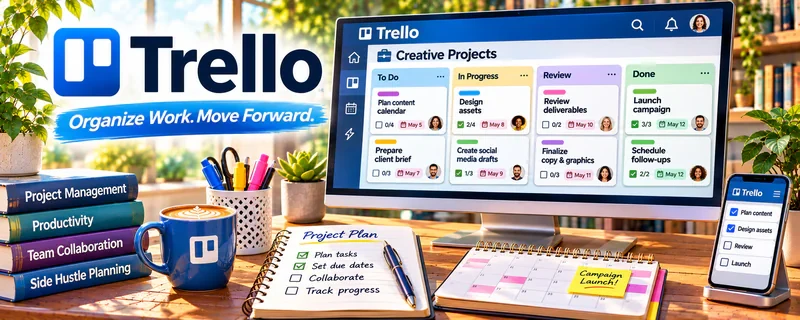
Trello is a simple project management tool built around boards, lists, and cards.
🔗 Visit Official Website — Trello
Domain: trello.com
What This Website Is
Trello is a simple project management tool built around boards, lists, and cards. For the 💻 Selling Digital Products side hustle, it helps you track product ideas, creation steps, launches, and ongoing updates.
How to Apply It to 💻 Selling Digital Products
Use Trello as a practical work tool for your product pipeline: idea → build → polish → launch → iterate.
Step-by-Step Implementation:
- Phase 1: Create one “Digital Product Pipeline” board with clear stages.
- Phase 2: Break each product into cards (outline, draft, design, QA, upload, marketing).
- Phase 3: Build a launch checklist template card and duplicate it for every launch.
Common Use Cases for this Side Hustle:
- Scenario A: Managing multiple products (templates, guides, packs).
- Scenario B: Coordinating with a designer/VA for assets.
- Scenario C: Keeping a consistent launch routine.
When to Use This
- You juggle multiple product ideas or SKUs.
- You want a simple “next action” system.
- You run repeat launches and updates.
- You collaborate with helpers.
Best Tasks to Use It For
- Product pipeline tracking
- Launch checklists
- Asset to-do lists (cover, mockups, copy)
- Content calendar basics
- Lightweight collaboration
Getting Started Steps
- Create a “Digital Product Pipeline” board.
- Add lists: Ideas, Building, Review, Ready, Launched, Updates.
- Create a card template for your launch checklist.
- Add one product and break it into tasks.
- Set due dates for launch week.
- Track feedback/issues in the Updates list.
- Repeat the template for every product.
Good Beginner Search Terms
- Trello digital product workflow
- Trello launch checklist template
- product pipeline board Trello
- how to manage digital product updates
- launch week task list
- Trello content calendar simple
Monetization Angle
A better workflow helps you ship faster and launch more often. More launches + fewer dropped tasks = more sales opportunities.
Pros
- Very simple to use
- Great for checklists and pipelines
- Easy collaboration
Cons
- Can get messy without consistent rules
- Limited for complex reporting
- Easy to “over-card” everything
Who Should Use This
Digital product creators who want a simple system for planning, building, and launching products consistently.
Who Should Skip This
Skip this if you already run everything inside a single all-in-one workspace and don’t want another tool.
Practical Applications
- Track product ideas through validation, creation, testing, and launch.
- Attach a file-quality and rights-review checklist to each product card.
- Schedule updates when customer questions expose gaps in instructions.
Important Considerations
- A board does not automatically manage checkout, download delivery, or customer entitlements.
- Restrict paid-file access, keep credentials out of cards, and confirm plan and automation limits before relying on recurring workflows.
Related Resources
Beehiiv — Builds an email audience and launch channel for digital products.
Substack — Publishes newsletter content that can promote products and launches.
ActiveCampaign — Handles more advanced email automation and product launch sequences.
Related Side Hustles
 Blogging: Build an Online Brand and Earn from Your Words — Blog content can drive traffic to digital product offers.
 YouTube Automation: Make Money Without Showing Your Face — Video channels can promote templates, downloads, and product bundles.