Official Website
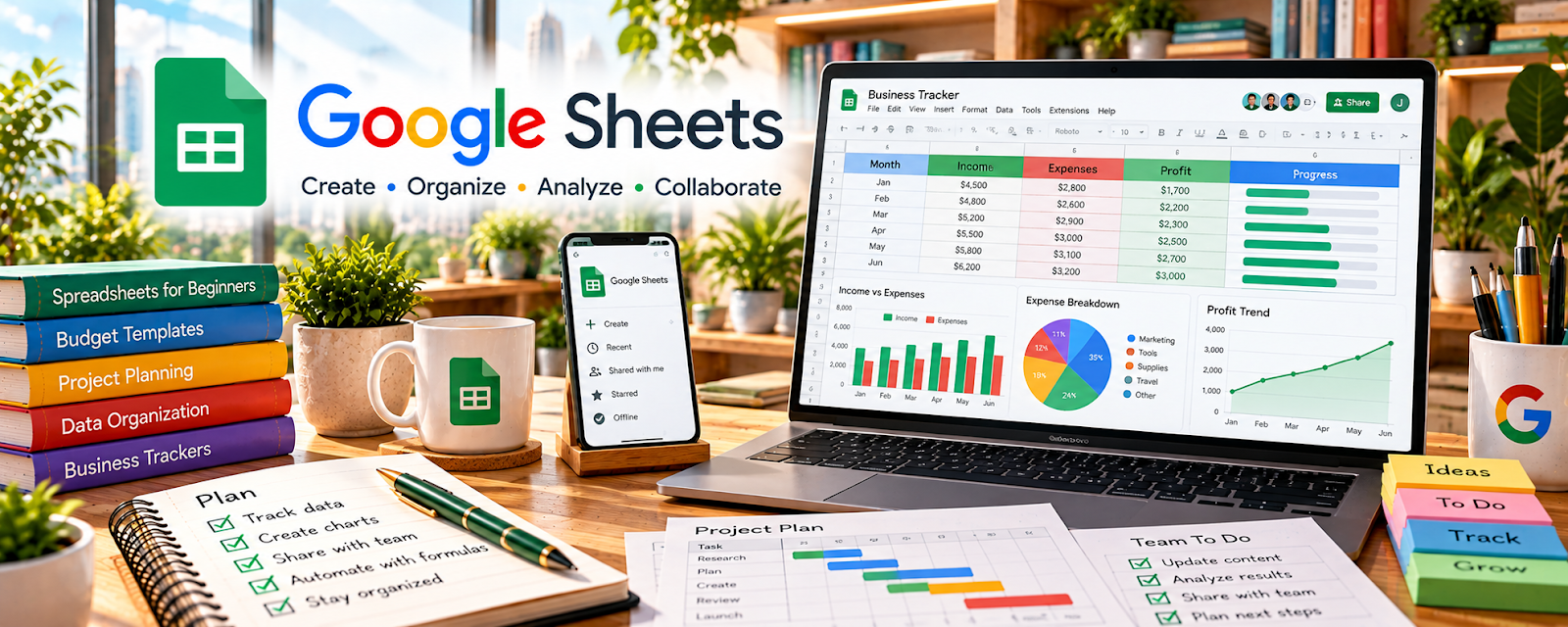
Google Sheets is a spreadsheet tool.
🔗 Visit Official Website — Google Sheets
Domain: www.google.com
What This Website Is
Google Sheets is a spreadsheet tool. For 🧑🏫 Online Tutoring, it can track student info, lesson plans, progress, homework, and payments in a simple system.
How to Apply It to Online Tutoring
Use Sheets as your “student tracker”: one row per student with goals, next lesson plan, and notes.
Step-by-Step Implementation:
- Define the learner’s goals and appropriate guardian, access, and privacy arrangements.
- Create a restricted tracker for lesson dates, topics, demonstrated progress, next steps, and agreed payments.
- Record factual, useful notes and review them before each session without collecting unnecessary sensitive information.
- Share only appropriate summaries with authorized people and manage retention and access; hidden columns or tabs are not reliable security boundaries.
When to Use This
- You need a simple student tracker
- You want to monitor goals, lessons, homework, and payments
- You prefer a free spreadsheet over tutoring-management software
Best Tasks to Use It For
- Student progress tracking
- Lesson plan logs
- Homework records
- Payment and package tracking
Getting Started Steps
- Create tabs for Students, Lessons, Homework, and Payments.
- Add student goals, subjects, contact details, and schedule notes.
- Track each lesson date, topic, homework, and next step.
- Use filters for upcoming sessions and unpaid balances.
- Review progress before each lesson.
- Share limited views or summaries with parents when useful.
- Archive inactive students and completed packages.
Good Beginner Search Terms
- tutoring student tracker spreadsheet
- Google Sheets lesson plan template
- online tutoring progress tracker
Monetization Angle
Better tracking helps show progress, improve retention, and support paid tutoring packages instead of one-off sessions.
Pros
- Free and flexible
- Easy to customize by subject
- Good for student progress and payment tracking
Cons
- Manual upkeep required
- Not a full scheduling or billing platform
Who Should Use This
Tutors who want a lightweight spreadsheet system for students, lessons, and payments.
Who Should Skip This
Larger tutoring businesses that need automated scheduling, invoicing, and parent portals.
Practical Applications
- Track lesson dates, goals, and agreed practice tasks in a structured sheet.
- Use simple records to identify topics requiring more practice.
- Reconcile attendance and payment status with confirmed bookings.
Important Considerations
- Restrict access and minimize student information, especially for minors.
- Test formulas and avoid treating a spreadsheet score as a formal assessment; follow appropriate consent, safeguarding, and retention practices.
Related Resources
TutorCruncher — Adds full tutoring operations, scheduling, billing, and student management when Sheets is too manual.
Google Calendar — Schedules lessons and reminders tied to the student tracker.
Google Slides — Presents lesson materials and visual examples that can be tracked in Sheets.
Related Side Hustles
 Online Tutoring: Get Paid to Teach What You Know — Google Sheets tracks students, lessons, goals, homework, payment status, and progress notes.
Online Course Creation: Turn Your Knowledge Into Income — Course creators can track cohort progress, lesson feedback, and content updates.
 Selling Digital Products — Study trackers and worksheet systems can become downloadable education products.