Official Website
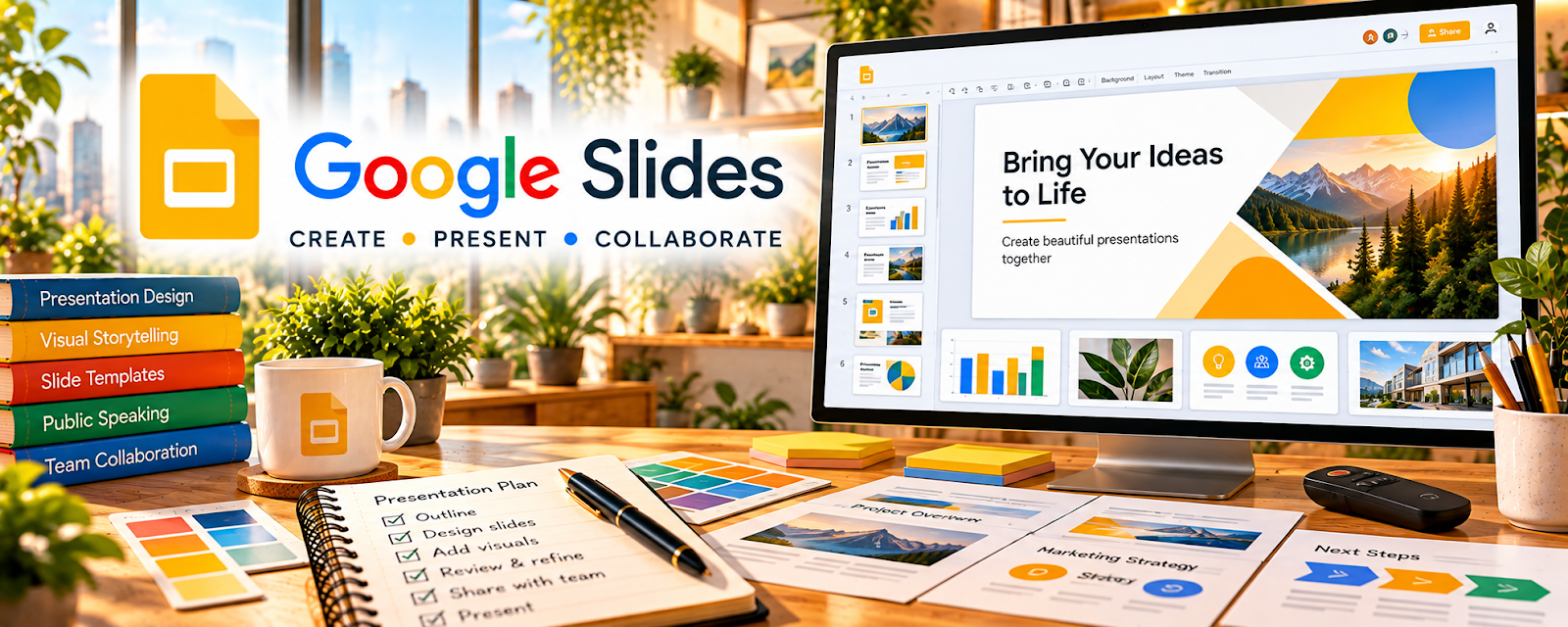
Google Slides is a presentation tool for creating slides, visuals, and simple teaching materials.
🔗 Visit Official Website — Google Slides
Domain: www.google.com
What This Website Is
Google Slides is a presentation tool for creating slides, visuals, and simple teaching materials. For 🧑🏫 Online Tutoring, it helps you build reusable lessons, practice decks, and visual explanations.
How to Apply It to Online Tutoring
Use Slides as your “lesson asset library”: create repeatable slide decks (concept → examples → practice → homework) so sessions run smoother.
Step-by-Step Implementation:
- Choose a learner goal and the examples needed to explain it.
- Create an original, accessible lesson sequence using authorized text and images.
- Review sharing permissions and remove private student information from reusable materials.
- Use the deck alongside discussion and practice rather than assuming slide completion proves understanding.
- Revise from observed learning needs and retain student-specific notes separately with appropriate access.
When to Use This
- You tutor online and need visuals
- You want reusable lesson materials
- You need simple practice worksheets
Best Tasks to Use It For
- Lesson slide decks
- Practice problem sets
- Visual explanations
- Student review summaries
Getting Started Steps
- Create a folder for tutoring decks.
- Build a reusable slide template (title, example, practice, recap).
- Create 1 deck per topic.
- Add worked examples + practice problems.
- Use during sessions via screen share.
- Duplicate decks for new students.
- Update decks based on common mistakes.
Good Beginner Search Terms
- google slides interactive lessons
- tutoring lesson plan slide template
- how to teach with worked examples
Monetization Angle
Reusable lesson assets reduce prep time per session and improve student outcomes, increasing retention and referrals.
Pros
- Free and easy to share
- Reusable templates
- Works well with screen share
Cons
- Not a full LMS
- Can get messy without file organization
Who Should Use This
Tutors who want simple, reusable teaching visuals.
Who Should Skip This
Tutors who already rely fully on a dedicated curriculum platform.
Practical Applications
- Create a reusable lesson deck with short explanations and practice questions.
- Build visual examples for the student’s level and learning goals.
- Share an agreed revision copy after the lesson for independent practice.
Important Considerations
- Use licensed illustrations and materials, and check sharing permissions for student work.
- Slide design should support instruction rather than overload learners; do not publish children’s details or work without appropriate permission.
Related Resources
Google Meet — Hosts the live tutoring sessions where Google Slides decks are presented.
Google Docs — Stores lesson notes, homework, and student feedback alongside slide decks.
Lessonspace — Provides a more tutoring-specific classroom option when Slides and Meet are not enough.
Related Side Hustles
 Online Tutoring: Get Paid to Teach What You Know — Google Slides creates reusable lesson decks, worked examples, visuals, and practice materials.
Online Course Creation: Turn Your Knowledge Into Income — Slide decks can become recorded course modules, worksheets, and teaching assets.
 Virtual Assistance — VAs may build presentation decks and training materials for clients.