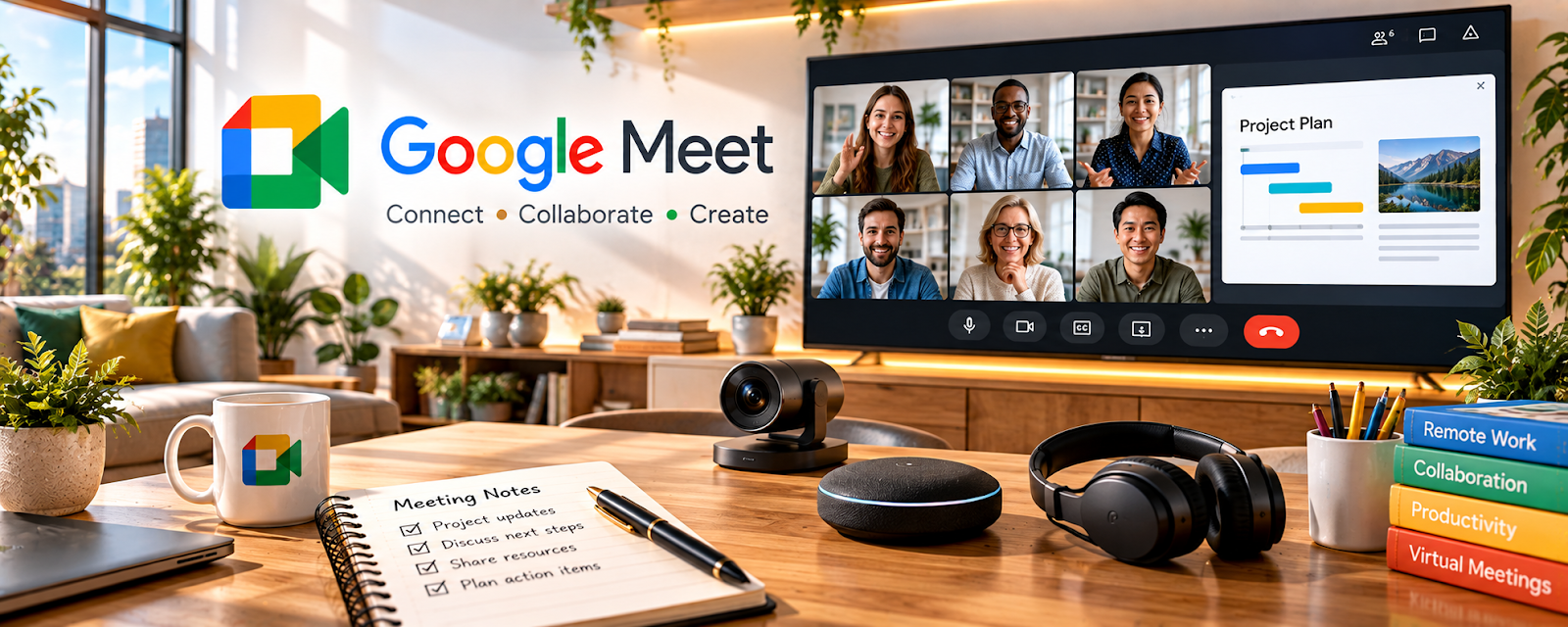
Official Website
Google Meet is a video calling platform for online meetings.
🔗 Visit Official Website — Google Meet
Domain: meet.google.com
What This Website Is
Google Meet is a video calling platform for online meetings. For 🗂️ Virtual Assistance, it helps you run client calls, screen-share workflows, and coordinate meetings without extra tools.
How to Apply It to Virtual Assistance
Use Meet as your “client sync” tool: run structured check-ins (agenda → decisions → next steps), then capture action items immediately after the call.
Step-by-Step Implementation:
- Agree on meeting purpose, attendees, agenda, and any client access constraints.
- Check current meeting features and use only accounts and calendars you are authorized to manage.
- Share the link securely and prepare materials without exposing unrelated private information.
- Confirm decisions and responsibilities during the call and obtain appropriate consent before recording.
- Send a factual recap through the agreed channel and manage notes and access according to client requirements.
When to Use This
- You host recurring client check-ins
- You need quick screen-sharing for walkthroughs
- You want a free, reliable video tool
Best Tasks to Use It For
- Weekly client meetings
- Screen-share training and walkthroughs
- Quick troubleshooting calls
- Stakeholder coordination
Getting Started Steps
- Create a recurring meeting link per client (or schedule in Calendar).
- Share a standing agenda doc/template.
- Start each call with goals and priorities.
- Screen-share to review work or train processes.
- Capture decisions and next steps live.
- Send a recap with action items.
- Review recurring issues monthly and improve SOPs.
Good Beginner Search Terms
- client meeting agenda template virtual assistant
- how to run effective weekly check-in calls
- screen share training best practices
Monetization Angle
Clearer communication reduces rework and increases client trust, supporting longer retainers and higher rates.
Pros
- Easy scheduling and links
- Solid screen sharing
- Works in the Google ecosystem
Cons
- Internet-dependent
- Fewer advanced “classroom” tools than some platforms
Who Should Use This
Virtual assistants running recurring client calls and needing simple screen-share meetings.
Who Should Skip This
Teams that require a company-mandated meeting platform with advanced controls.
Practical Applications
- Test screen sharing before a client onboarding or workflow call.
- Prepare a short agenda and demonstrate one agreed administrative process.
- Document decisions and send an authorized action summary afterward.
Important Considerations
- Check account-specific meeting limits and recording availability before promising features.
- Get consent for recordings and avoid exposing confidential tabs, notifications, or other clients’ information.
Related Resources
Related Side Hustles
 Virtual Assistance — Google Meet supports client calls, screen-share walkthroughs, check-ins, and action-item coordination.
Consulting: Get Paid for What You Know — Consulting work uses similar discovery calls, workshops, and client review meetings.
 Remote Customer Service Jobs — Remote support teams may use Meet for training, escalations, and team check-ins.