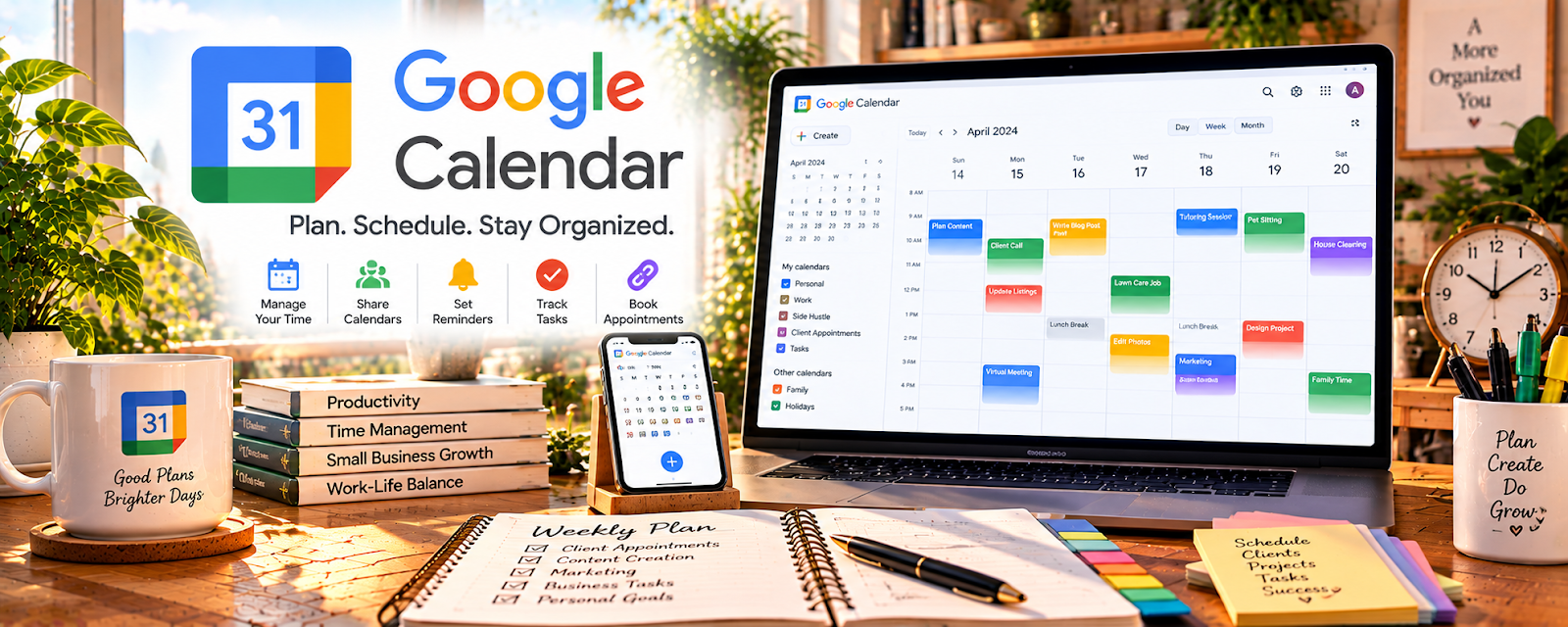
Official Website
Google Calendar is a free scheduling tool for managing appointments and reminders.
🔗 Visit Official Website — Google Calendar
Domain: calendar.google.com
What This Website Is
Google Calendar is a free scheduling tool for managing appointments and reminders. For the 🧹 House Cleaning & Organization side hustle, it can be used to schedule client jobs, set recurring reminders, and reduce missed appointments.
How to Apply It to 🧹 House Cleaning & Organization
Use Google Calendar as your scheduling backbone so your week runs on autopilot.
Step-by-Step Implementation:
- Phase 1: Create a calendar for client jobs and a calendar for personal/admin time.
- Phase 2: Set repeatable job blocks and buffer time for travel.
- Phase 3: Add reminders and a weekly review to confirm upcoming jobs and follow-ups.
Common Use Cases for this Side Hustle:
- Scenario A: If you double-book, separate calendars and use availability rules.
- Scenario B: If clients reschedule a lot, use invites and confirmations.
- Scenario C: If you want consistency, time-block admin and marketing weekly.
When to Use This
- You schedule multiple client appointments weekly.
- You need reminders and travel buffers.
- You want a repeatable weekly plan.
- You want to reduce missed/late appointments.
Best Tasks to Use It For
- Booking client cleaning sessions
- Scheduling recurring jobs
- Travel buffer planning
- Reminders and follow-ups
- Weekly planning and time blocking
Getting Started Steps
- Create a “Client Jobs” calendar.
- Add your working hours and default buffers.
- Enter recurring clients as repeating events.
- Add event notes (address, gate codes, client preferences).
- Turn on reminders (1 day + 1 hour before).
- Do a weekly review every Sunday.
- Share availability link if you use scheduling tools.
Good Beginner Search Terms
- Google Calendar time blocking
- scheduling buffer time
- weekly planning routine
- appointment reminders best practices
- organize cleaning schedule
- Google Calendar tips for small business
Monetization Angle
A clean schedule increases profit by reducing no-shows, missed jobs, and wasted travel time—so you can book more work reliably.
Pros
- Free and reliable
- Easy reminders and recurring events
- Works across phone and desktop
Cons
- Not a full client management system
- Needs discipline to keep updated
- Limited automation without add-ons
Who Should Use This
Cleaners and organizers who need a simple system to schedule jobs and stay consistent.
Who Should Skip This
Skip this if you need an all-in-one booking + payments + CRM platform (you’ll need additional tools).
Practical Applications
- Block cleaning appointments with travel time and realistic job durations.
- Set reminders for recurring visits and preparation tasks.
- Review scheduling conflicts before confirming a new booking.
Important Considerations
- Avoid putting sensitive client details, entry codes, or private household information in broadly shared events.
- Check time zones, guest visibility, and update notifications. Calendar entries do not themselves confirm payment, service scope, or a client’s approval of a schedule change.
Related Resources
Wave — invoices cleaning clients and tracks payments after scheduled jobs
Notion — stores client preferences, job checklists, and recurring schedule notes
Google Drive — keeps client documents, before/after photos, and service records organized
Bonsai — adds contracts, proposals, and client admin for more formal service packages
Related Side Hustles
 Virtual Assistance — shared scheduling backbone: recurring clients, time blocks, and reminders
 Freelance Writing: Get Paid to Write Online — use calendar blocks for writing sprints, deadlines, and client calls
 Blogging: Build an Online Brand and Earn from Your Words — editorial calendars and posting cadence are easier with time-blocked scheduling