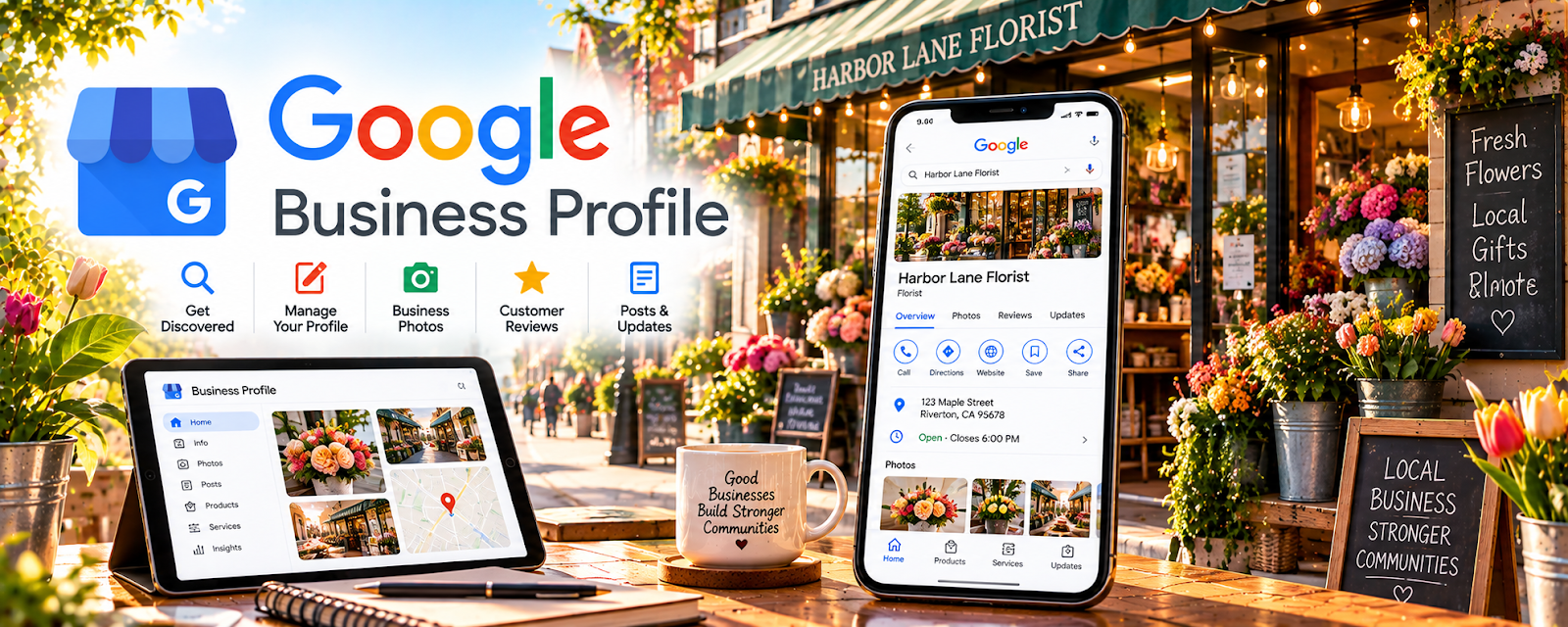
Official Website
Google Business Profile helps your business show up on Google Search and Maps.
🔗 Visit Official Website — Google Business Profile
Domain: www.google.com
What This Website Is
Google Business Profile helps your business show up on Google Search and Maps. For the 📸 Photography & Stock Photos side hustle, it can be used to attract local photo clients (portraits, events, product photography) while you build stock income on the side.
How to Apply It to 📸 Photography & Stock Photos
Use Google Business Profile as a practical “local lead engine”: profile → reviews → visibility → inquiries.
Step-by-Step Implementation:
- Phase 1: Create a profile with services, service area, and a strong photo portfolio.
- Phase 2: Collect reviews from early clients.
- Phase 3: Post updates weekly and respond quickly to inquiries.
Common Use Cases for this Side Hustle:
- Scenario A: Booking local portrait/product shoots.
- Scenario B: Building trust with reviews.
- Scenario C: Filling schedule gaps with local gigs while stock income grows.
When to Use This
- You want local clients (not just stock platforms).
- You can offer a defined service area.
- You want reviews to build trust.
- You want free Google visibility.
Best Tasks to Use It For
- Local lead generation
- Review collection
- Posting portfolio updates
- Service listing and contact info
- Building credibility for higher rates
Getting Started Steps
- Create/claim your Google Business Profile.
- Add services (portraits, product photos, events).
- Upload 20+ strong photos.
- Add booking/contact details.
- Ask 3 clients for reviews.
- Post weekly updates.
- Track inquiries and refine your offer.
Good Beginner Search Terms
- Google Business Profile photographer setup
- how to get photography clients locally
- Google reviews best practices
- service area business profile tips
- local SEO for photographers
- Google Business Profile posts strategy
Monetization Angle
Local clients can pay higher ticket than stock sites. Google visibility + reviews can create a steady pipeline of shoots.
Pros
- Free visibility on Google
- Reviews build trust quickly
- Strong for local lead gen
Cons
- Requires consistent response time
- Reviews take time to build
- Not useful if you only want stock (no client work)
Who Should Use This
Photographers who want local client leads and a professional presence on Google.
Who Should Skip This
Skip this if you only sell stock photos and don’t offer any local photo services.
Practical Applications
- Check whether your actual local photography service meets profile eligibility rules.
- Maintain accurate service details and authorized work images.
- Respond professionally to inquiries without exposing client information.
Important Considerations
- A stock-photo-only online business may not meet local-profile eligibility; verify current requirements before creating a listing.
- Follow address, service-area, review, and representation policies. Visibility does not guarantee bookings or profitable leads.
Related Resources
Hootsuite — Schedules and promotes portfolio posts across social channels.
Sprout Social — Tracks social engagement and client inquiries from photography marketing.

Related Side Hustles
 Art & Illustration Commissions: Get Paid for Drawing What You Love — Both depend on visual portfolios, client trust, and local/online presentation.
 Selling Digital Products — Photo presets, prints, and stock-style bundles can become digital products.