Official Website
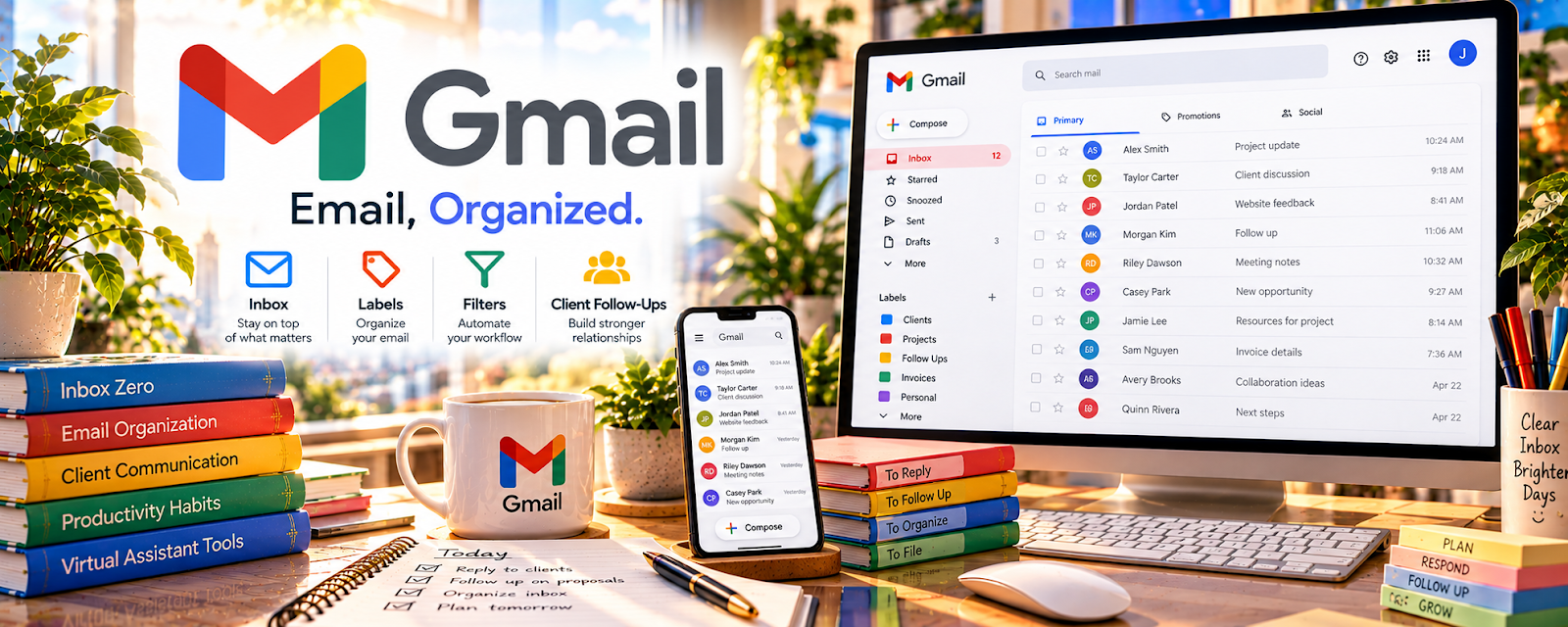
Gmail is Google’s email platform.
🔗 Visit Official Website — Gmail
Domain: mail.google.com
What This Website Is
Gmail is Google’s email platform. For 📦 Dropshipping, it’s a practical way to run customer support, supplier coordination, and order issue follow-up without missing messages.
How to Apply It to Dropshipping
Use Gmail as your “support ops” system: labels for issue types, templates for common replies, and a daily triage routine.
Step-by-Step Implementation:
- Define support categories, response expectations, and who is authorized to access customer messages.
- Set up an appropriate business account with secure access and recovery arrangements.
- Create labels and draft templates that reflect your actual shipping, refund, and escalation policies.
- Review each customer’s circumstances before sending a template and avoid requesting unnecessary payment or identity details.
- Track unresolved cases and recurring fulfillment problems without treating inbox organization as a substitute for resolving them.
When to Use This
- You need a dedicated support inbox
- You handle frequent order/customer questions
- You want a free, reliable email system
Best Tasks to Use It For
- Customer support triage
- Saved reply templates
- Label-based organization
- Supplier coordination
Getting Started Steps
- Create a dedicated business email.
- Set up labels (Refunds, Shipping, Supplier, Chargeback, VIP).
- Create templates for common issues.
- Add a support signature with hours + policy links.
- Set up filters to auto-label inbound mail.
- Triage inbox twice daily.
- Review recurring issues weekly.
Good Beginner Search Terms
- gmail filters and labels tutorial
- canned responses gmail templates
- ecommerce customer support workflows
Monetization Angle
Faster, clearer support reduces chargebacks and improves reviews, protecting revenue.
Pros
- Free and reliable
- Strong filtering and search
- Easy templates and organization
Cons
- Needs consistent inbox habits
- Can get overwhelmed at high volume without processes
Who Should Use This
Dropshippers needing a simple support + supplier communication stack.
Who Should Skip This
Teams that need a full helpdesk/ticketing system.
Practical Applications
- Organize genuine order issues and supplier follow-ups.
- Use accurate approved response templates and verify each customer-specific detail.
- Track unresolved delivery or refund questions to a human decision.
Important Considerations
- Verify current business-account, privacy, retention, security, and employer requirements.
- Email is not an order system or proof of supplier promises; protect customer and payment data, avoid suspicious links, and do not send unverified tracking, policy, or marketing claims.
Related Resources

r/dropshipping — Surfaces common customer, supplier, and fulfillment issues to prepare inbox templates.
Udemy — Dropshipping Courses — Provides training that can be paired with a practical Gmail support setup.
Related Side Hustles
 Dropshipping: Start an Online Store Without Holding Inventory — Gmail handles customer support, supplier coordination, order issues, refunds, and saved reply templates.
 Product Flipping — Resellers also use email for buyer questions, shipping updates, and issue resolution.
Selling Digital Products — Digital sellers need similar support inboxes for access, refunds, and customer questions.