Official Website
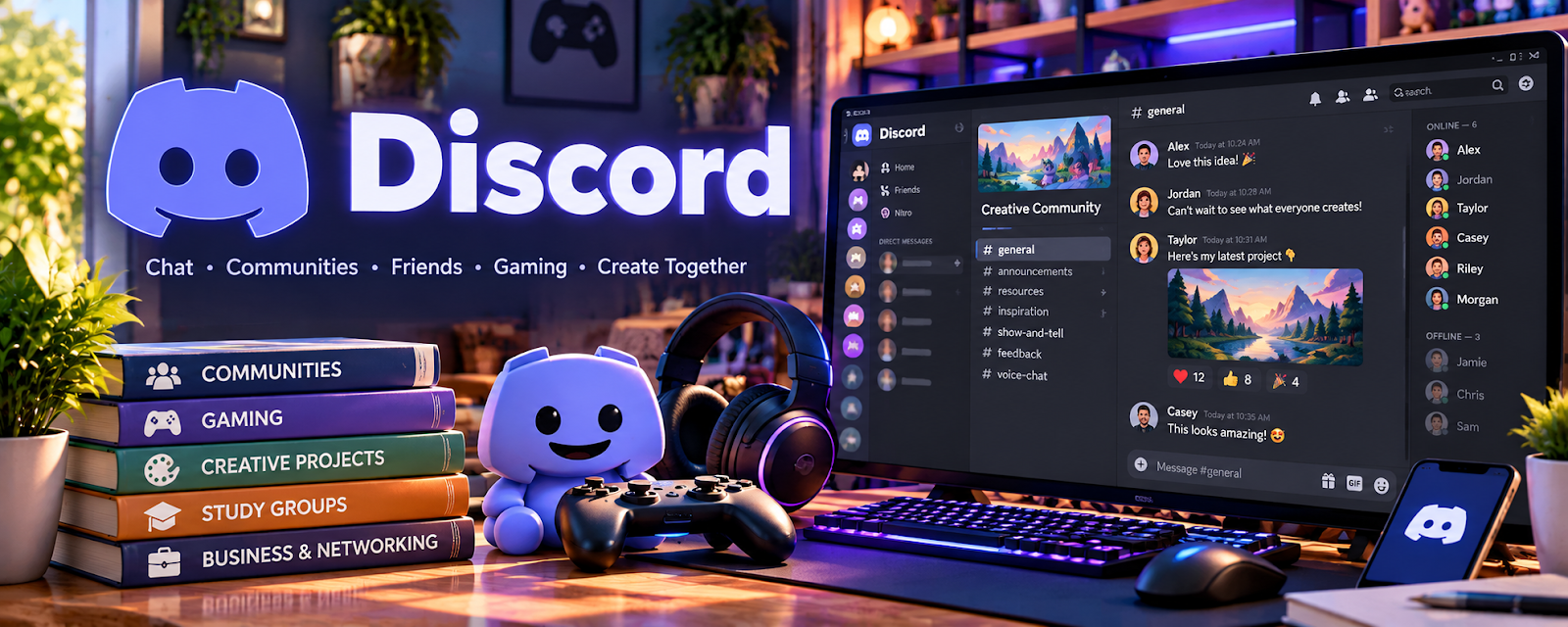
Discord is a community platform for chat, voice, events, private groups, and student support.
🔗 Visit Official Website — Discord
Domain: discord.com
What This Website Is
Discord is a community platform for chat, voice, events, private groups, and student support. For 🎓 Online Course Creation, it can host student communities, office hours, accountability groups, and cohort discussions around your course.
How to Apply It to Online Course Creation
Use Discord as a student-support layer: organize channels by module, set clear rules, host live sessions, and use community prompts to improve completion and engagement.
Step-by-Step Implementation:
- Define the student-support purpose and whether Discord fits learners’ needs and access constraints.
- Create a small channel structure, clear rules, moderator permissions, and response expectations.
- Use privacy-conscious enrollment and access controls without posting private student records.
- Run agreed discussion prompts or office hours and provide an appropriate alternative for essential course information.
- Review recurring questions and moderation workload, then improve the course and community process.
When to Use This
- Your course benefits from community or accountability.
- You run cohorts, workshops, or live office hours.
- You want student questions and wins in one place.
Best Tasks to Use It For
- Student support
- Cohort discussion
- Office hours
- Accountability channels
- Announcements and events
Getting Started Steps
- Create channels for announcements, introductions, each module, wins, and support.
- Write clear community rules and response expectations.
- Schedule weekly prompts or office hours.
- Pin key resources and FAQs.
- Encourage students to share progress and questions.
- Review common questions to improve the course.
Good Beginner Search Terms
- Discord course community setup
- cohort course Discord channels
- online course student community
- Discord office hours
- student accountability community
Monetization Angle
Indirect + direct: stronger student support can improve completion, testimonials, retention, and the perceived value of paid courses or cohorts.
Pros
- Great for live community and quick questions
- Supports cohorts and accountability
- Can increase course engagement
Cons
- Requires moderation
- Can become noisy without structure
- Not every course needs a community
Who Should Use This
Course creators who want an active student community, support space, or cohort experience.
Who Should Skip This
Skip this if you cannot moderate or if your course is fully self-paced with minimal support needs.
Practical Applications
- Create a small learner-support space with clear participation rules.
- Test roles and access using sample accounts.
- Prepare moderation, office-hour, and escalation routines before inviting learners.
Important Considerations
- Verify current age, region, privacy, security, accessibility, and platform conditions.
- Community access is not complete course delivery or safeguarding; obtain required permissions, protect learner data, moderate appropriately, and plan retention, removals, and backup communication.
Related Resources
Loom — Records lessons, walkthroughs, and async updates for students.
Notion — Organizes course curriculum, resources, and student-facing hubs.
PayPal Business — Accepts payments for cohorts, workshops, or course access.
Related Side Hustles
 Online Course Creation: Turn Your Knowledge Into Income — Discord supports course communities, student accountability, Q&A, and cohort engagement.
Online Tutoring: Get Paid to Teach What You Know — Tutors can use Discord for group support, office hours, and homework discussions.
 Selling Digital Products — Community support can increase the value of templates, guides, and learning products.