Official Website
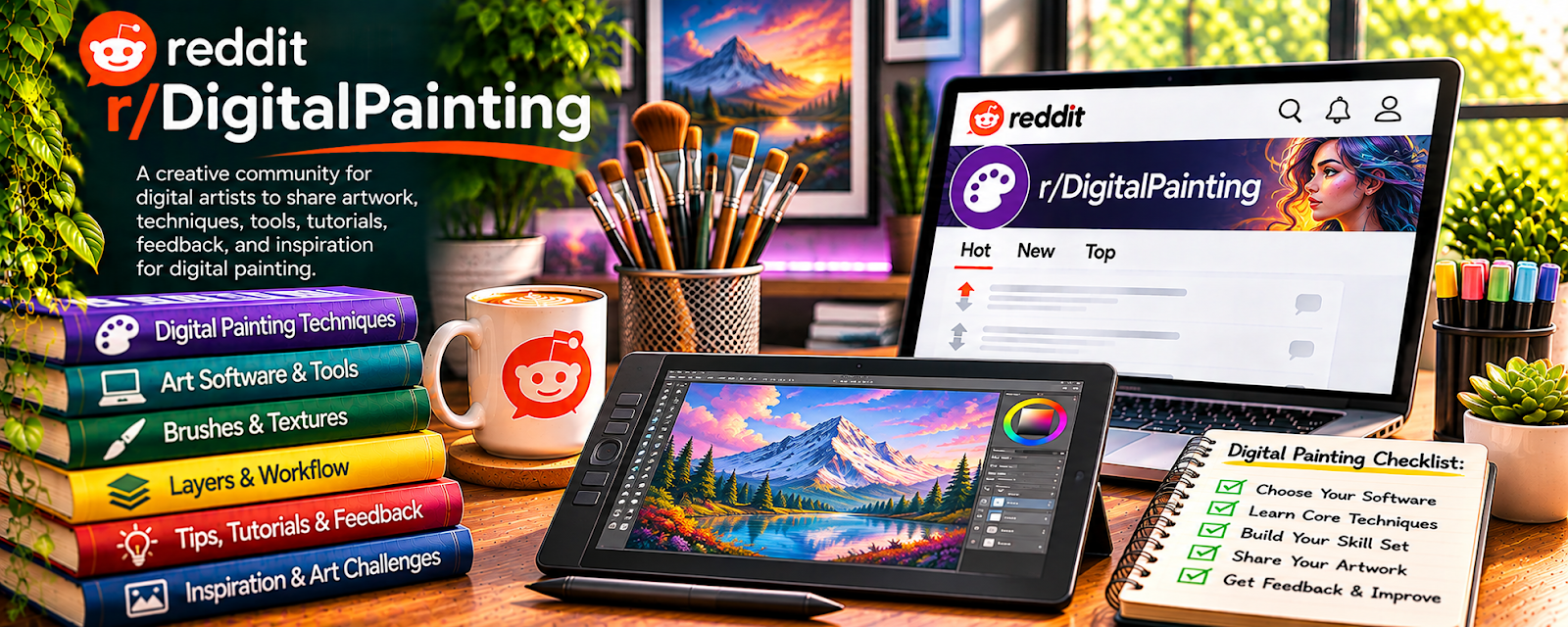
r/DigitalPainting is a community where artists share digital paintings, ask for critique, discuss tools, and improve technique.
🔗 Visit Official Website — r/DigitalPainting
Domain: www.reddit.com
What This Website Is
r/DigitalPainting is a community where artists share digital paintings, ask for critique, discuss tools, and improve technique. For 🎨 Art & Illustration Commissions, it helps you sharpen style, quality, and presentation before charging clients.
How to Apply It to Art & Illustration Commissions
Use r/DigitalPainting as a practice and critique loop: study examples, post work thoughtfully, collect feedback, and turn improvements into portfolio-ready commission samples.
Step-by-Step Implementation:
- Choose one commission type and a specific skill to improve.
- Study relevant discussions without copying another artist’s distinctive work or client brief.
- Create an original practice piece and ask for focused critique within community rules.
- Assess suggestions, revise deliberately, and document what changed.
- Use only work you have permission to display in your portfolio, with clear commission scope and revision terms.
When to Use This
- You want critique on digital art quality.
- You need portfolio improvement ideas.
- You are developing a commission style or niche.
Best Tasks to Use It For
- Technique feedback
- Portfolio refinement
- Style research
- Lighting and composition practice
- Studying finished art examples
Getting Started Steps
- Pick one commission niche, such as portraits, fantasy, pets, or character art.
- Save strong examples and note what makes them work.
- Create 3–5 portfolio pieces in a consistent style.
- Ask for targeted critique on composition, values, color, or rendering.
- Apply feedback and update your portfolio.
- Turn the strongest pieces into commission examples with clear pricing.
Good Beginner Search Terms
- digital painting critique
- digital art portfolio tips
- art commission examples
- character art composition
- digital painting lighting practice
Monetization Angle
Indirect: better technique and stronger portfolio samples make commissions easier to sell and can support higher rates.
Pros
- Strong visual feedback potential
- Helpful for portfolio quality
- Good for technique and style inspiration
Cons
- Not a client marketplace
- Feedback quality varies
- Can become comparison-heavy if overused
Who Should Use This
Artists who want better digital painting skills, critique, and portfolio pieces for commission work.
Who Should Skip This
Skip this if you need direct client leads more than craft feedback.
Practical Applications
- Request focused critique on an original piece you are permitted to share.
- Compare technical suggestions with your creative objective.
- Create a new study applying feedback rather than copying another artist.
Important Considerations
- Community feedback is subjective and does not establish commercial demand or commission readiness.
- Respect reference rights, client confidentiality, current posting rules, and attribution; do not expose unreleased work or treat posted artwork as free commercial assets.
Related Resources
Printify — Turns finished artwork into products if commission work expands into merch.
Figma — Helps present portfolio assets, layouts, and client-facing visual materials.
Canva / Canva Mockups — Creates mockups and social graphics for promoting commission examples.
Related Side Hustles
 Art & Illustration Commissions: Get Paid for Drawing What You Love — r/DigitalPainting supports critique, practice, portfolio improvement, and style development for artists.
 Print-on-Demand — Finished illustrations can be adapted into merch designs.
Selling Digital Products — Artists can package brushes, templates, prints, or tutorials as digital products.