Official Website
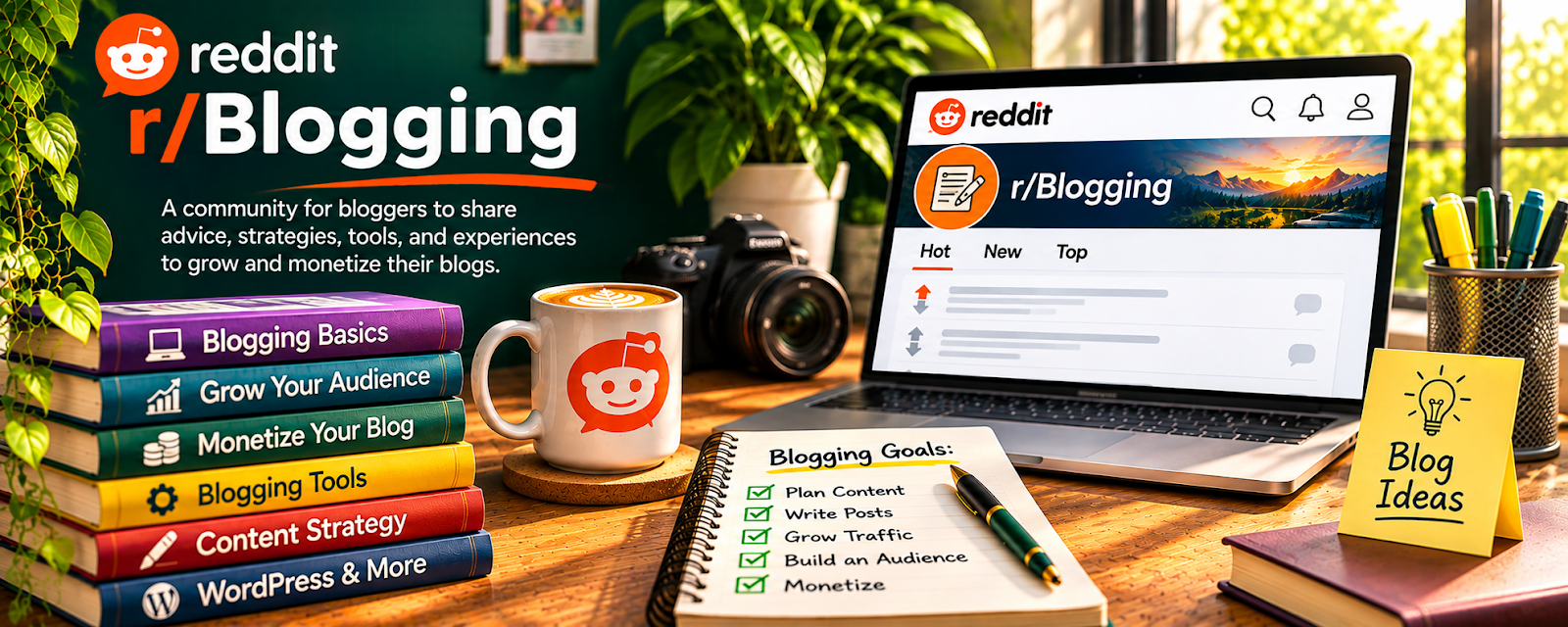
r/Blogging is a community where bloggers discuss niches, content ideas, traffic, platforms, SEO, monetization, and publishing consistency.
🔗 Visit Official Website — r/Blogging
Domain: www.reddit.com
What This Website Is
r/Blogging is a community where bloggers discuss niches, content ideas, traffic, platforms, SEO, monetization, and publishing consistency. For ✍️ Blogging, it is useful for beginner-friendly peer support and real-world questions from people building blogs.
How to Apply It to Blogging
Use r/Blogging as a practical support forum: study common beginner problems, collect content and monetization ideas, and turn useful advice into a simple publishing system.
Step-by-Step Implementation:
- Choose one specific publishing problem on your blog.
- Search community discussions and note dates and assumptions behind the advice.
- Verify technical and policy claims through current official sources.
- Test one original content or workflow improvement rather than copying another site’s material.
- Review your own reader response and site data before adopting the change more widely.
When to Use This
- You are starting or growing a blog.
- You need help with niches, content, traffic, or monetization.
- You want peer feedback and realistic beginner questions.
Best Tasks to Use It For
- Blog niche research
- Content idea generation
- Beginner SEO questions
- Monetization discussions
- Publishing motivation
Getting Started Steps
- Choose a niche and reader problem.
- Search for common questions in that niche.
- Build a 10-post starter content plan.
- Publish on a consistent schedule.
- Track traffic, clicks, comments, and subscriber growth.
- Improve posts based on what readers ask or search for.
Good Beginner Search Terms
- blogging niche ideas
- beginner blog traffic
- how to monetize a blog
- blog content calendar
- blogging SEO basics
Monetization Angle
Indirect + direct: better content planning and publishing consistency can build traffic that supports ads, affiliate links, newsletters, sponsored posts, and digital products.
Pros
- Beginner-friendly blogging discussion
- Useful for content and niche questions
- Good peer support for consistency
Cons
- Advice quality varies
- Can repeat common beginner myths
- Not a substitute for publishing and testing
Who Should Use This
Bloggers who want peer support, beginner-friendly answers, and practical content or monetization ideas.
Who Should Skip This
Skip this if forum browsing keeps you from writing, publishing, and improving posts.
Practical Applications
- Research a specific editorial or publishing problem.
- Compare reported traffic changes with current authoritative guidance.
- Test one original improvement using your own dated records.
Important Considerations
- Anonymous income, ranking, and platform claims may be selective or outdated.
- Respect community rules, rights, privacy, and disclosures; verify facts, costs, and technical changes independently rather than assuming another blog’s results guarantee yours.
Related Resources
WordPress.com — Hosts blog posts, pages, categories, and basic publishing workflows.
Kit — Converts blog readers into email subscribers.
Notion — Organizes topic ideas, outlines, calendars, and publishing checklists.
Related Side Hustles
 Blogging: Build an Online Brand and Earn from Your Words — r/Blogging helps with niche research, content planning, traffic, monetization, and publishing consistency.
 Affiliate Marketing: Get Paid to Promote What You Love — Blogs often monetize through affiliate reviews, comparisons, and resource pages.
 Newsletter Monetization: Get Paid to Write About What You Love — Blog traffic can feed an email list and newsletter offers.