Official Website
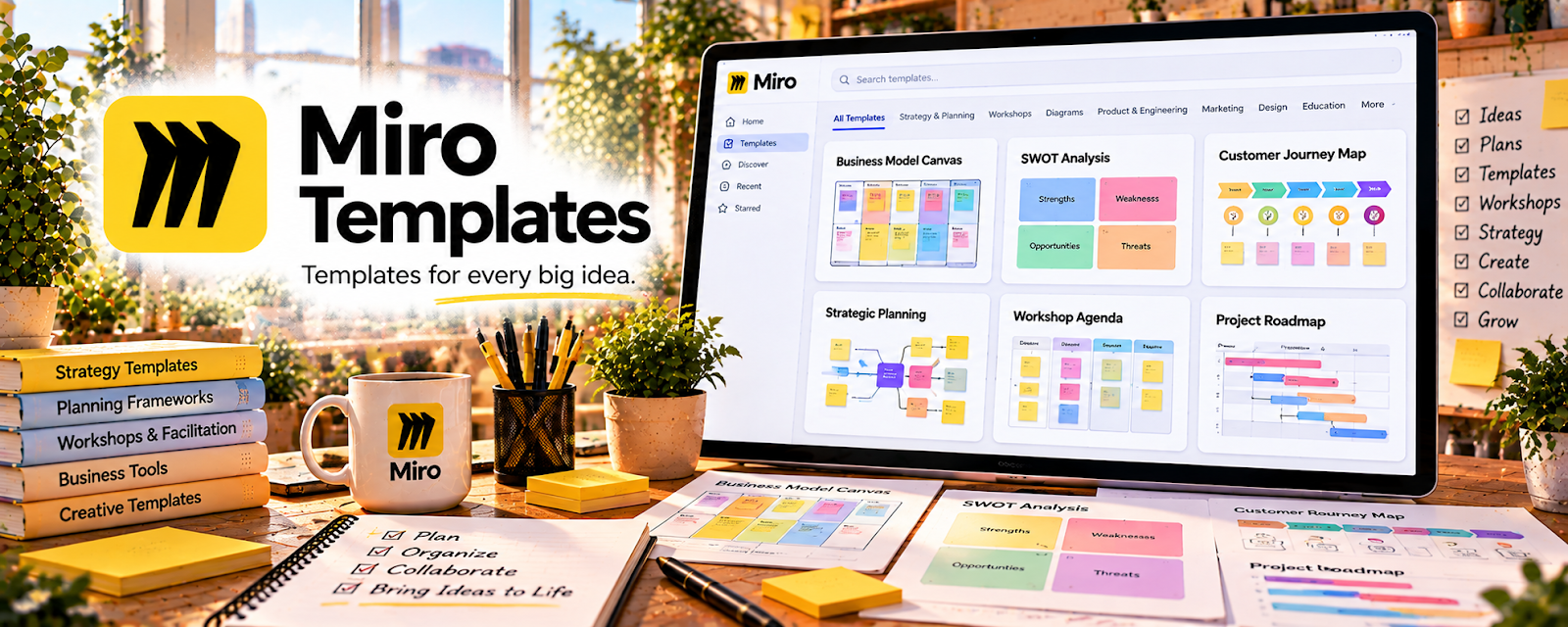
Miro Templates are ready-made visual boards for workshops, strategy, and planning on Miro's whiteboard platform.
🔗 Visit Official Website — Miro Templates
Domain: miro.com
What This Resource Is
Miro Templates are ready-made visual boards for workshops, strategy, and planning on Miro's whiteboard platform. For 💼 Consulting, they let you run polished client workshops and deliver frameworks fast without building boards from scratch.
How to Apply It to 💼 Consulting
Use Miro Templates to speed up client work: pick a framework → tailor it to the client → run the session → hand off a clear deliverable.
Step-by-Step Implementation:
- Phase 1: Choose — pick a template matching the client's need.
- Phase 2: Customize — add the client's context and branding.
- Phase 3: Facilitate — run the workshop and capture outputs live.
Common Use Cases for this Side Hustle:
- Scenario A: Running a discovery or strategy workshop.
- Scenario B: Mapping a client's process or customer journey.
- Scenario C: Delivering a visual roadmap or action plan.
When to Use This
- You run client workshops.
- You need frameworks fast.
- You facilitate remote sessions.
- You deliver visual outputs.
Best Templates to Use
- SWOT and strategy canvases
- Customer journey maps
- Business model canvas
- Process and workflow maps
- Retrospective and brainstorm boards
- Roadmap and timeline templates
Getting Started Steps
- Create a free Miro account.
- Browse the template library.
- Duplicate a framework you use often.
- Customize it with client context.
- Practice facilitating with it once.
- Save a reusable version of your own.
What to Search For
- "strategy workshop template"
- "customer journey map"
- "business model canvas"
- "process mapping template"
- "SWOT analysis board"
- "roadmap template"
How It Supports Earning
Templates cut prep time so you can bill more engagements and look polished from day one. Professional, repeatable workshop boards justify higher rates and make it easy to package productized consulting offers.
Pros
- Saves hours of prep
- Professional, client-ready visuals
- Great for remote facilitation
Cons
- Best features need a paid plan
- Learning curve to facilitate well
- Clients may need onboarding to Miro
Who Should Use This
Consultants who run workshops or deliver frameworks and want to save prep time while looking polished and professional.
Who Should Skip This
Skip if your work is document- or spreadsheet-based and never involves visual facilitation or collaborative boards.
Practical Applications
- Select a workshop template that fits an actual client question.
- Replace sample prompts with relevant original exercises.
- Test the board and prepare an accessible participation alternative.
Important Considerations
- A polished template does not validate a diagnosis or establish stakeholder agreement.
- Check template rights, current plan features, permissions, and confidentiality; obtain approval before sharing client observations or recordings.
Related Resources
Mural — Alternative collaborative whiteboard for workshops.
Beautiful.ai — Fast, polished client presentations.
SWOT Analysis — A core framework to run with clients.
Google Slides — Turn board outputs into deliverable decks.
Related Side Hustles
 Consulting: Get Paid for What You Know — The direct service Miro Templates support.
 Social Media Management — Visual planning boards help manage client content too.