Official Website
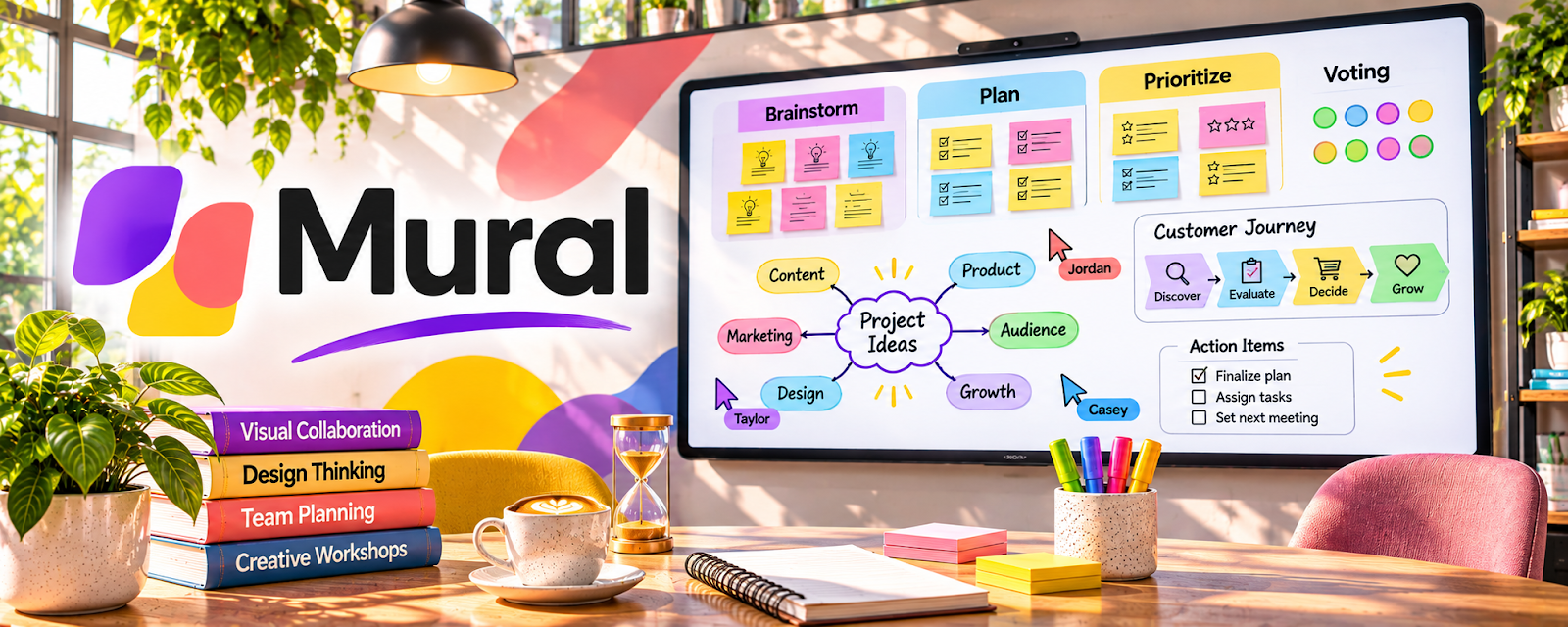
Mural is a collaborative whiteboard for workshops, brainstorming, and visual planning.
🔗 Visit Official Website — Mural
Domain: www.mural.co
What This Website Is
Mural is a collaborative whiteboard for workshops, brainstorming, and visual planning. For the 💼 Consulting side hustle, it helps you run structured discovery sessions and turn messy ideas into clear frameworks and deliverables.
How to Apply It to 💼 Consulting
Use Mural as a practical work tool for client sessions: capture input live → organize it into a framework → export a clean deliverable.
Step-by-Step Implementation:
- Phase 1: Build a repeatable workshop board template (agenda, prompts, sections).
- Phase 2: Run discovery: gather pain points, current workflow, and desired outcomes using sticky notes + grouping.
- Phase 3: Convert the board into deliverables: priorities, action plan, and next steps (then upsell implementation).
Common Use Cases for this Side Hustle:
- Scenario A: Strategy workshop to align stakeholders on priorities.
- Scenario B: Process mapping to identify bottlenecks and quick wins.
- Scenario C: Roadmap planning to turn ideas into phased execution.
When to Use This
- You run workshops or stakeholder sessions.
- You need to visualize processes and decisions.
- You want a repeatable consulting facilitation system.
- You work with remote/distributed clients.
Best Tasks to Use It For
- Discovery workshops
- Process mapping
- Prioritization exercises
- Team alignment sessions
- Visual deliverables and exports
Getting Started Steps
- Create a Mural account.
- Build a “Discovery Workshop” template board.
- Add sections: goals, current state, problems, ideas, priorities, next steps.
- Invite client participants.
- Facilitate and cluster notes into themes.
- Turn themes into a prioritized action plan.
- Export/send the board as your post-session deliverable.
Good Beginner Search Terms
- Mural consulting workshop template
- remote facilitation prompts
- process mapping workshop
- sticky note clustering method
- prioritization matrix workshop
- how to run a strategy workshop
Monetization Angle
A repeatable workshop process helps you deliver faster, justify higher fees, and create clear next steps you can sell as ongoing implementation work.
Pros
- Excellent for collaboration and workshops
- Templates speed up repeat engagements
- Easy to export/share outcomes
Cons
- Needs facilitation skill to get value
- Can get messy without structure
- Some clients prefer simpler tools
Who Should Use This
Consultants who run discovery/strategy sessions and want a clean visual workflow for capturing and presenting client input.
Who Should Skip This
Skip this if your work is mostly solo analysis and you don’t run collaborative sessions.
Practical Applications
- Plan a consulting workshop with clear prompts and decision points.
- Group authorized research findings into themes with participants.
- Convert workshop outcomes into named actions and unresolved questions.
Important Considerations
- Workshop opinions are not verified evidence or a complete strategy.
- Control board access, obtain permission to retain participant input, and verify current collaboration, export, and plan limits.
Related Resources
Bonsai — Handles proposals, contracts, and invoices after workshops become paid engagements.
Jotform — Collects pre-workshop intake details, stakeholder feedback, and client forms.
Skillshare — Consulting Classes — Builds facilitation, strategy, and consulting delivery skills.
Related Side Hustles
 Virtual Assistance — VA work can support workshop prep, notes, follow-ups, and client coordination.
 Newsletter Monetization: Get Paid to Write About What You Love — Workshop insights can become expert content and audience-building material.