Official Website
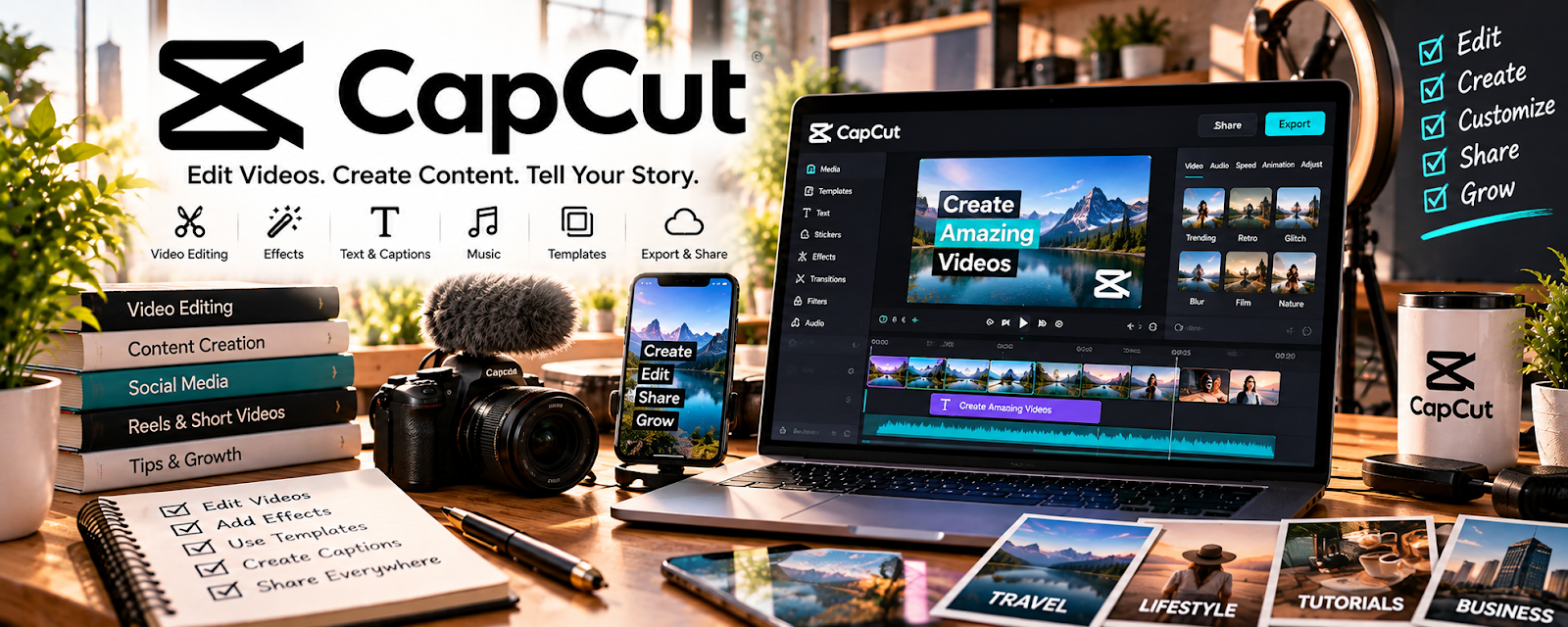
CapCut is a fast, beginner-friendly video editor with great caption and template workflows.
🔗 Visit Official Website — CapCut
Domain: www.capcut.com
What This Website Is
CapCut is a fast, beginner-friendly video editor with great caption and template workflows. For the 🤳 UGC Creation side hustle, it’s a practical tool for editing UGC ads quickly and delivering multiple versions to clients.
How to Apply It to 🤳 UGC Creation
Use CapCut as a practical work tool for a repeatable UGC ad editing pipeline: cut → caption → polish → export variants.
Step-by-Step Implementation:
- Phase 1: Build a UGC ad template (caption style, fonts, pacing rules).
- Phase 2: Edit deliverables in batches using a standard structure (hook → demo → proof → CTA).
- Phase 3: Export multiple formats (9:16, 1:1, 16:9) and deliver clean client packages.
Common Use Cases for this Side Hustle:
- Scenario A: Editing many short UGC ads with quick turnaround.
- Scenario B: Adding captions for better retention.
- Scenario C: Producing A/B variants of hooks and CTAs.
When to Use This
- You need quick edits and captions.
- Clients want fast turnaround.
- You deliver multiple versions per ad.
- You want a template-driven workflow.
Best Tasks to Use It For
- UGC ad editing
- Auto captions and subtitles
- Hook and CTA variants
- Multi-format exports
- Basic effects and transitions
Getting Started Steps
- Install CapCut.
- Create a caption style template.
- Build a standard ad structure (hook → demo → proof → CTA).
- Edit one ad and export 2–3 variants.
- Save the project as a reusable template.
- Batch edit weekly for speed.
- Track client feedback and iterate your templates.
Good Beginner Search Terms
- CapCut UGC ad editing workflow
- best caption styles for ads
- UGC ad structure hook proof CTA
- how to export CapCut for TikTok Reels
- pacing for short-form ads
- UGC portfolio editing tips
Monetization Angle
Speed and consistency matter for UGC. A repeatable editing system helps you take more clients and deliver higher-value packages.
Pros
- Fast workflow
- Great caption tools
- Easy templates and variants
Cons
- Limited advanced pro editing
- Template-heavy edits can look generic
- Export settings need consistency checks
Who Should Use This
UGC creators who need fast editing and captioned ad variants with minimal friction.
Who Should Skip This
Skip this if your clients require heavy post-production and you prefer a full professional editor workflow.
Practical Applications
- Create an edit from brand-approved footage and script.
- Produce agreed caption and hook variations for review.
- Test each export on the intended screen size before delivery.
Important Considerations
- Review commercial-use permissions for templates, music, effects, and AI features rather than assuming in-app access grants advertising rights.
- Confirm current availability and export limits, protect unreleased brand material, and obtain approval for product claims and required disclosures.
Related Resources
Adobe Premiere Pro — Provides advanced editing control when UGC deliverables need a more polished finish.
Milanote — Organizes campaign ideas, shot lists, mood boards, and creative references before editing.
Google Docs — Stores briefs, scripts, hooks, and client feedback for UGC projects.
Wave — Tracks invoices and payments after UGC videos are delivered.
Related Side Hustles
 UGC Creation — This is the direct short-form client video workflow CapCut supports.
Faceless Video Content Creation: Go Viral Without Showing Your Face — Fast captioning and editing skills transfer into faceless video production.