Official Website
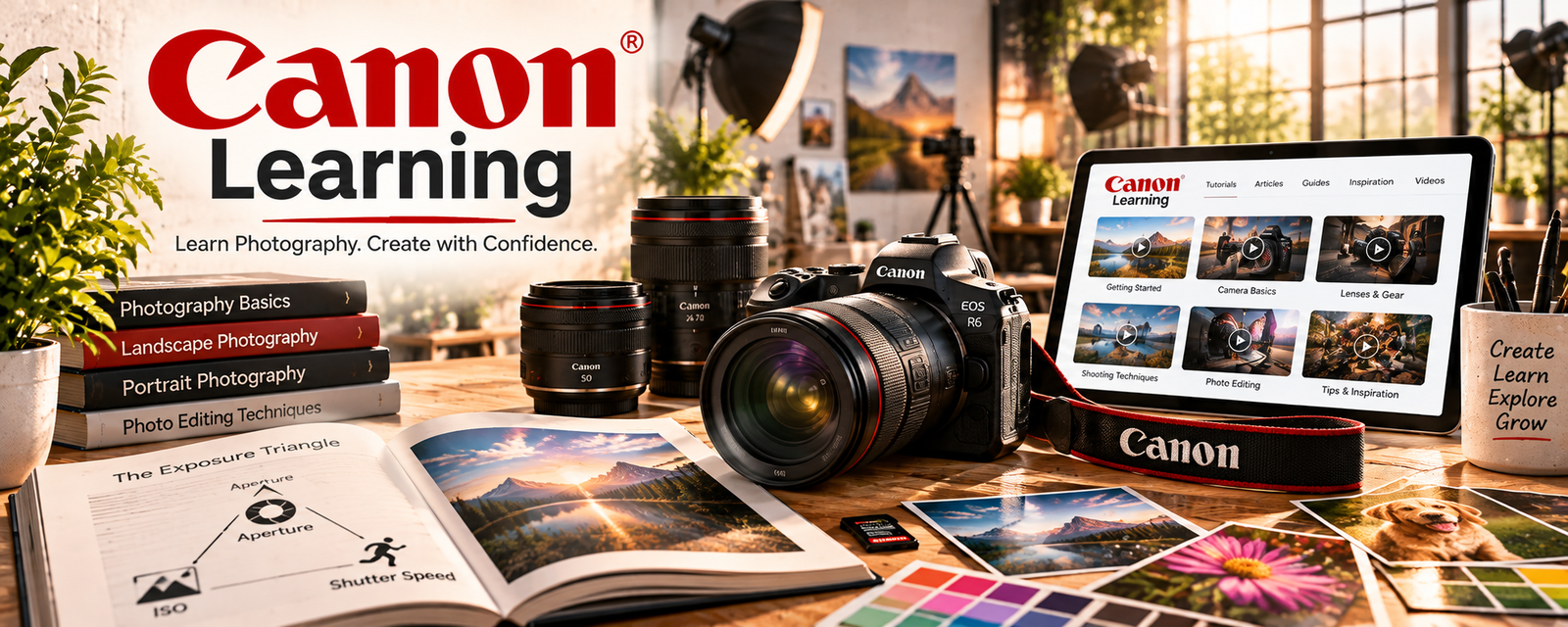
Canon Learning is a free photography education resource with tutorials, camera basics, shooting tips, and technique guidance.
🔗 Visit Official Website — Canon Learning
Domain: www.usa.canon.com
What This Learning Resource Is
Canon Learning is a free photography education resource with tutorials, camera basics, shooting tips, and technique guidance. For 📸 Photography & Stock Photos, it helps beginners improve image quality before submitting photos to stock sites or offering paid shoots.
How to Use It for Photography & Stock Photos
Use Canon Learning as a practice guide, not just camera inspiration. Pick one technical skill at a time and shoot a small practice set that could become portfolio or stock material.
Step-by-Step Implementation:
- Pick a skill such as lighting, composition, exposure, or focus.
- Watch or read one Canon lesson on that skill.
- Shoot 20–30 practice photos using the lesson.
- Review sharpness, lighting, framing, and commercial usefulness.
- Edit the best photos and keyword them.
- Upload the strongest images to a portfolio or stock workflow.
Best Time to Use This
- When learning camera fundamentals.
- Before submitting to stock photo platforms.
- When your photos are getting rejected for quality issues.
Best Skills to Learn Here
- Exposure basics
- Composition
- Lighting
- Focus and sharpness
- Camera settings
- Shooting practice routines
Getting Started Steps
- Start with camera basics or beginner photography.
- Pick one shooting technique.
- Practice with one subject or niche.
- Compare results and choose the strongest images.
- Edit consistently.
- Save the best photos for portfolio or stock submission.
Good Beginner Search Terms
- Canon beginner photography
- camera exposure basics
- photography composition tips
- stock photo lighting
- sharp photos camera settings
- product photography beginner
Monetization Angle
Better technical photography can increase the number of usable photos from each shoot. That supports stock-photo submissions, local photography gigs, portfolio samples, product photos, and downloadable photo packs or presets.
Pros
- Free camera-focused learning.
- Useful for beginners building fundamentals.
- Practical for improving image quality.
- Can be turned into repeatable practice shoots.
Cons
- Canon-focused, though many concepts transfer.
- Not a stock marketplace.
- Does not replace critique or portfolio review.
- You must practice with real shoots to improve.
Who Should Use This
Use this if you are a beginner photographer who needs stronger camera control, composition, and image quality before trying to sell photos.
Who Should Skip This
Skip this if you already understand photography fundamentals and need buyer demand research, stock keywording, or paid client acquisition instead.
Practical Applications
- Practice a camera-setting lesson on a controlled photography exercise.
- Use a lighting tutorial to improve a small original image series.
- Create a pre-shoot checklist from techniques that work with your equipment.
Important Considerations
- Some material is specific to Canon models; adapt settings to your actual camera and conditions.
- Technical lessons do not replace releases, rights checks, safety planning, or the submission standards of a stock agency.
Related Resources
Lightroom — Edits and organizes photos after practicing Canon lessons.
Adobe Photography Basics — Reinforces beginner camera and composition fundamentals.
r/stockphotography — Helps translate better photos into stock submission strategy.
Dreamstime — Gives a marketplace path for submitting stock-ready images.
Notion — Tracks shoot ideas, upload status, keywords, and acceptance results.
Related Side Hustles
 Stock Photography: Make Money Selling Your Photos Online — This is the direct use case for improving photo quality and workflow.
 Selling Digital Products — Strong photos can become presets, photo packs, prints, or digital downloads.
 Social Media Management — Better photography supports stronger visual content for clients.