Official Website
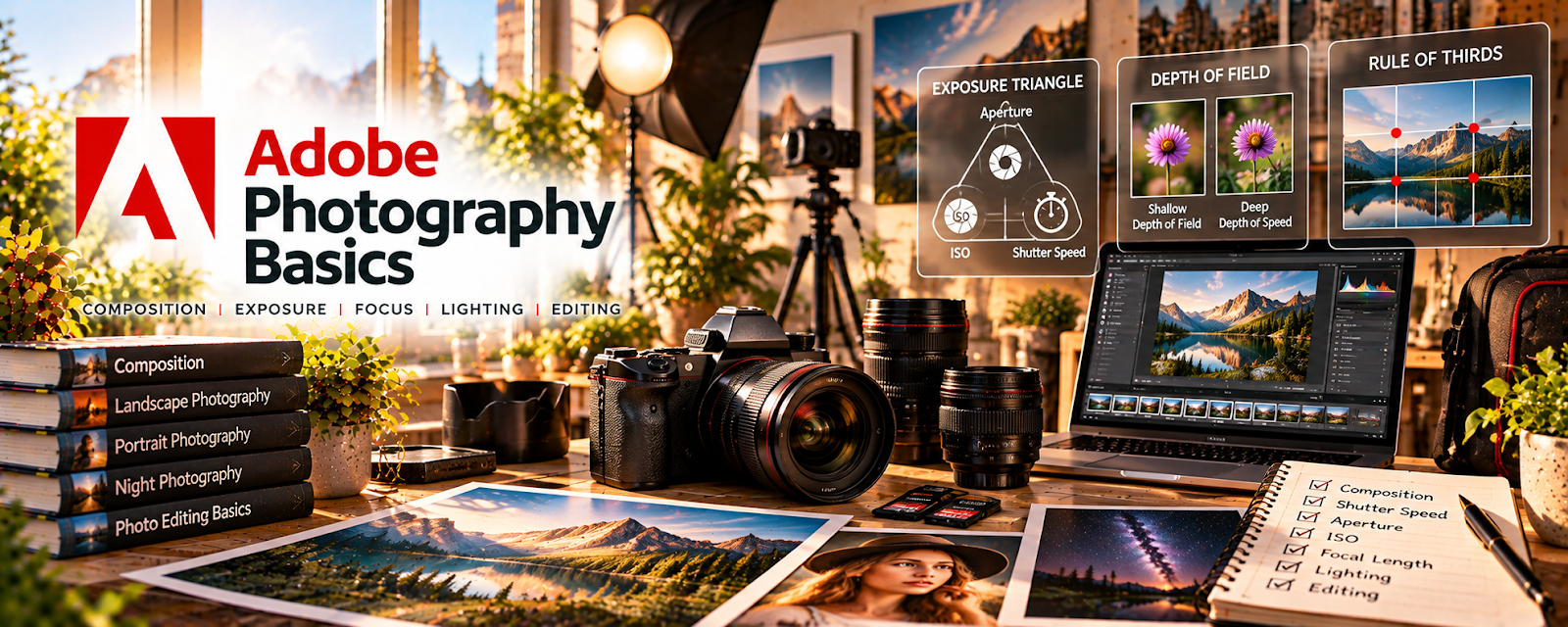
Adobe Photography Basics is a beginner-friendly photography learning resource covering camera concepts, composition, lighting, editing, and creative photo workflows.
🔗 Visit Official Website — Adobe Photography Basics
Domain: www.adobe.com
What This Website Is
Adobe Photography Basics is a beginner-friendly photography learning resource covering camera concepts, composition, lighting, editing, and creative photo workflows. For 📸 Photography & Stock Photos, it helps build the technical foundation needed for cleaner, more sellable images.
How to Use It for Photography & Stock Photos
Use Adobe Photography Basics as a starter curriculum before uploading photos at scale. Focus on exposure, focus, composition, lighting, editing, and building a repeatable shoot-edit-keyword-upload workflow.
Step-by-Step Implementation:
- Pick one photography concept to practice each week.
- Shoot a small batch of photos using that concept.
- Review for blur, noise, lighting, framing, and subject clarity.
- Edit the strongest images consistently.
- Write descriptive titles and keywords.
- Track stock-site acceptance feedback and improve the next batch.
Best Time to Use This
- When learning camera and photo basics.
- Before submitting to stock marketplaces.
- When photos are rejected for quality issues.
- Before taking paid beginner photo work.
Best Skills to Learn Here
- Exposure basics
- Composition
- Lighting awareness
- Photo editing
- Stock-quality review
- Keyword workflow
Getting Started Steps
- Open Adobe Photography Basics.
- Read about exposure and composition.
- Complete a 30-photo practice shoot.
- Edit your best 10 images.
- Add titles and keywords before uploading.
Good Beginner Search Terms
- Adobe photography basics
- exposure triangle beginner
- photography composition tips
- stock photo quality requirements
- photo editing basics
- stock photo keywording
Monetization Angle
Better technical quality can improve stock-photo acceptance rates and client satisfaction. Stronger fundamentals also help you produce more usable images per shoot, which increases the earning potential of stock uploads and paid photo sessions.
Pros
- Free beginner-friendly learning.
- Helps reduce common quality mistakes.
- Useful before stock submissions.
- Connects shooting and editing concepts.
Cons
- Not a full photography business course.
- Requires repeated practice.
- Stock income can be slow.
- Marketplace strategy needs separate learning.
Who Should Use This
Use this if you are building photography fundamentals before selling stock photos or taking small gigs.
Who Should Skip This
Skip this if you already have strong photo fundamentals and only need advanced marketplace strategy.
Practical Applications
- Choose a photography lesson matching a specific technical gap.
- Practice the concept using original images and suitable subjects.
- Review results against an actual portfolio or stock-submission goal.
Important Considerations
- Provider resources may emphasize particular tools and reflect older workflows.
- Verify image rights, releases, current technical standards, safety, and allowed editing independently; educational examples do not guarantee stock acceptance, bookings, or licensing income.
Related Resources
Digital Photography School — Adds practical tutorials and shooting ideas.
Nikon Learn & Explore — Provides camera and photography education.
No access — Adds photography news, tips, and inspiration.
Related Side Hustles
 Stock Photography: Make Money Selling Your Photos Online — Adobe Photography Basics supports image-quality fundamentals.
UGC Creation — Better photo and visual skills support brand content.
 Social Media Management — Strong visuals improve social content.