Official Website
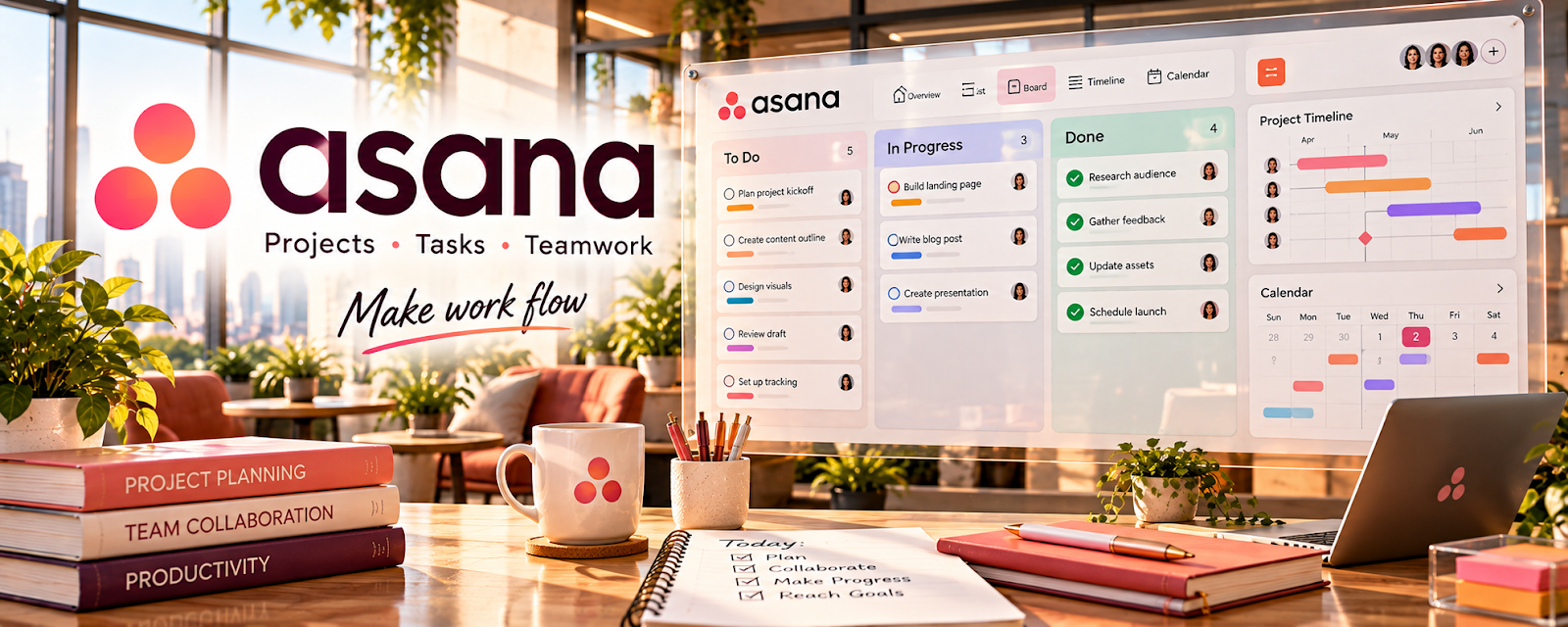
Asana is a project management tool for tasks, calendars, and workflows.
🔗 Visit Official Website — Asana
Domain: asana.com
What This Website Is
Asana is a project management tool for tasks, calendars, and workflows. For the ✍️ Blogging side hustle, it helps you run an editorial pipeline so you publish consistently.
How to Apply It to ✍️ Blogging
Use Asana as a practical “content pipeline”: ideas → draft → edit → publish → promote.
Step-by-Step Implementation:
- Phase 1: Create a project called “Blog Content” with stages as sections or a board.
- Phase 2: Make one task per post with subtasks (research, outline, write, edit, images, publish, share).
- Phase 3: Review weekly to keep deadlines realistic and maintain consistent publishing.
Common Use Cases for this Side Hustle:
- Scenario A: You have many ideas but inconsistent publishing.
- Scenario B: You outsource parts of the workflow (graphics, editing).
- Scenario C: You want a repeatable promotion checklist after publishing.
When to Use This
- You want consistent publishing.
- You manage multiple posts at once.
- You collaborate with a VA/editor.
- You need a repeatable promotion routine.
Best Tasks to Use It For
- Editorial calendar management
- Post production checklists
- Delegation and deadlines
- Promotion workflows
- Content backlog organization
Getting Started Steps
- Create a “Blog Content” project.
- Add columns: Ideas, Drafting, Editing, Ready, Published.
- Create a task template with subtasks.
- Add your next 10 post ideas.
- Assign due dates for 2–4 posts.
- Run a weekly review.
- Track what gets published and what stalls.
Good Beginner Search Terms
- Asana editorial calendar template
- content pipeline workflow
- blog production checklist
- weekly review content planning
- how to manage content backlog
- promotion checklist blog post
Monetization Angle
Consistency compounds. A reliable publishing system increases traffic, email growth, and affiliate/product revenue over time.
Pros
- Great for workflows and templates
- Clear visibility into what’s next
- Good for collaboration
Cons
- Can feel heavy for solo writers
- Requires ongoing upkeep
- Notifications can get noisy
Who Should Use This
Bloggers who want a structured editorial workflow and consistent publishing cadence.
Who Should Skip This
Skip this if you prefer a simple checklist and don’t want a full project tool for content.
Practical Applications
- Track articles from idea through research, draft, review, and publication.
- Schedule source and rights checks before a post is marked complete.
- Create recurring maintenance tasks for outdated articles and broken references.
Important Considerations
- An editorial board does not automatically publish or validate an article’s claims.
- Review sharing and automation settings, maintain backups, and distinguish internal deadlines from confirmed publication commitments.
Related Resources
Hemingway Editor — Polishes drafts after Asana moves posts into the editing stage.
HubSpot Blog Writing Resources — Provides writing frameworks and topic guidance for the content pipeline.
Ahrefs — Supports SEO research and keyword prioritization for blog tasks.
Related Side Hustles
 Affiliate Marketing: Get Paid to Promote What You Love — A consistent blog workflow creates more affiliate content and traffic.
 Newsletter Monetization: Get Paid to Write About What You Love — Blog posts can feed newsletter topics and subscriber growth.