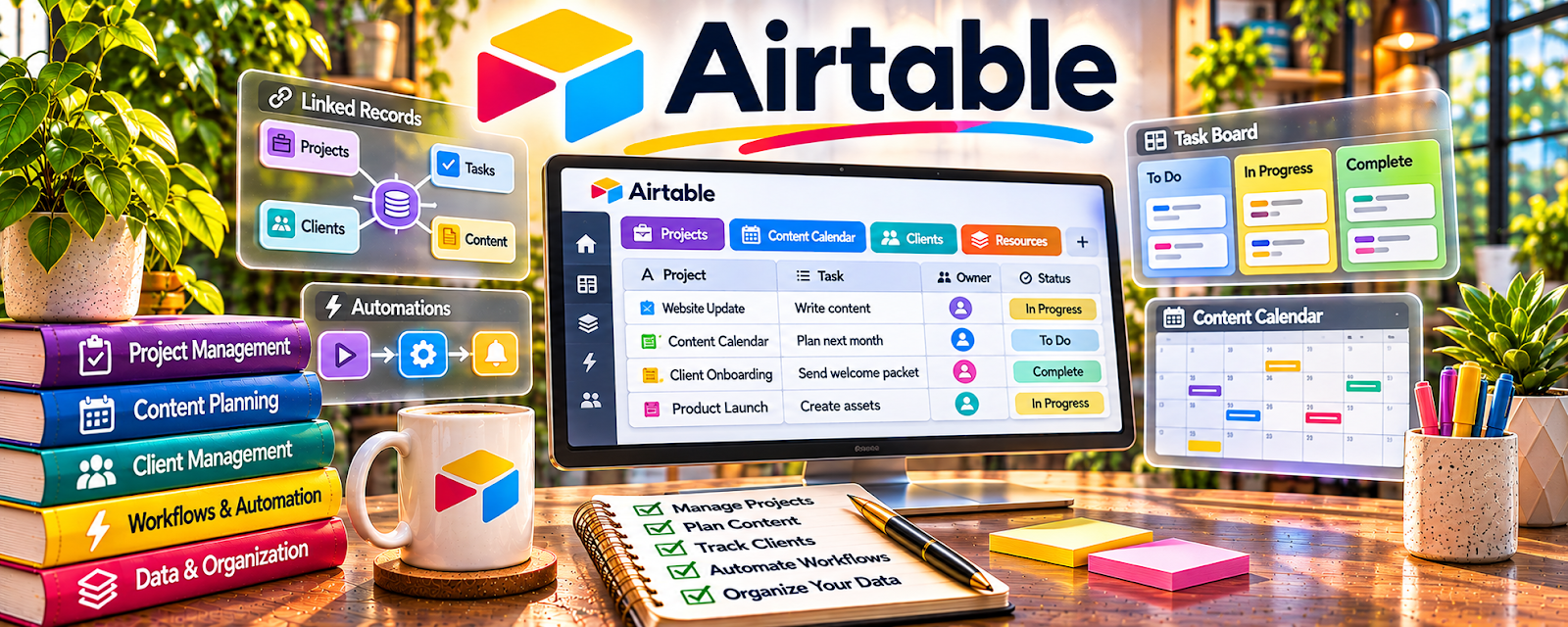
Official Website
Airtable is a freemium database + spreadsheet tool for tracking content, workflows, and assets.
🔗 Visit Official Website — Airtable
Domain: www.airtable.com
What This Website Is
Airtable is a freemium database + spreadsheet tool for tracking content, workflows, and assets. For the ✍️ Blogging side hustle, it can be used as a content calendar, keyword tracker, and publishing pipeline.
How to Apply It to ✍️ Blogging
Use Airtable as your “blog ops” tracker: ideas → drafts → edits → publish → update.
Step-by-Step Implementation:
- Phase 1: Create tables for Content, Keywords, and Assets/Links.
- Phase 2: Define statuses and build views (Backlog, Drafting, Editing, Scheduled, Published).
- Phase 3: Track performance and update old posts monthly.
Common Use Cases for this Side Hustle:
- Scenario A: If you forget what to write next, use a backlog.
- Scenario B: If you want consistency, schedule posts and track progress.
- Scenario C: If you want growth, track keywords and internal links.
When to Use This
- You have lots of content ideas to manage.
- You want a repeatable publishing workflow.
- You want to track keywords and updates.
- You want visibility into your pipeline.
Best Tasks to Use It For
- Content calendar and backlog
- Keyword tracking
- Publishing workflow statuses
- Link/asset management
- Performance notes and updates
Getting Started Steps
- Create a base called “Blog Content Pipeline.”
- Add a Content table with status + publish date.
- Add a Keywords table with difficulty/intent notes.
- Create views: Backlog, Drafting, Editing, Scheduled, Published.
- Enter your next 20 post ideas.
- Write and move items weekly through the pipeline.
- Review monthly and update older posts.
Good Beginner Search Terms
- Airtable content calendar template
- blog workflow tracker
- keyword research tracker
- internal linking checklist
- how to update old blog posts
- content pipeline views Airtable
Monetization Angle
Better content systems help you publish more consistently, which increases traffic and monetization potential (ads, affiliates, products).
Pros
- Flexible tracking for content workflows
- Views make planning easy
- Great for repeatable templates
Cons
- Setup required
- Can become complex if overbuilt
- Some features require paid tiers
Who Should Use This
Bloggers who want a structured content pipeline and keyword tracking system.
Who Should Skip This
Skip this if you only publish occasionally and a simple checklist is enough.
Practical Applications
- Build a lightweight editorial tracker with topic, audience question, status, and deadline.
- Connect each post to its source notes, draft, and review requirements.
- Track update work separately so older articles are not forgotten.
Important Considerations
- Check plan, record, attachment, automation, and sharing limits before designing a complex workflow.
- A tracker is not a publishing platform or proof of search demand. Protect collaborator data, validate sources, and keep the system simple enough to maintain.
Related Resources
WordPress.com — publishing platform where blog posts, pages, and site content go live
Semrush — keyword and competitor research tool for prioritizing blog topics
Grammarly — polishes drafts for grammar, clarity, and readability before publishing
Google Drive — stores images, briefs, outlines, drafts, and content assets
Related Side Hustles
 Affiliate Marketing: Get Paid to Promote What You Love — blog posts can rank for buyer-intent keywords and drive affiliate clicks
 Dropshipping: Start an Online Store Without Holding Inventory — blog content can bring organic traffic to product pages and niche stores
 Freelance Writing: Get Paid to Write Online — blogging builds writing samples and workflows useful for paid client work